37
PRINTER FUNCTIONS
4
OPERATION IN COPY AND PRINTER MODES
Some operations cannot be performed simultaneously when the machine is being used in printer mode or copy
mode.
*
1
Can be used after pressing the [INTERRUPT] key ( ).
*
2
Printing will begin when the [CLEAR ALL] key ( ) is pressed after the copy job is finished, or when the [ON LINE] key ( ) is
pressed to switch the machine online. Printing will also begin after the set auto clear time elapses, or after 60 seconds if "Auto
clear time" is disabled.
*
3
The print job is paused and copying begins.
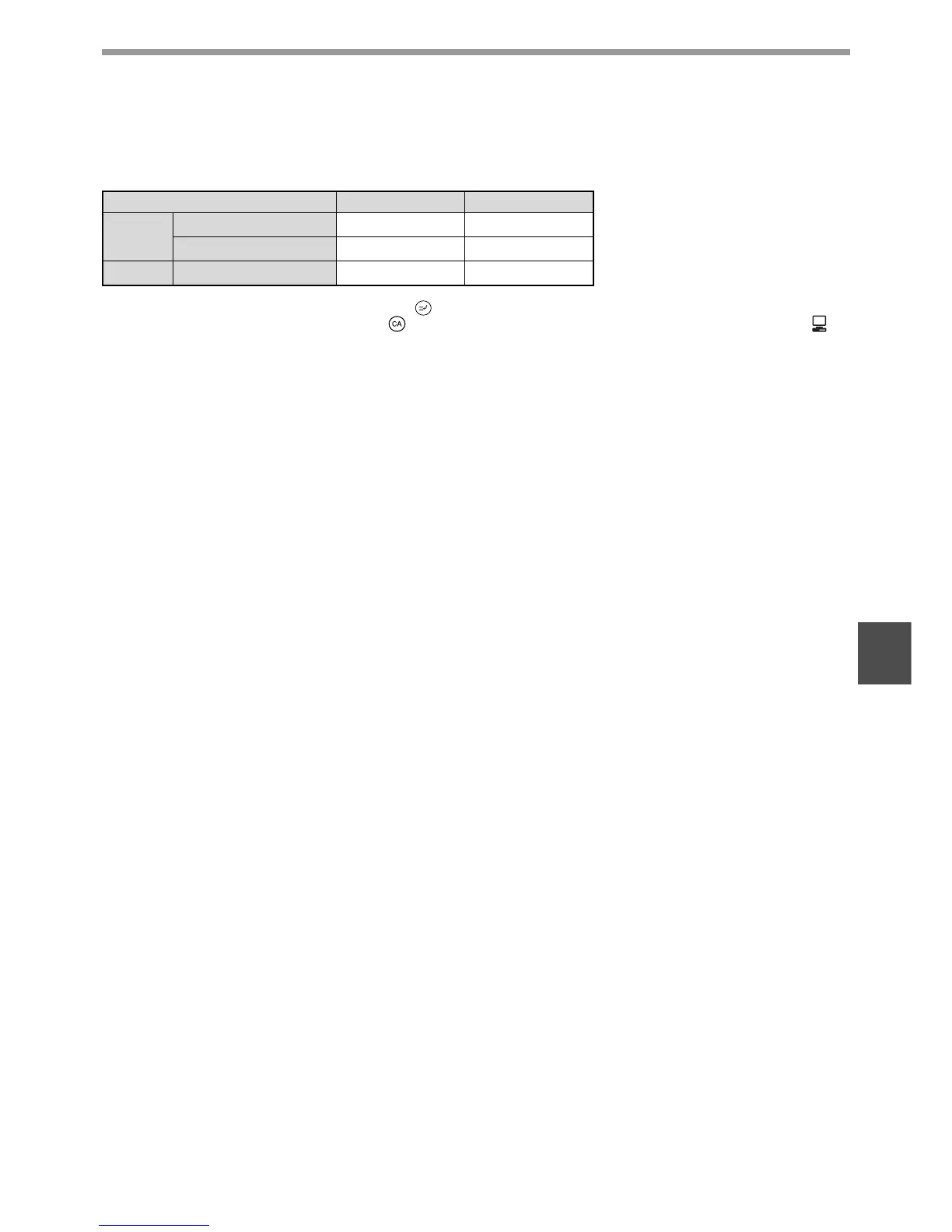
Modes Copying Printing
Copy
Copy key input
Ye s Ye s
During copying
Ye s *
1
No*
2
Printer During printing
Ye s *
3
No











 To Next Page