Connecting and Printing 3-9
Printing
This section explains the printing procedure from an application software.
You can specify the printing settings from each tab on Printer Driver. Printer Driver
is stored in the CD-ROM (Product Library). For more information, refer to the
Printer Driver User Guide in the CD-ROM.
About Printer Driver
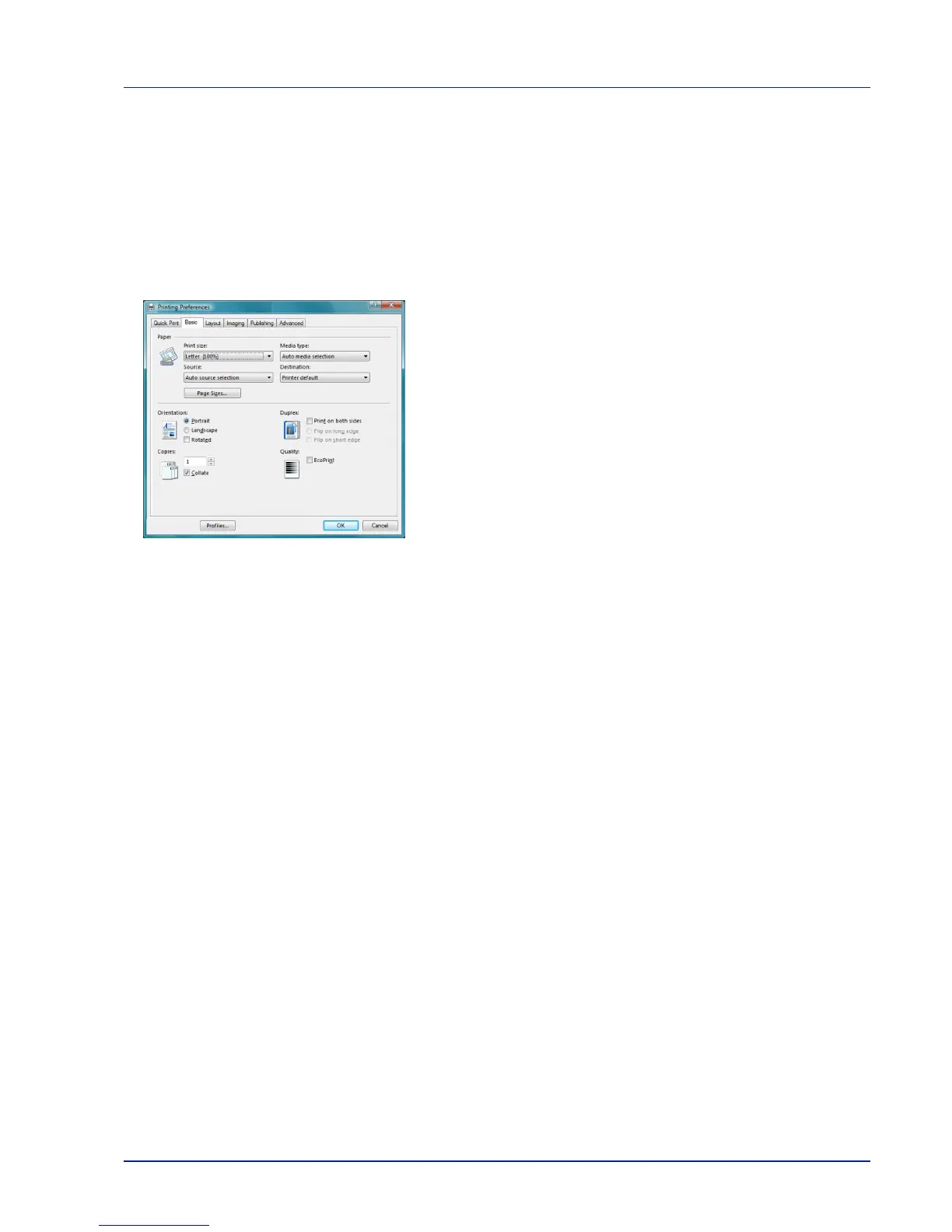
Printer Driver consists of the following tabs.
Quick Print
Use this tab to define basic print options into group profiles that can be
accessed quickly and easily.
Basic
Use this tab to select the page size and orientation. The paper source
and duplex printing are also selected.
Layout
Use to create multiple pages on a single sheet of paper. Also contains
the scaling option.
Imaging
Select this tab to change the print quality, and the font or graphic
settings.
Publishing
Use to add covers or page inserts to your output. You can also produce a
set of transparencies with a blank or printed sheet interleaved using
Transparency Interleaving.
Advanced
Use to set up and add watermarks to your output. This tab incorporates
the PRESCRIBE commands into the document.













 To Next Page