Connecting and Printing 3-17
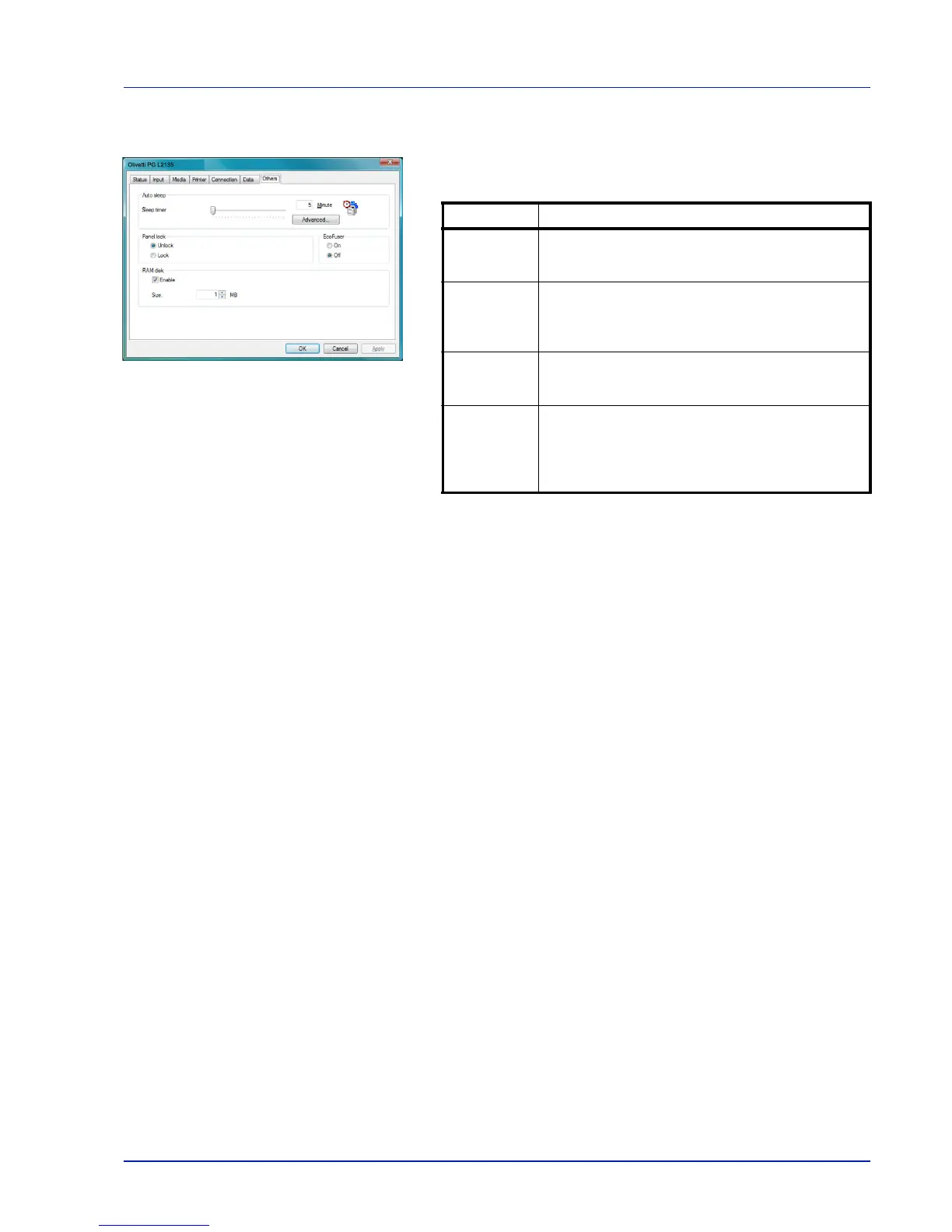
Others Tab
The Others tab enables you to configure the printer settings shown
below.
Item Description
Auto sleep
Configures the amount of time when the printer
automatically enters Sleep Mode. Click Advanced to
turn Auto sleep On or Off.
EcoFuser Enables or disables the EcoFuser. Select On to
reduce the power consumption to a minimum by
turning off the heater of the fixing unit at Sleep Mode.
The default setting is On.
Panel lock Locks or unlocks the operation panel. Locking the
operation panel disables key operations from the
panel.
RAM disk Enables or disables RAM disk mode. Enabling the
RAM disk allows you to use it as a temporary
storage area for data such as font files or the
contents of the receive buffer. You can also specify
the RAM disk size by clicking Enable.
Olivetti PG L2135













 To Next Page