Connecting and Printing 3-15
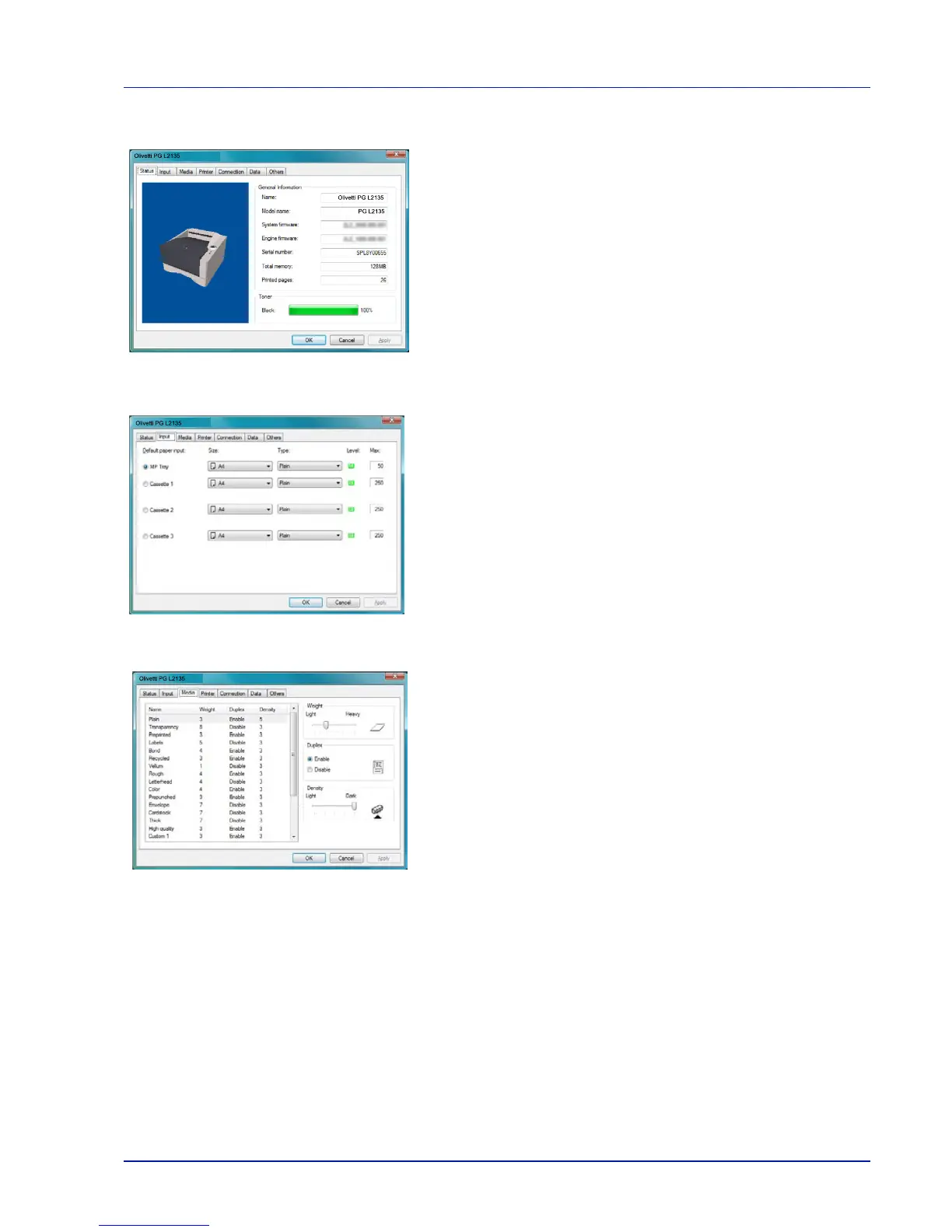
Status Tab
The Status tab displays current information about the device, such as the
model name, system firmware, engine firmware, serial number, total
memory, and number of printed pages.
Input Tab
The Input tab displays information about the paper feeder attached to the
machine, such as the current paper level and the maximum paper
capacity.
Media Tab
The Media tab displays and lets you select the weight and density for
each media type. It also enables or disables duplex printing for the each
media type.
Olivetti PG L2135
Olivetti PG L2135
PG L2135
Olivetti PG L2135
Olivetti PG L2135













 To Next Page