5-10 Troubleshooting
Error Indication
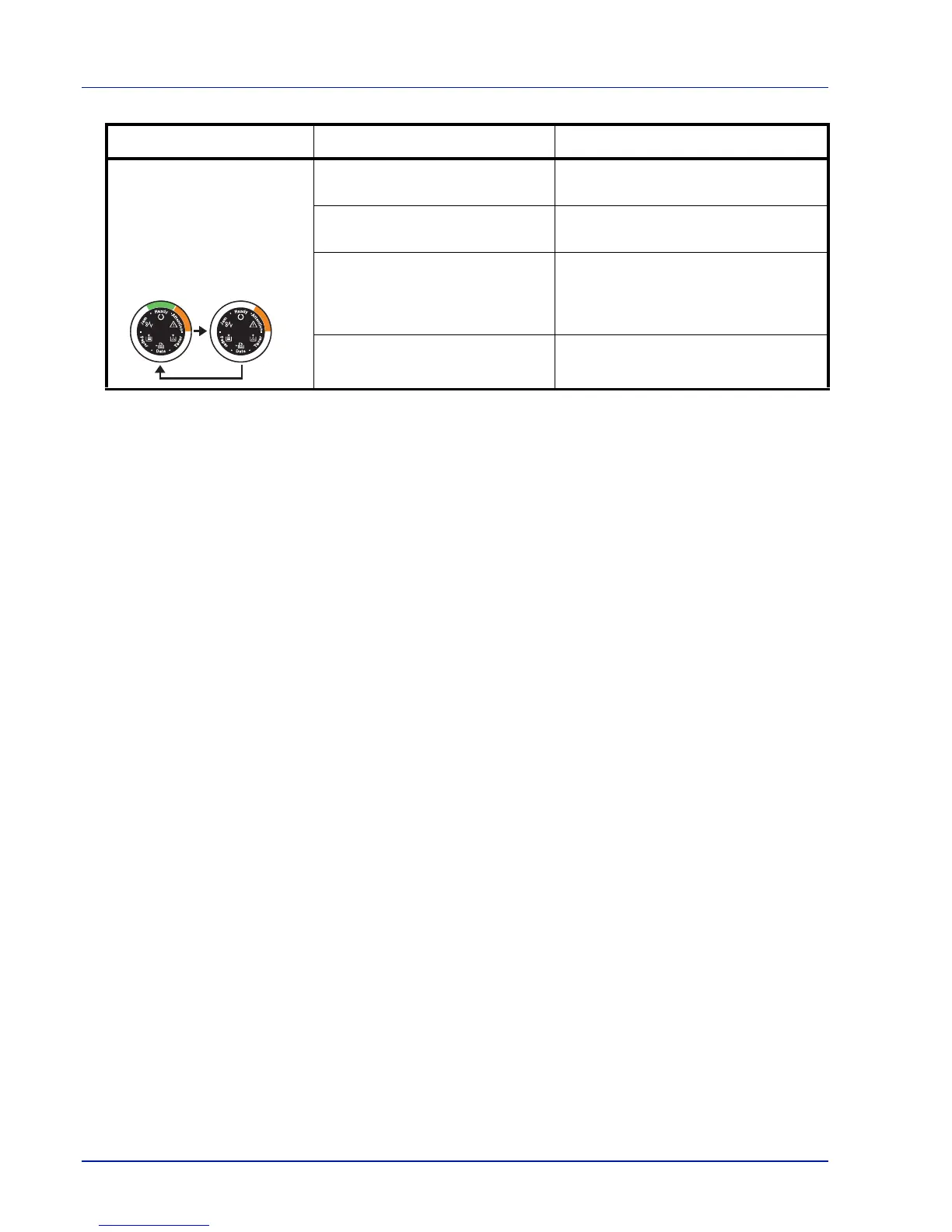
If the indicators light or flash repeatedly in manners not described
above for normal or maintenance indication, a service error has
probably occurred. Turn the printer off by the power switch, wait 5
seconds and then turn the printer on again. This may clear the error.
Even if the error is not cleared, contact your service technician.
Specified file not found. Press [GO] to continue processing.
Press [Cancel] to cancel processing.
The current printing cannot be
continued.
Press [GO] to continue processing.
Press [Cancel] to cancel processing.
Unable to print due to insufficient
memory.
Install the expansion memory in the
printer. Press [GO] to continue
processing. Press [Cancel] to cancel
processing.
Unable to print as the data is too
complicated.
Press [GO] to continue processing.
Press [Cancel] to cancel processing.
Indicator Meaning Remedy













 To Next Page