5-16 Troubleshooting
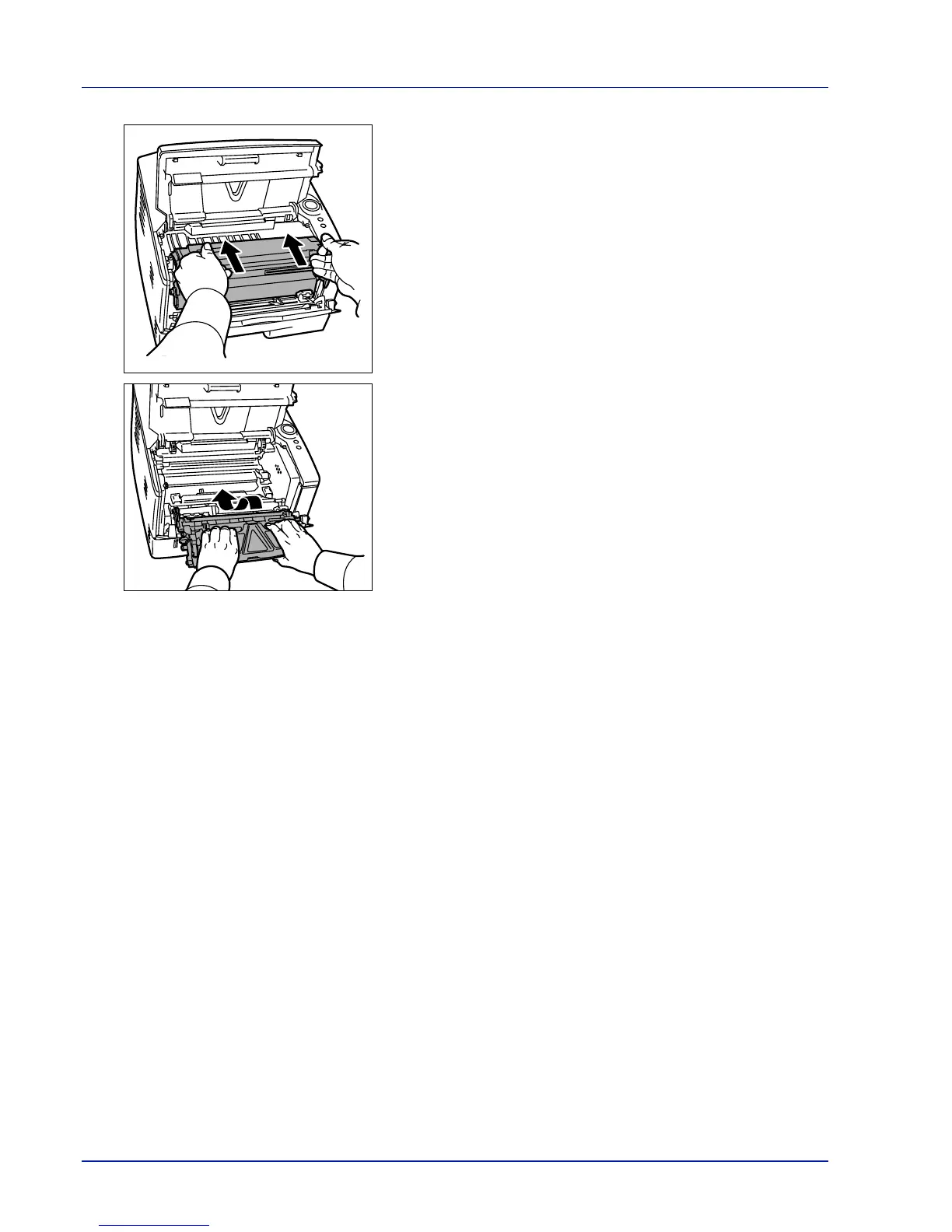
5 Return the drum unit to its position, aligning the guides at both ends
with the slots in the printer.
6 Insert the developer unit together with the toner container, back into
the machine. Close the top cover and the front cover. The printer
warms up and resumes printing.













 To Next Page