Related pages: Write
Record
Record Activity
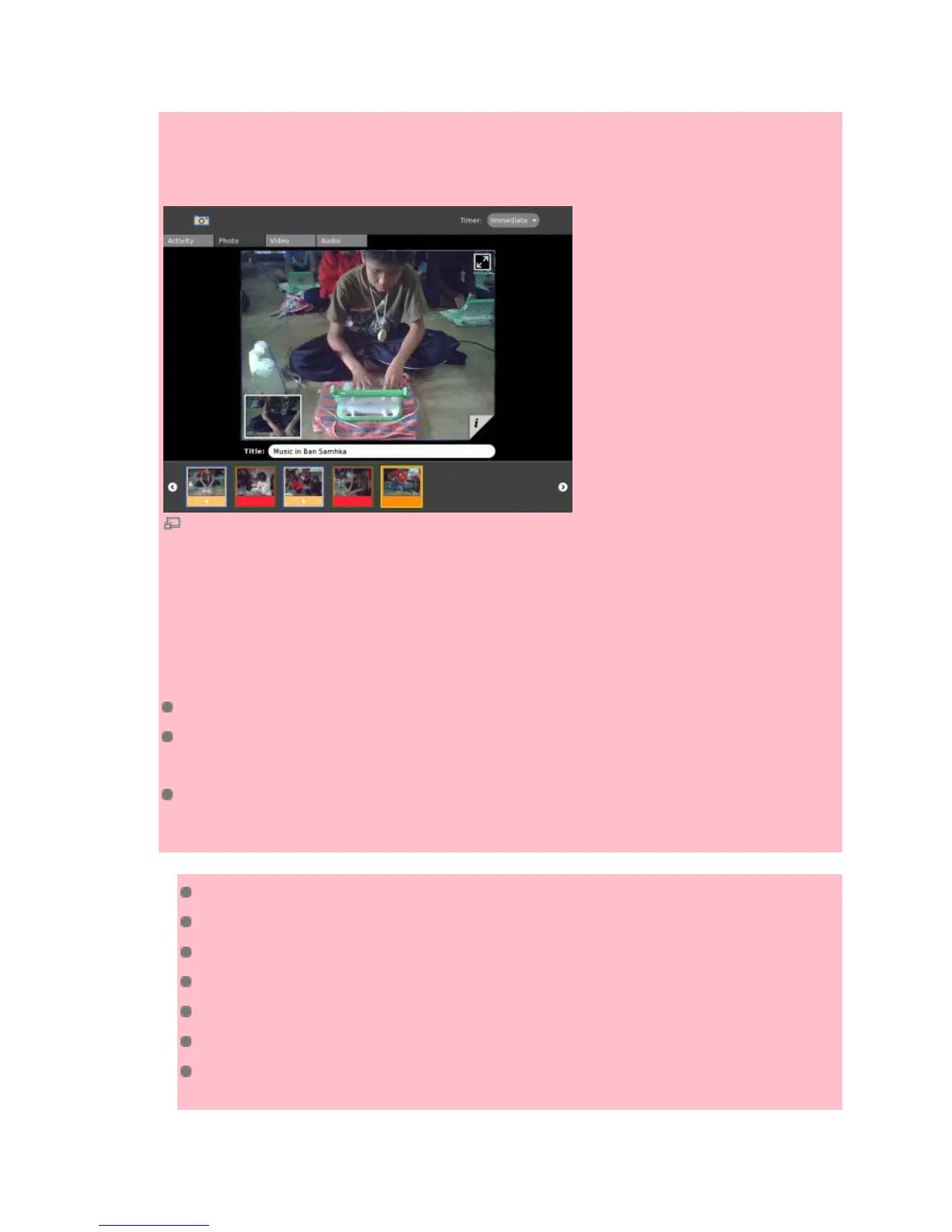
Use this activity to record your voice with the built-in microphone, or take pictures or video with the
built-in camera. Speak to your XO while recording, and a built-in microphone and stereo speakers
let you record and play back your voice or music recordings. With an external microphone and
speaker jacks, you can turn your XO into a portable music player or speech recorder.
Take a photo by clicking the eye icon.
Record sounds by clicking the Record tab, and then clicking Audio. Click the lips icon to start
recording your voice or any sounds nearby.
Switch to the Journal Activity to see thumbnails representing your pictures or videos or sound
recordings.
Related links
Educational activity guidelines#Camera
Capture
B1-demo-notes#Using the camera
EAG Additional Features: Microphone and Speakers
OLPC Human Interface Guidelines/The Sugar Interface#Camera
OLPC Human Interface Guidelines/The Sugar Interface/Input Systems#Camera
OLPC Human Interface Guidelines/The Sugar Interface/Input Systems#Microphone and
Speakers


 To Next Page