You can rename a saved version of the
Activity by typing into the text field on the
Activity Tab.
Sometimes you can share the Activity with
another user on the XO network by
selecting "My Neighborhood" within the
activity.
Joining an Activity
From the Neighborhood View, moving the
cursor over an Activity icon and pressing the
Enter key launches that Activity on your
laptop as a collaboration. Details of the
collaboration vary from one Activity to
another.
Related links
Software projects
Software
Software Release Notes#Software
Release Notes
Educational activity guidelines
Software components
Our software
Activities
Installing new XO Activities
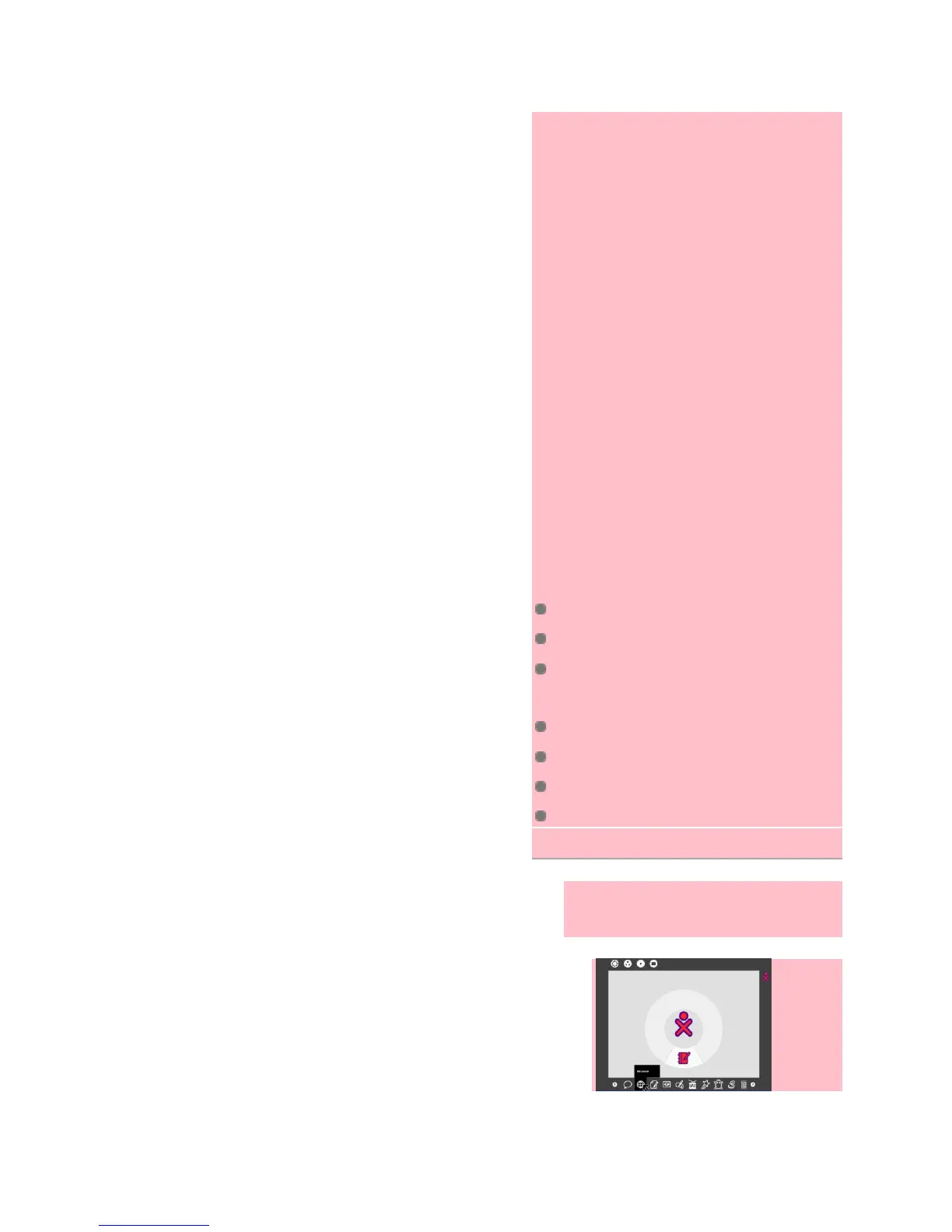
1. From the Home view, launch
Browse.


 To Next Page