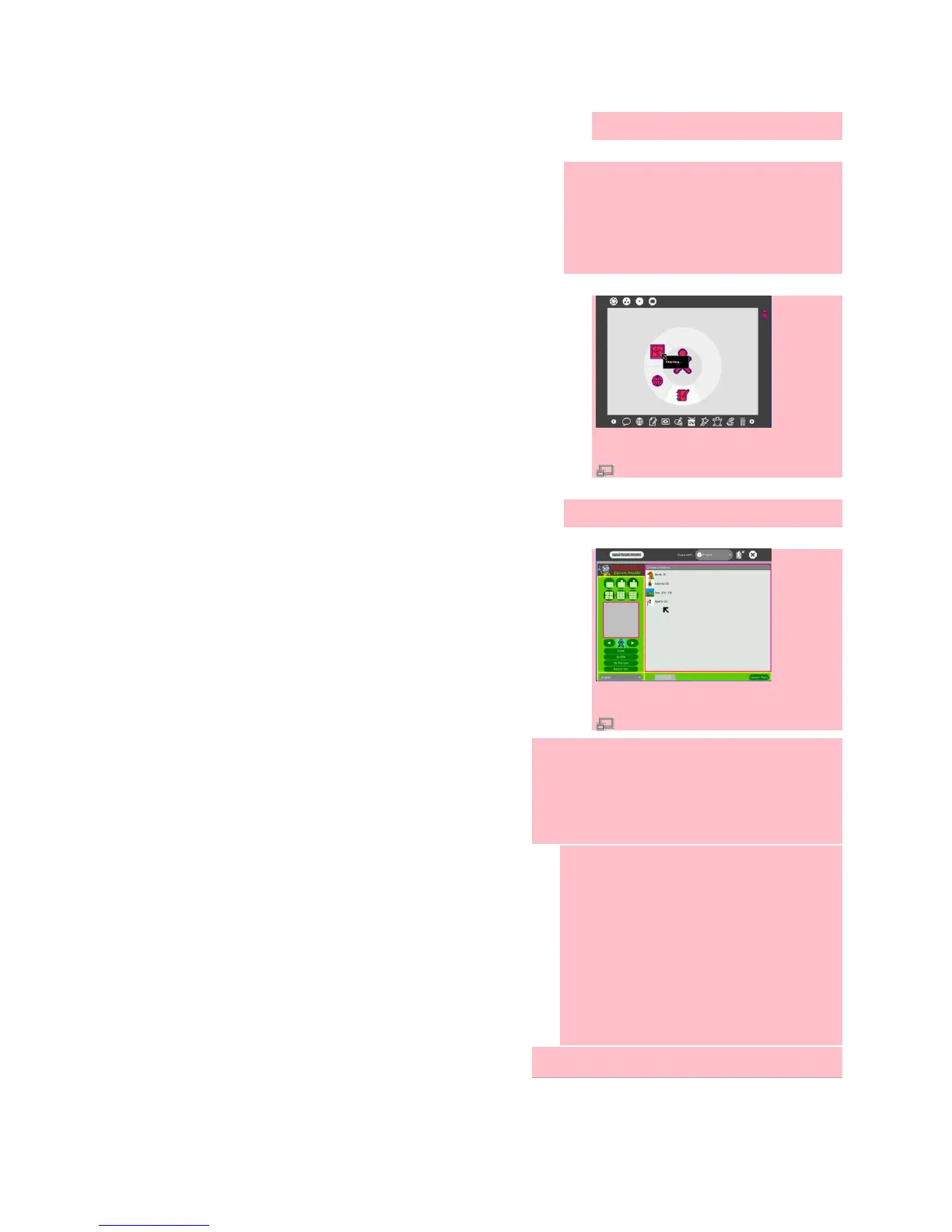
4. The laptop installs and then starts
the Activity, adding a new icon in
the bottom row so you can launch it
from there next time.
5. Enjoy your new Activity!
Alternative ways of installing Activities
might be:
Placing a .xo file on an usb-stick, in
Journal browsing to the stick, and
then clicking on the Activity
If you have a .xo file, running the
command 'sugar-install-bundle
filename.xo'
Using xo-get
Getting support for your XO


 To Next Page