First click the link on
the Activities page
Then click the link on
the resulting page
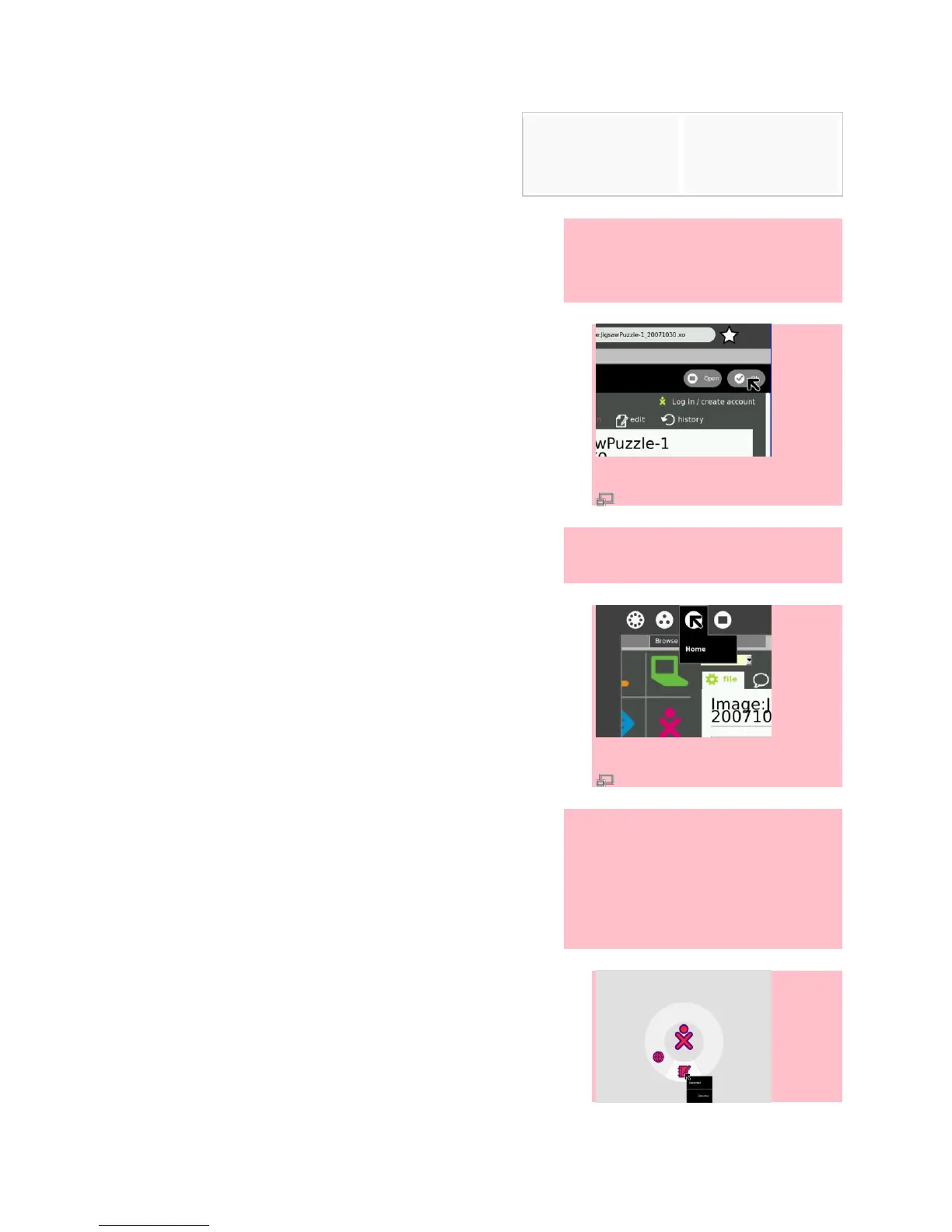
1. Watch the countdown while the file
downloads, and when the
download is complete, click OK.
2. Put your cursor in the upper left
corner and then click Home.
3. Click the Journal to launch the
Journal Activity. From the Journal
Activity, click the downloaded .xo
file and then click the circle with a
square in it.


 To Next Page