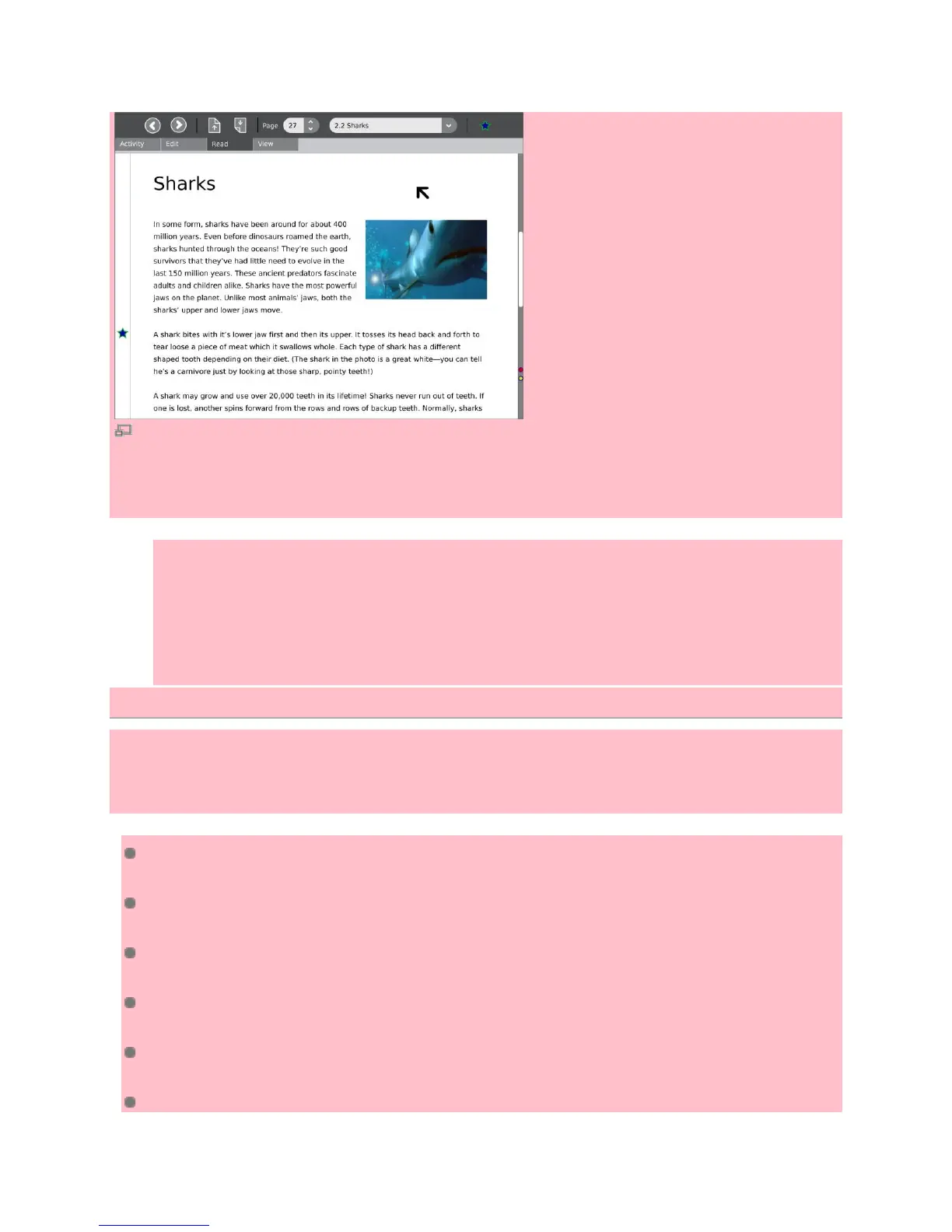
Read Activity
Your XO laptop can hold a library of many interesting reading materials in many languages. Some are
called ebooks, for electronic books. Portable Document Format or PDF files work as well.
1. To use the reader, use the Browse Activity to download the .xo file from wiki.laptop.org.
2. When the .xo file has downloaded, save it to your Journal.
3. Go to your Journal, click on the Read.xo file. and click the Resume icon. The Read Activity
should now be installed.
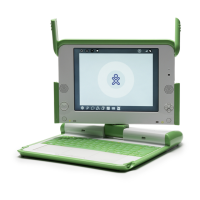
4. You might like to flip the laptop display so that it lays flat while you are reading ebooks.
Quick Keyboard shortcuts
In the following shortcuts, the Ctrl and Alt keys are modifier keys that must be held while typing the
shortcut. For instance, to type Alt–=, press and hold the Alt key, then press the equals key, then release
both keys.
Ctrl–C to copy (Select text first)
Ctrl–V to paste (Position the cursor where you want the cut text to go)
Ctrl–X to cut (Select text first)
Ctrl–U to view source while using the Browse Activity
Ctrl–Esc to quit (Esc is the X in the upper-left corner of the keyboard)
Ctrl–Alt–Erase to restart Sugar, the operating system for the XO


 To Next Page