Quick Reference CM 1810 plus
plusplus
plus Cash Register (13)
Olympia 08.2002 Page 5 Rights to make technical changes reserved!
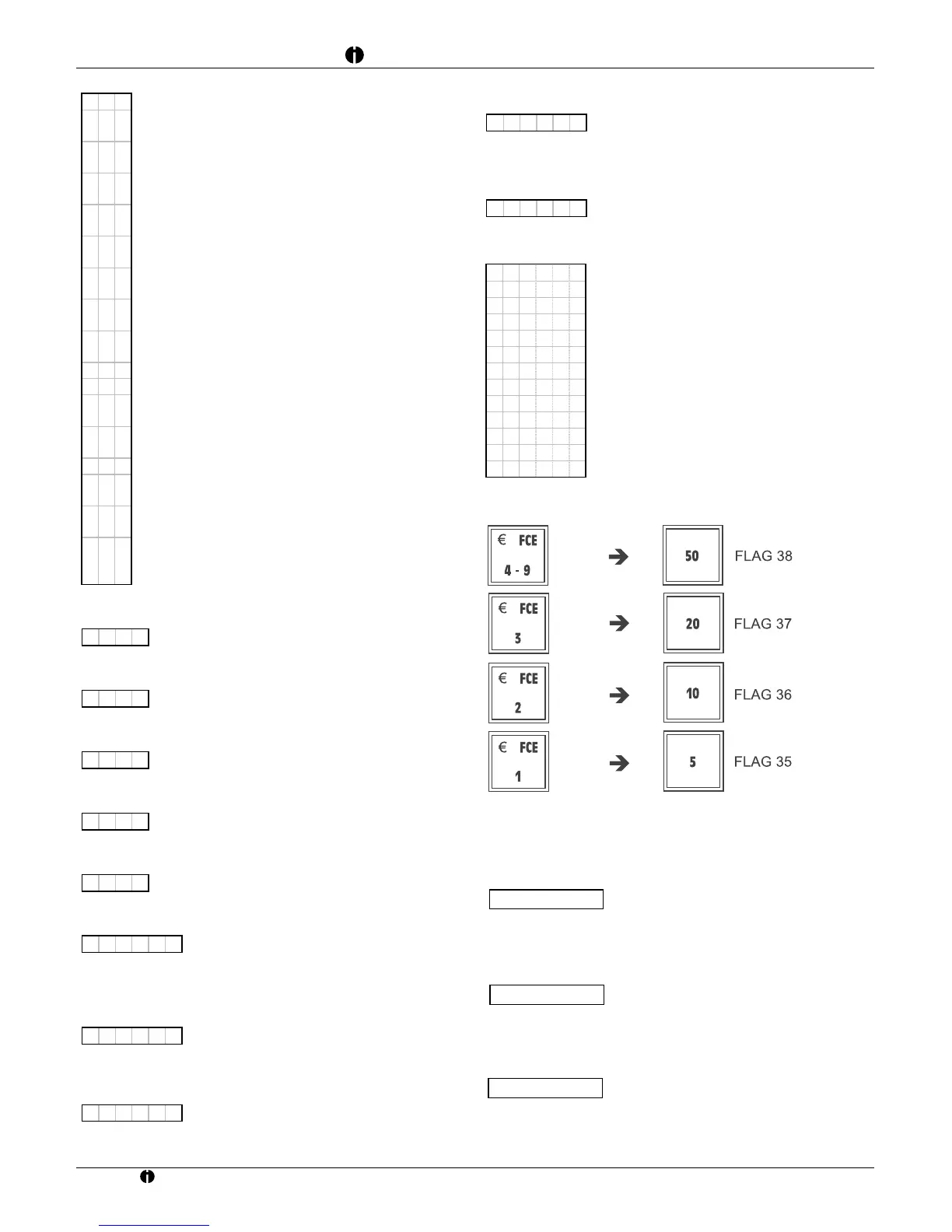
FLAG 28 Duplicate receipt - Printer on/off - Rounding
300
= Recommended setting
0 = No dup. receipt; no compulsory clerk log-in;
no percentage display in report
1 = Duplicate receipt; no compulsory clerk log-in;
no percentage display in report
2 = No dup.; no compulsory clerk log-in;
percentage display in report
3 = Duplicate receipt; no compulsory clerk log-in;
percentage display in report
4 = No dup. receipt; compulsory clerk log-in;
no percentage display in report
5 = Duplicate receipt; compulsory clerk log-in;
no percentage display in report
6 = No dup. receipt; compulsory clerk log-in;
percentage display in report
7 = Duplicate receipt; compulsory clerk log-in;
percentage display in report
0 = Printer on, unit price display
1 = Printer off, unit price display
2 = Printer on, unit price display for
0.5 sec., then total amount
3 = Printer off, unit price display for
0.5 sec., then total amount
0 = Standard rounding 5/4
1 = Scandinavian rounding
(0-0.24=0.00; 0.25-0.74=0.50; 0.75-1=1.00)
2 = Swiss rounding
(0,1,2 = 0; 3,4,5,6,7 = 5; 8,9 = 10)
3 =Danish rounding (0-0,12=0.00; 0.13-
0.37=0.25; 0.38-0.62=0.50; 0.63-0.87=0.75;
0.88-1.12=1.00)
FLAG 29
Password for X-report
0000
= No password / Password 0001 to 9999
FLAG 30
Password for Z-report
0000
= No password / Password 0001 to 9999
FLAG 31
Password for monthly (periodical) report
0000
= No password / Password 0001 to 9999
FLAG 32
Password for programming
0000
= No password / Password 0001 to 9999
FLAG 33
Password for EC/Void, NS/#, Refund and PO keys
0000
= No password / Password 0001 to 9999
FLAG 34
Highest acceptable check amount - compulsory entry
040000
= Example for £400.00.
Enter the amount without a decimal
point
FLAG 35
Fixed tender (lower cash tender key)
000500
= Example for £5.00;
a 4-digit number without decimal point
FLAG 36
Fixed tender (cash tender key)
001000
= Example for £10.00;
a 4-digit number without decimal point
FLAG 37
Fixed tender (cash tender key)
002000
= Example for £20.00;
a 4-digit number without decimal point
FLAG 38
Fixed tender (upper cash tender key)
005000
= Example for £50.00;
a 4-digit number without decimal point
FLAG 39 Euro conversion activated/deactivated
111110
= Recommended setting
0 = Bottom cash tender key
1=€ FCE1 key
0 = Second cash tender key from bottom
1=
€ FCE2 key
0 = Second cash tender key from top
1=€ FCE3 key
0 = Top cash tender key
1=
€ FCE4-9 key
0 = Euro course is not printed
1 = Euro course is printed
0 = Exchange rate is not printed
1 = Exchange rate is printed
Activate FCE or Cash Tender key
Euro conversion
Euro in the period 01.01.1999-31.12.2001
FLAG 39 = 11111x (x = 0 or 1); FLAG 59 = 0
When programming the basic exchange rate, enter yy2xxxxxx,
e.g.:
Euro in the period 01.01.2002-28.02.2002
FLAG 39 = 11110x (x = 0 or 1); FLAG 59 = 1
When programming the basic exchange rate, enter yy2xxxxxx,
e.g.:
Foreign Currency Exchange rates (FCE)
FLAG 39 = 11110x (x = 0 or 1); FLAG 59 = 0
When programming the basic exchange rate, enter yy2xxxxxx if
the normal exchange rate is to be used. E.g.:
I 05



 To Next Page