Quick Reference
CM 70 Cash Register
Olympia 5.2005 Page 7 All Rights Reserved
Programming departments (DEP)
Example 1: DEP1 is an itemised department at tax rate 1 (16%) and without a fixed price.
Input Display Confirm by pressing
001
0,01
n
000
0,00
A
Step 1: Define status
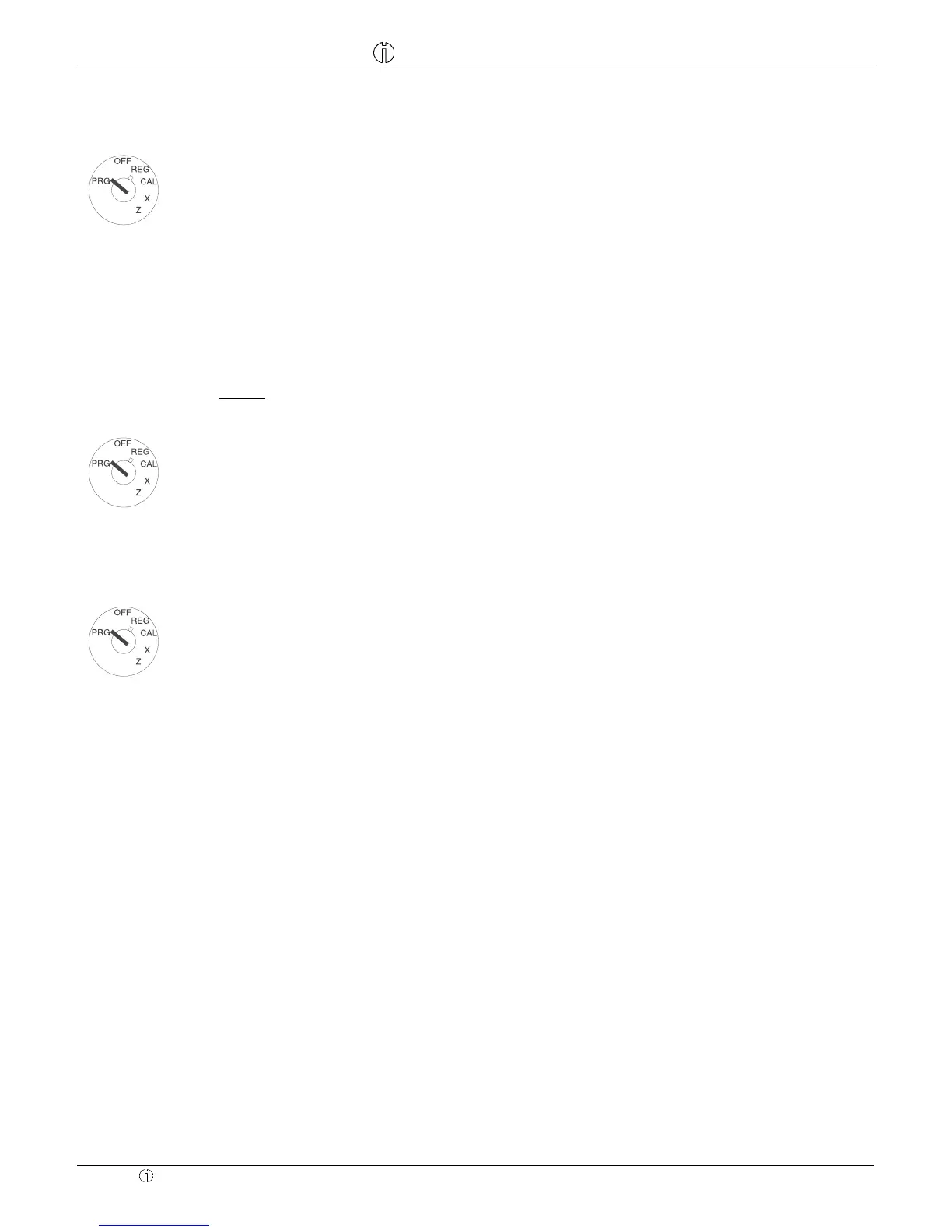
Set the key to PRG
Enter status S1 and S2 as three dig-
its
Enter fixed price or free pricing
Assign definitions to DEP1 by press-
ing
A
Status S1: 0 = itemised department, 1 = single item department
Status S2: 00 = no tax, 01 = tax rate 1, 02 = tax rate 2, 03 = tax rate 3, 04 = tax rate 4
(For information on tax rates, refer to Section "Programming tax rates")
000 = DEP operates without fixed price (free pricing), alternatively: Enter the fixed price
Example 2: DEP1 is an itemised department at tax rate 2 (7%) and without a fixed price.
Input Display Confirm by pressing
002
0,02
n
000
0,00
B
Step 2: Define status
Set the key to PRG
Enter status S1 and S2 as three dig-
its
Enter fixed price or free pricing
Assign definitions to DEP2 by press-
ing
B
Input Display Confirm by pressing
888888
8888,88
q
Step 3: Printing
To print a list with the programmed
departments
Press
8 6 times
and conclude by pressing
q.
Programming Price Look Up (PLU)
PLUs are programmed in 2 steps:
1. Enter the price and department assignment for all PLUs.
2. Enter the status of the PLU and department assignment for all PLUs.
(Not necessary if the PLU is operated with a fixed price.)



 To Next Page