Quick Reference
CM 70 Cash Register
Olympia 5.2005 Page 8 All Rights Reserved
Example: PLU12 for 2.50 EUR belongs to department 1.
Input Display Confirm by pressing
h
P001 0,00
1. PLU price and assignment:
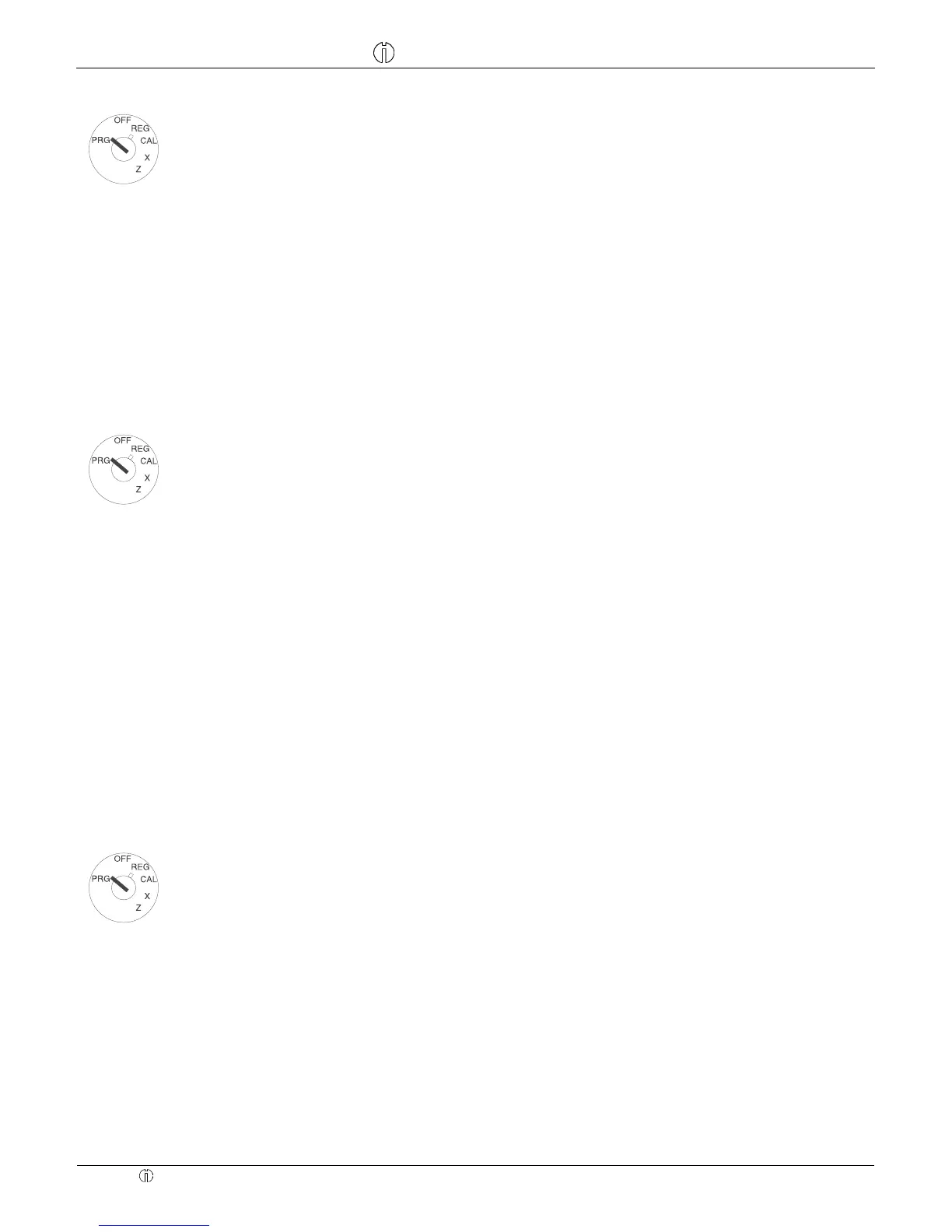
Set the key to PRG
Press
h
Enter the required PLU number,
confirm by pressing
f.
12
P12 0,12
f
Now enter the PLU fixed price and
the department assignment by
pressing department key
A.
250
2,50
A
The next PLU automatically appears
in the display. Proceed in the same
way.
P13 0,00
Conclude input by pressing
h
h
Example: PLU12 / DEP1 with free pricing permitted.
Input Display Confirm by pressing
e
P001 0,00
2. PLU status:
Note: This step is only necessary
for PLUs which operate with free
pricing.
Status 0 = fixed price
Status 1 = free pricing
Set the key to PRG
Press
e
Enter the PLU no. to be pro-
grammed and confirm by pressing
f.
12
P12 0,12
f
Enter the PLU status, assign by
pressing the corresponding depart-
ment key and confirm.
1
0,01
A
The next PLU automatically appears
in the display. Proceed in the same
way.
P13 0,00
Conclude input by pressing
e
e
A list of the programmed PLUs can be printed out.
Confirm by pressing
Set the key to PRG
Send the print job by pressing
f
f
Programming foreign currencies
A maximum of 4 foreign currencies can be programmed.
The following information must be entered for the programming process:
− Foreign currency identification: 1,2,3 or 4.
− Decimal places for the exchange rate (EXP): 0 to 8 decimal places are possible.
− Decimal places for the foreign currency (D.P.): 0 to 3 decimal places are possible.
− Exchange rate (RATE): 6-digit entry from 000001 to 999999.



 To Next Page