28
Erasing All Pictures (All-Frame Erase)
Operating Procedure
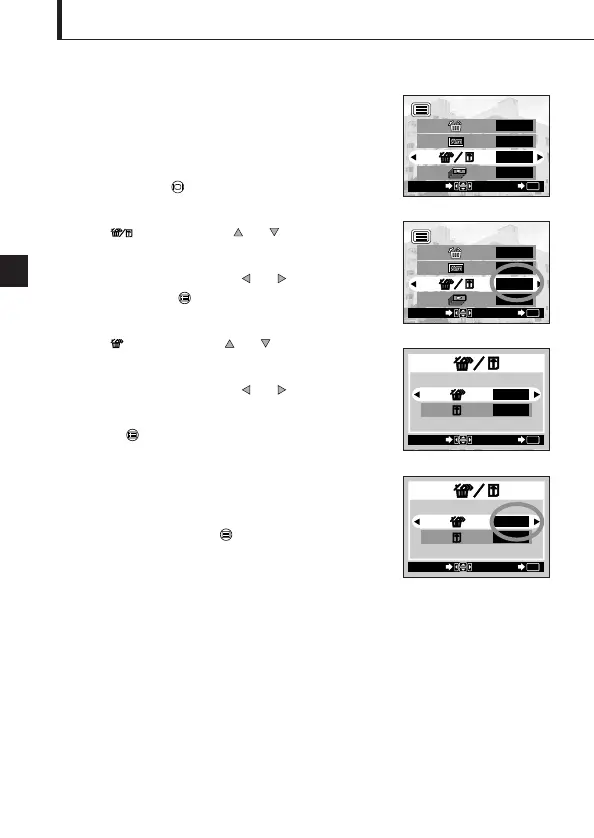
1. Check that the camera is set to the Playback mode by
holding down the monitor button for a moment.
2. Select by pressing the or arrow pad key.
3. Select “YES” by pressing the or arrow pad key,
and then press the OK/menu button.
4. Select by pressing the or arrow pad key.
5. Select “YES” by pressing the or arrow pad key.
6. Press the OK/menu button.
All of the image frame data saved in the card will be
erased.
To cancel all-frame erasure:
Select “NO” and press the OK/menu button.
The following operation clears the card
of all stored image data.












 To Next Page