28
3
EN
Selecting folders and files/ Displaying file information
b
a
Changing folders
1 While the recorder is in stop mode,
press the F1 ( FOLDER ) button.
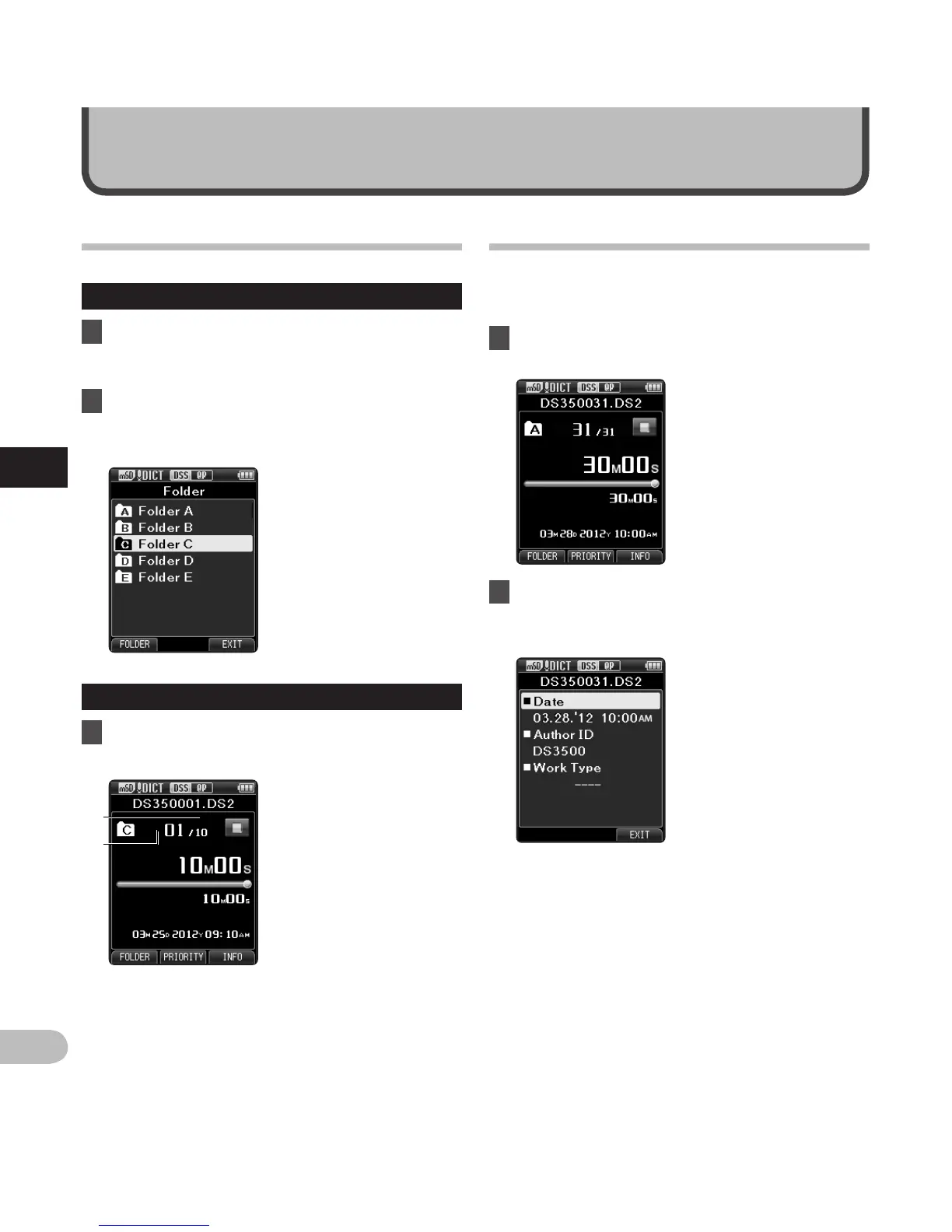
• The folder list screen will be displayed.
2 Press the + , – or F1 ( FOLDER ) button
to select the folder, then press the
OK/MENU button.
a Total number of recorded
files in the folder
b Current file number
Selecting a file
1 While the file is being displayed, press
the 9 , 0 button.
The recorder can display a variety of information
related to the current file.
1 Select the file containing the information
to display.
2 Press the F3 ( INFO ) button.
• The following information will be displayed:
[ Date ] [ Author ID ] [ Work Type ]
Selecting folders and files Displaying file information
Advanced operations



 To Next Page