49
4
EN
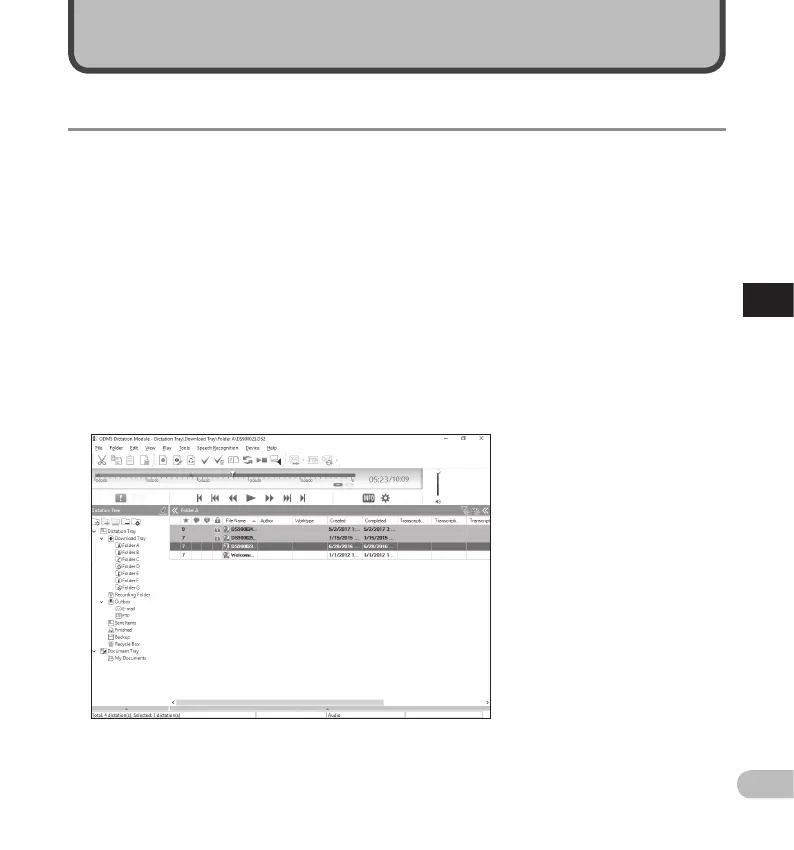
Olympus Dictation Management System (ODMS)
Managing files on your PC
ODMS* is a fully featured software that provides a simple to use but sophisticated method for managing
your recordings. This software can be downloaded from each local Olympus Websites. Main features of the
software is the following.
* Box content differs depending on the version you purchased.
1. Instant File Sharing
• Share dictated file via a shared folder, email or FTP.
• Prioritize important files to be transcribed for a quicker turnaround.
• Identify your dictations throughout the workflow with Author ID, Worktypes and Option Item.
2. Efficient Document Creation
• Various playback functionality for efficient transcription.
• Support background/ real-time speech recognition by Dragon.
• Combination of above provides further efficiency.
3. Secure Workflow
• Dictated / transcribed files are protected with automatic 256-bit AES file encryption.
In order to download the software, please access the website in your respective region.
(Europe, Middle east and Africa) http://www.olympus.eu/sds-downloads/
(The Americas) https://www.olympusamericaprodictation.com/odms-r7
(Oceania) https://www.olympus.com.au/support/
Olympus Dictation Management System (ODMS)



 To Next Page