12
EN
Close-up playback
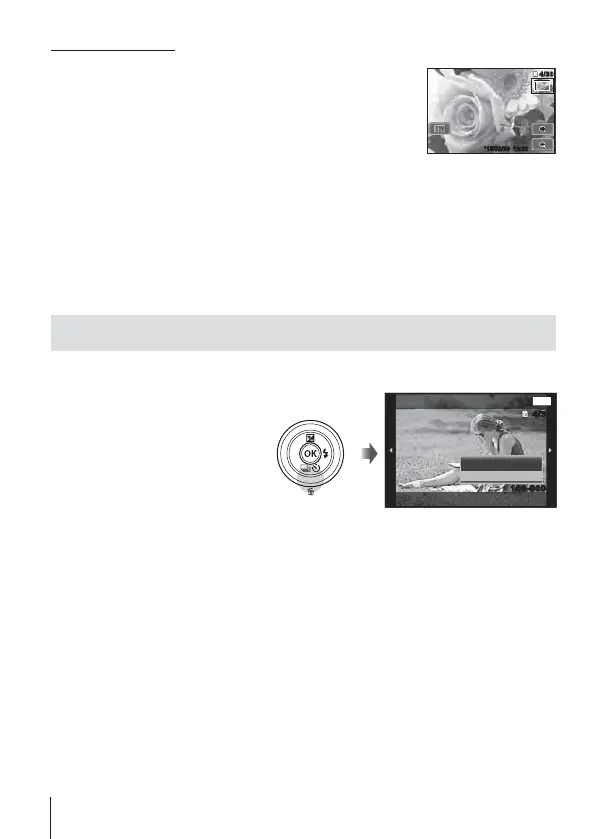
• In single-frame playback, turn the zoom lever to T to
zoom in up to 10×; turn to W to zoom out. Press the A
button to return to single-frame playback.
• Press FGHI (arrow pad) to scroll an image to the
direction of the button you pressed.
4/304/30
’
15/02/26 12:30
Tap for playback zoom.
• Use your finger to scroll the display when the picture is zoomed in.
• Tap Z to return to single-frame playback.
Erasing images during playback
1
Display the image you want to erase and press
.
• To erase a movie, select
the movie to erase and
press
.
MENU
Erase
Erase
Cancel
4/304/30
100-0004100-0004
Back
2
Press
FG
(arrow pad) to select [Erase], and press the A
button.
• Grouped images are erased as a group (P. 17).
• Multiple images or all images can be erased at a time (P. 64).



 To Next Page