EasyManua.ls Logo

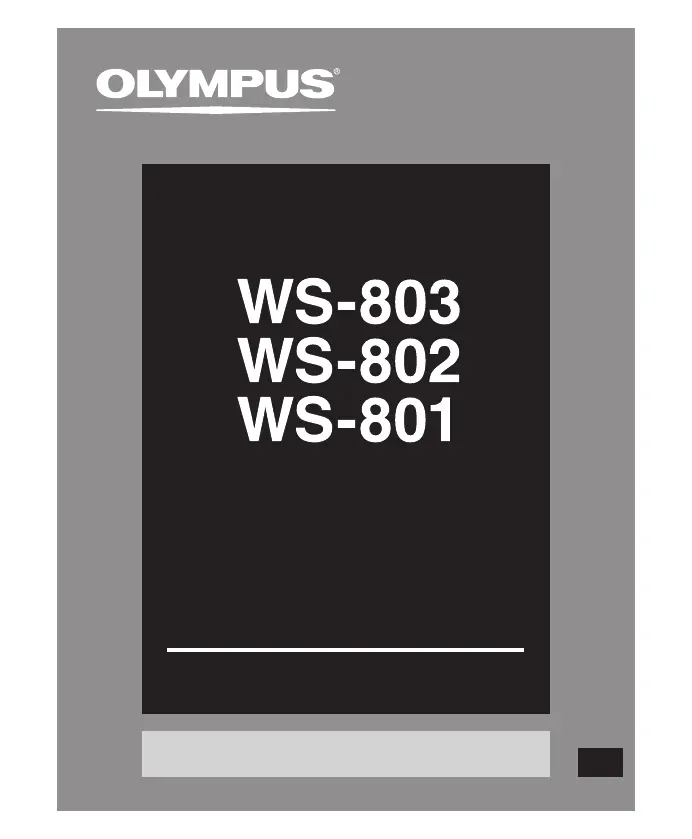
Olympus WS-801 - User Manual

Olympus WS-801
95 pages
Print Icon
To Next Page IconTo Next Page
Loading...
Register your product on www.olympus-consumer.com/register
and get additional benefits from Olympus!
DETAILED
INSTRUCTIONS
DIGITAL VOICE
RECORDER
Thank you for purchasing an Olympus
Digital Voice Recorder.
Please read these instructions for information
about using the product correctly and safely.
Keep the instructions handy for future reference.
To ensure successful recording, we recommend that
you test the record function and volume before use.
EN

Table of Contents

Other manuals for Olympus WS-801

Questions and Answers

  • J
    Jose ShahSep 8, 2025
    Why are silent portions not skipped during playback on my Olympus WS-801 Voice Recorder?
    • B
      Bob VasquezSep 8, 2025
      If silent portions are not being skipped during playback on your Olympus Voice Recorder: * For WS-803 and WS-802 models only: The [ Voice Detect ] process may not have been performed. Extract voice portions using [ Voice Detect ]. * [ Voice Playback ] might be set to [ Off ]. Set [ Voice Playback ] to [ On ].
  • A
    Angelica MendozaSep 10, 2025
    Why am I unable to erase a folder on my Olympus WS-801 Voice Recorder?
    • E
      Edwin TownsendSep 10, 2025
      To address the issue of being unable to erase a folder on your Olympus Voice Recorder: The folder contains a file which cannot be recognized by the recorder. Connect the recorder to your PC and erase the folder.
  • J
    james31Sep 12, 2025
    Why is noise audible through the recording monitor of my Olympus WS-801 Voice Recorder?
    • W
      William WhiteheadSep 12, 2025
      If you are hearing noise through the recording monitor on your Olympus Voice Recorder: * Acoustic feedback may be occurring. If the built-in speaker amps are used to monitor recording, there is a risk that audio feedback will occur while recording. It is recommended that you use earphones as the recording monitor. * Make adjustments, such as further distancing the earphones from the microphones, not pointing the microphones at the earphones, or lowering the volume of the recording monitor.
  • A
    Andrew BauerSep 13, 2025
    Why am I unable to set index marks or temp marks on my Olympus WS-801 Voice Recorder?
    • A
      Alan SimsSep 13, 2025
      If you are unable to set index marks or temp marks on your Olympus Voice Recorder, it could be due to: * The maximum number of marks has been reached. Erase unnecessary marks. * The file is locked. Unlock the file. * The file is read-only. Unlock the file or cancel the file’s read-only setting on the PC.
  • B
    Brianna DrakeSep 15, 2025
    Why Olympus WS-801 Voice Recorder cannot receive FM radio signal?
    • D
      David HarveySep 15, 2025
      If you cannot receive an FM radio signal on your Olympus Voice Recorder: * For WS-803 models only: The earphones are not plugged into the EAR jack. The supplied earphones also function as an antenna. When using the recorder as a radio, be sure to plug in the earphones. * [ Output ] is set to [ Earphone ]. To output from the built-in speaker, set [ Output ] to [ Speaker ].
  • J
    James OneillSep 18, 2025
    What to do if PC is unable to recognize Olympus WS-801 Voice Recorder?
    • M
      Matthew GarnerSep 18, 2025
      If your PC is unable to recognize the Olympus Voice Recorder, it may be because [ USB Connection ] is set to [ AC Adapter ]. Set [ USB Connection ] to [ PC ].

Summary

Safety Precautions

Cautions Relating to the Operating Environment

Important safety information regarding environmental factors for device operation.

Handling the Recorder

Guidelines for safe handling and operation of the recorder.

Battery Handling Precautions

Essential guidelines for preventing battery leakage, overheating, and explosions.

Identification of Parts

Power Supply

Inserting the battery

Step-by-step guide on how to insert batteries into the recorder.

Charging by connecting to a computer via USB

Instructions for charging the recorder using a PC's USB port.

Connecting the USB-type AC adapter (optional) to charge

Guide to charging the recorder using an optional AC adapter.

Cautions concerning the rechargeable battery

Important precautions for handling and using rechargeable batteries.

Turning on;off the power

How to turn the recorder on and off for operation and power saving.

Setting Time and Date

microSD Card Operations

Inserting a microSD card

Detailed instructions on correctly inserting a microSD card into the device.

Ejecting a microSD card

Step-by-step guide on safely removing a microSD card from the recorder.

Recording

Recording

Step-by-step guide to starting and stopping the recording process.

Recommended settings according to the recording conditions

Suggested settings for various recording scenarios to optimize audio quality.

Recording from External Sources

Recording from an external microphone or other device

Connecting external devices for audio recording.

Playback

Playback

Basic steps to play back recorded or transferred audio files.

Erasing

Erasing files

Steps to delete individual audio files or multiple files.

FM Radio Operations (WS-803 Only)

Using the FM radio

Instructions for receiving and listening to FM radio broadcasts.

Recording from the FM radio

Instructions on how to record FM radio broadcasts.

Menu Settings

Menu setting method

General procedure for navigating and changing menu settings.

Rec Menu

Settings related to recording, including Rec Level, Rec Mode, and VCVA.

Rec Scene

Selecting preset or custom recording scenes to optimize settings.

Format

Process of formatting the recorder's internal memory or microSD card.

Formatting the recorder [Format]

Process of formatting the recorder's internal memory or microSD card.

Using the Recorder on Your PC

Precautions on using the recorder connected to a PC

Important safety and operational guidelines when the recorder is connected to a PC.

Connecting to Your PC

Disconnecting from Your PC

Transferring Voice Files to PC

Using as External Memory

Other Information

Alarm message list

List of error messages, their meanings, explanations, and actions.

Troubleshooting

Unable to record

Solutions for issues preventing the device from recording.

Recording level too low

Addressing issues with low recording volume levels.

Cannot receive FM radio signal

Solutions for no FM radio reception.

Cannot recharge

Troubleshooting steps for the recorder not charging.

Specifications

Technical Assistance and Support

Olympus WS-801 Specifications

General IconGeneral
MicrophoneBuilt-in stereo microphone
Playback Speed ControlYes
USB ConnectionUSB 2.0
Display TypeLCD
PC ConnectivityYes
Recording FormatMP3
Battery TypeAAA battery
Headphone Jack3.5 mm

Related product manuals