EasyManua.ls Logo

Olympus WS-811 - User Manual

Olympus WS-811
2 pages
Print Icon
To Next Page IconTo Next Page
Loading...
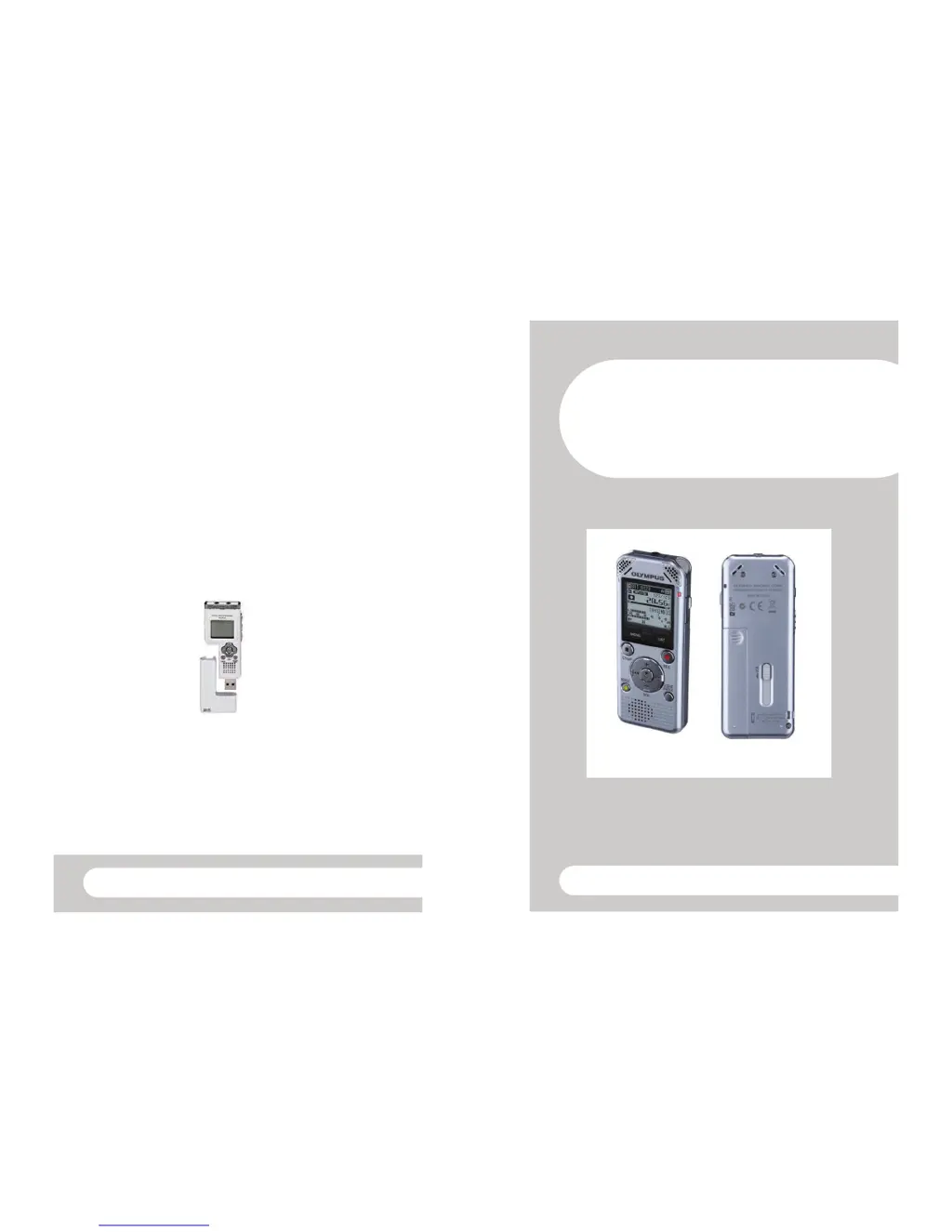
Transferring files onto your PC
1. Turn the digital recorder on by sliding the HOLD button.
2. Slide down the USB button to release the USB connector.
3. Insert the digital recorder to the PC's USB port. 'Remote Storage' will be
displayed on the recorder’s screen when it is connected.
4. Open 'My Computer', locate the digital recorder and double click to open.
Open the RECORDER folder.
5. Open the folder that contains your audio files to find your Windows Media
Audio files (WMA).
6. Select the files you wish to copy and copy and paste them to a location on
your PC.
Dictaphone user guide
HWB Technical Services
Dictaphone User
Guide WS-811
HWB Technical Services

Other manuals for Olympus WS-811

Questions and Answers

  • S
    Sarah WilliamsSep 3, 2025
    Why is there noise during Olympus Voice Recorder playback?
    • J
      Jeffrey JohnsonSep 3, 2025
      Noise during playback on your Olympus Voice Recorder could be due to the recorder being shaken during recording or being placed near a cell phone or fluorescent lamp. Try to avoid shaking the recorder during recording and move it away from electronic devices or fluorescent lamps.
  • K
    Katherine BatesSep 18, 2025
    Why PC is unable to recognize Olympus WS-811 Voice Recorder?
    • V
      Vanessa SmithSep 18, 2025
      If your PC is unable to recognize the Olympus Voice Recorder, ensure that [USB Connection] is set to [PC].
  • J
    Jamie BrownSep 16, 2025
    Why Olympus Voice Recorder cannot recharge?
    • S
      sarah62Sep 16, 2025
      If your Olympus Voice Recorder (WS-813, WS-812 only) is not recharging, it could be because [Battery] is set to [Alkaline]. When using the supplied rechargeable battery, set the battery setting to [Ni-MH]. Also, avoid using the battery outside the recommended temperature range. When using the USB connection, follow the confirmation display and press the `OK button. Also, ensure that [USB Class] is set to [Storage Class].
  • Y
    ycollinsSep 14, 2025
    Why Olympus WS-811 cannot receive FM radio signal?
    • A
      Amy TurnerSep 14, 2025
      If your Olympus Voice Recorder (WS-813 only) cannot receive an FM radio signal, ensure that the earphones are plugged into the EAR jack, as they function as the antenna. Also, to output from the built-in speaker, set [Output] to [Speaker].
  • P
    psmithSep 12, 2025
    How to fix Olympus WS-811 Voice Recorder when unable to set index marks, temp marks?
    • D
      dawnwalkerSep 12, 2025
      If you are unable to set index marks or temp marks on your Olympus Voice Recorder, the maximum number of marks may have been reached, or the file is locked or read-only. Try erasing unnecessary marks, unlocking the file, or canceling the file’s read-only setting on your PC.
  • M
    Michael ThompsonSep 12, 2025
    Why is noise audible through the Olympus WS-811 recording monitor?
    • T
      Tina MayoSep 12, 2025
      If you hear noise through the recording monitor of your Olympus Voice Recorder, acoustic feedback might be occurring. It is recommended that you use earphones as the recording monitor. You can also try distancing the earphones from the microphones, avoiding pointing the microphones at the earphones, or lowering the volume of the recording monitor.
  • T
    Tiffany JohnsSep 9, 2025
    Why Olympus WS-811 is unable to erase the folder?
    • E
      Elizabeth WallsSep 9, 2025
      If you're unable to erase a folder on your Olympus Voice Recorder, it may contain a file that the recorder cannot recognize. Connect the recorder to your PC and erase the folder from there.
  • W
    William MannSep 7, 2025
    How to fix Olympus WS-811 when unable to erase the file?
    • M
      Michael CaldwellSep 7, 2025
      If you are unable to erase a file on your Olympus Voice Recorder, it might be because the file is locked or is set to read-only. Unlock the file or cancel the file’s read-only setting on your PC.
  • A
    Anthony StokesSep 5, 2025
    Why Olympus WS-811 silent portions are not skipped during playback?
    • M
      Michael JohnsonSep 6, 2025
      If silent portions are not being skipped during playback on your Olympus Voice Recorder (WS-813, WS-812 only), it may be because the [Voice Detect] process has not been performed or [Voice Playback] is set to [Off]. Try extracting voice portions using [Voice Detect] or setting [Voice Playback] to [On].
  • T
    Thomas ZhangAug 20, 2025
    Why Olympus WS-811 won't start?
    • A
      Anthony RubioAug 20, 2025
      Your Olympus Voice Recorder might not start because the battery is low, the power is off, or it's in HOLD mode. To resolve this, try charging or replacing the battery, turning the power on, or releasing the recorder from HOLD.

Olympus WS-811 Specifications

General IconGeneral
Recording FormatWMA
Storage Capacity4 GB
MicrophoneBuilt-in stereo microphone
Internal Memory4 GB
Display TypeLCD
PC InterfaceUSB
Battery2 x AAA batteries
Playback Featuresfast forward, rewind
ConnectivityUSB

Related product manuals