6
PC connection/disconnection
96
EN
PC connection/disconnection
Disconnecting the voice recorder from a PC
Windows
1
On the task bar at the bottom-
right of the screen, click [
] and
select [
Safely remove USB Mass
Storage Device
].
• The letter used to identify the drive
will vary according to your PC.
• When the window indicating it is safe
to remove hardware appears, close the
window.
2
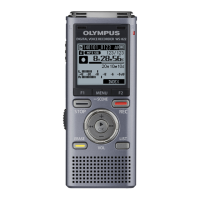
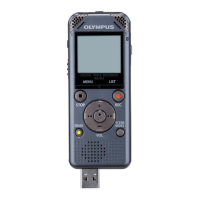
Check that the voice recorder’s
LED indicator light is off before
disconnecting the voice recorder
from the PC.
Macintosh
1
Drag-and-drop the removable
disk icon for the voice recorder
shown on the desktop to the
trash can icon.
2
Check that the voice recorder’s
LED indicator light is off before
disconnecting the voice recorder
from the PC.
NOTE
• To prevent the risk of data damage, never disconnect the voice recorder from the USB
port while the LED indicator light is flashing.



 To Next Page