EasyManua.ls Logo

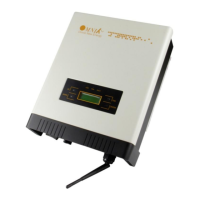
Omnik Omniksol-6k-TL3 - User Manual

Default Icon
83 pages
Print Icon
To Next Page IconTo Next Page
Loading...
User Manual V1.1
User Manual
-Installation
-Operation
Omniksol-1k/1.5k-TL2-M
Omniksol-2k/2.5k/3k-TL3-S
Omniksol-3k/3.68k/4k-TL3
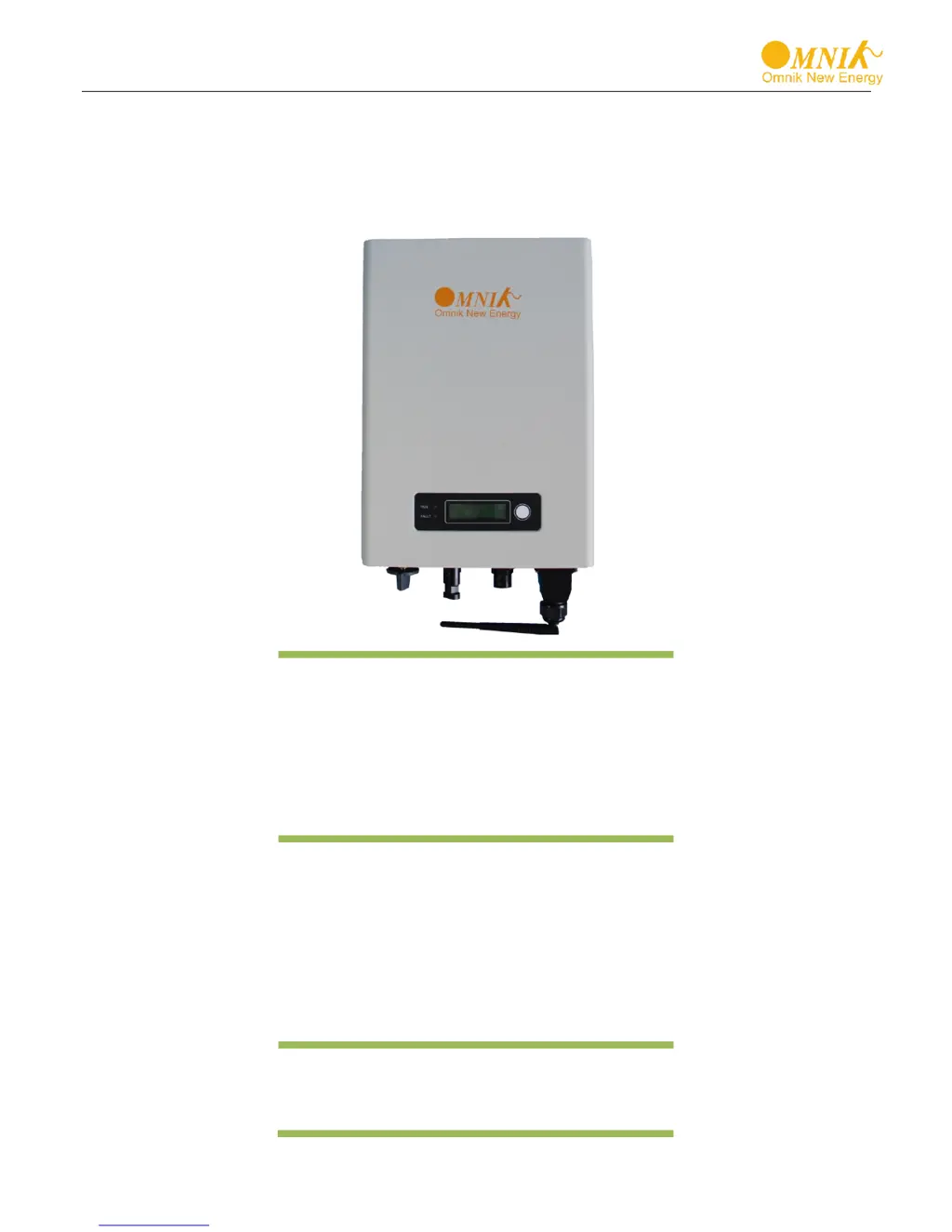
Omniksol-5k/6k-TL3
Omnik New Energy Co., Ltd.

Questions and Answers

  • A
    Aaron BlakeAug 20, 2025
    What to do if my Omnik Omniksol-6k-TL3 Inverter shows a 'No Utility' error?
    • E
      Emily MartinezAug 20, 2025
      If your Omnik Inverter displays a 'No Utility' error, it means there's no AC voltage. Use a multimeter to measure the AC voltage and check the wires in the AC cable.
  • C
    Carolyn YoderAug 22, 2025
    What does it mean when my Omnik Omniksol-6k-TL3 Inverter displays 'GFCI Device Fault'?
    • D
      Deborah IbarraAug 22, 2025
      A 'GFCI Device Fault' on your Omnik Inverter indicates an issue with the inverter's GFCI detector. To resolve this, first restart the inverter to check if the issue clears. If the problem persists, try re-flashing the software. If neither of these steps works, the part or the entire inverter may need to be replaced.
  • C
    carpenterdouglasAug 25, 2025
    Why does my Omnik Omniksol-6k-TL3 show 'PV Volt Low'?
    • J
      Jacob ZavalaAug 25, 2025
      The 'PV Volt Low' error on your Omnik Inverter means the DC voltage is below 150V. To fix this, ensure correct installation by adding more panels. If the issue continues, try re-flashing the software. If the problem still persists, consider replacing the part or the inverter.
  • B
    Brittany ChavezAug 26, 2025
    What should I do if my Omnik Inverter displays 'PV Volt High'?
    • J
      Jacqueline HardingAug 26, 2025
      If your Omnik Inverter shows 'PV Volt High', it means the DC voltage is too high due to incorrect installation. Correct the installation by removing panels. If the problem continues, try re-flashing the software. If that doesn't work, you may need to replace the part or the inverter.
  • R
    Richard WrightAug 27, 2025
    What causes an 'Island Fault' on my Omnik Omniksol-6k-TL3 Inverter, and how can I fix it?
    • N
      Nicholas MontoyaAug 28, 2025
      An 'Island Fault' on your Omnik Inverter occurs when there is no grid or the local grid frequency isn't stable. To resolve this, first restart the inverter after ensuring the local grid is stable. You can also try closing the protection from the inverter.
  • T
    Thomas DrakeAug 29, 2025
    What does 'Ground Current Fault' mean on my Omnik Inverter?
    • G
      gpenaAug 30, 2025
      A 'Ground Current Fault' on your Omnik Inverter can be due to poor grounding or may occur on rainy days. Ensure the inverter is well-grounded. If the issue persists, consider changing to another standard with a wider protection range under authorization.
  • C
    Carlos MurrayAug 31, 2025
    Why does my Omnik Inverter show 'Bus Volt High'?
    • J
      Jennifer GarciaAug 31, 2025
      A 'Bus Volt High' error on your Omnik Inverter could be due to a wrongly measured test value, a software issue, or hardware malfunction. Try restarting the inverter first. If the problem persists, try re-flashing the software. If neither works, the part or inverter may need replacement.
  • B
    Bryan PayneSep 2, 2025
    Why does my Omnik Inverter show 'Bus Volt Low'?
    • G
      Gregory McneilSep 2, 2025
      A 'Bus Volt Low' error on your Omnik Inverter could be caused by a wrongly measured test value, a software issue, or a hardware problem. Try restarting the inverter. If the issue remains, try re-flashing the software. If that doesn't solve it, you might need to replace the part or the inverter.
  • C
    cdaughertySep 4, 2025
    What does 'Consistency Fault' indicate on my Omnik Omniksol-6k-TL3 Inverter?
    • M
      Michelle DominguezSep 4, 2025
      A 'Consistency Fault' on your Omnik Inverter means the data detected by the master and slave CPUs is inconsistent. To address this, first restart the inverter to see if the issue clears. If it continues, try re-flashing the software. If the problem still occurs, consider replacing the part or the inverter.
  • C
    Christopher LeachSep 6, 2025
    What does 'Grid Volt Fault' mean on my Omnik Omniksol-6k-TL3 and how to fix it?
    • B
      Bradley WilsonSep 6, 2025
      A 'Grid Volt Fault' on your Omnik Inverter means the grid voltage detection within a period is anomalous. Try changing the grid voltage protection range.

Summary

Notes on this manual

Symbols Used

Explains DANGER, WARNING, and CAUTION symbols used in the manual.

Preparation

Safety Instructions

Provides essential safety guidelines for operating and installing the inverter.

Product Information

Datasheet

Presents detailed technical specifications for various Omniksol inverter models.

Installation

Mounting Procedure

Details steps for mounting the bracket and hanging the inverter.

Electrical Connection

Safety

Emphasizes safety during electrical connections, warning of shock and fire hazards.

AC Side Connection

Provides safety warnings for AC side connections, especially regarding load.

Assembly Instructions

Details AC wiring connections, including cable types and lengths.

Omniksol-5 k;6 k-TL3 Assembly Instructions

Specific AC connection assembly instructions for 5k/6k-TL3 models.

DC Side Connection

Provides safety warnings for DC side connections, emphasizing shock and ground lead hazards.

MC4 Assembly instructions

Provides instructions for assembling MC4 connectors and safety precautions.

Display

Communication Setting

Installation of GPRS;WiFi card

Provides safety warning for installing GPRS/WiFi cards and details the process.

Installation of Ethernet card

Details safety warnings and steps for installing the Ethernet card.

Troubleshooting

Omnik Omniksol-6k-TL3 Specifications

General IconGeneral
ModelOmniksol-6k-TL3
Rated Output Power6000W
Max. DC Voltage1000V
Number of MPPT Trackers2
Maximum AC Output Power6000W
AC Voltage Range180-280V
Rated Output Voltage230V
Output Frequency50/60Hz
Max Efficiency98.1%
Cooling MethodNatural Convection
Protection DegreeIP65
Noise Level<25dB
Operating Temperature Range-25°C to 60°C

Related product manuals