PAGE 4
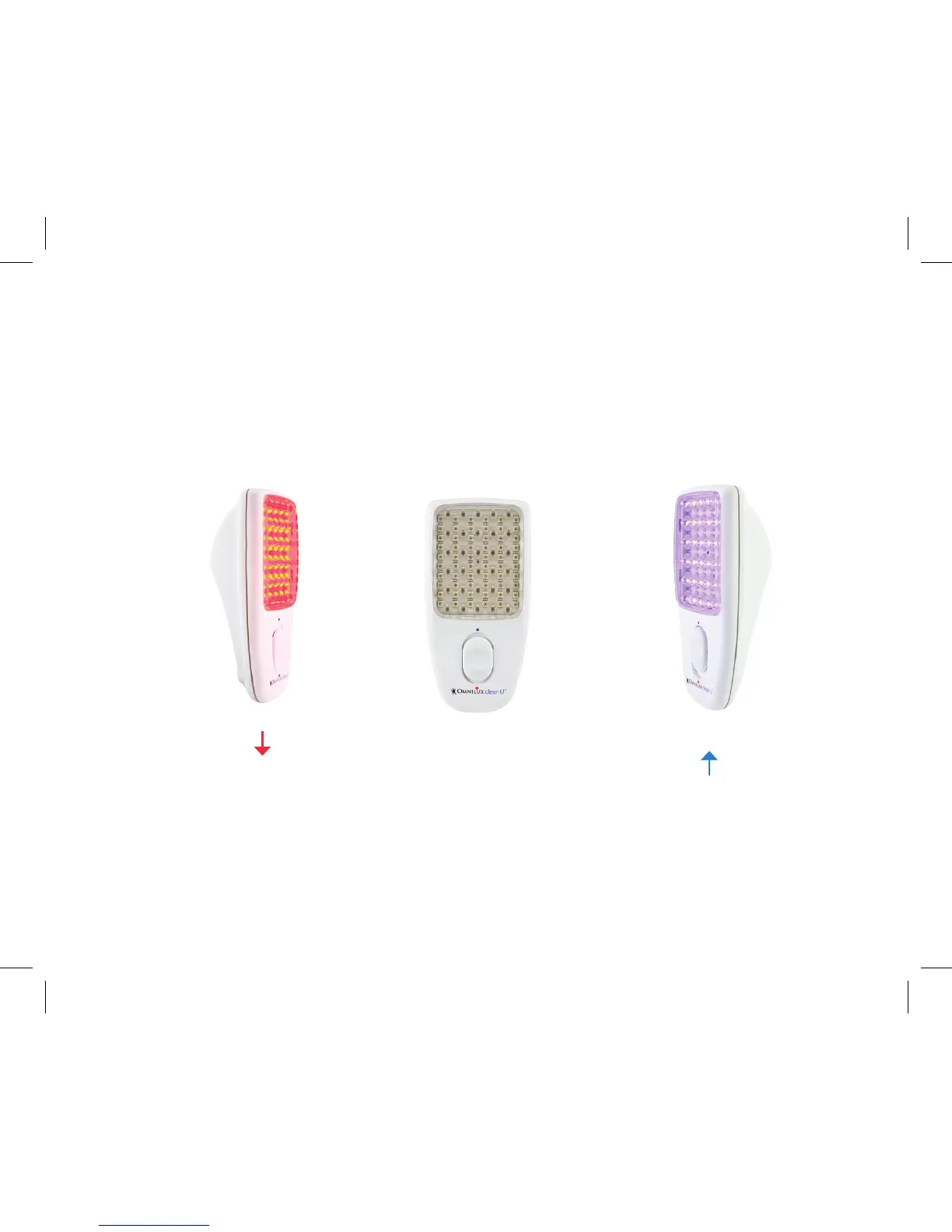
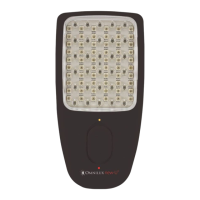
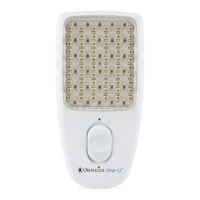
Each array is a matrix of Light Emitting Diodes (LED’s) designed to emit light of a specific brightness
(intensity) and color (wavelength). The switch on the front of the Omnilux clear-U allows you to choose
between the RED light output, the BLUE light output or the OFF position.
Omnilux clear-U treatment unit – Switch Positions
Move the switch DOWN for RED light. Move the Switch UP for BLUE light. Move the switch to the CENTER
position for OFF.
OFF
RED
BLUE


 To Next Page