14
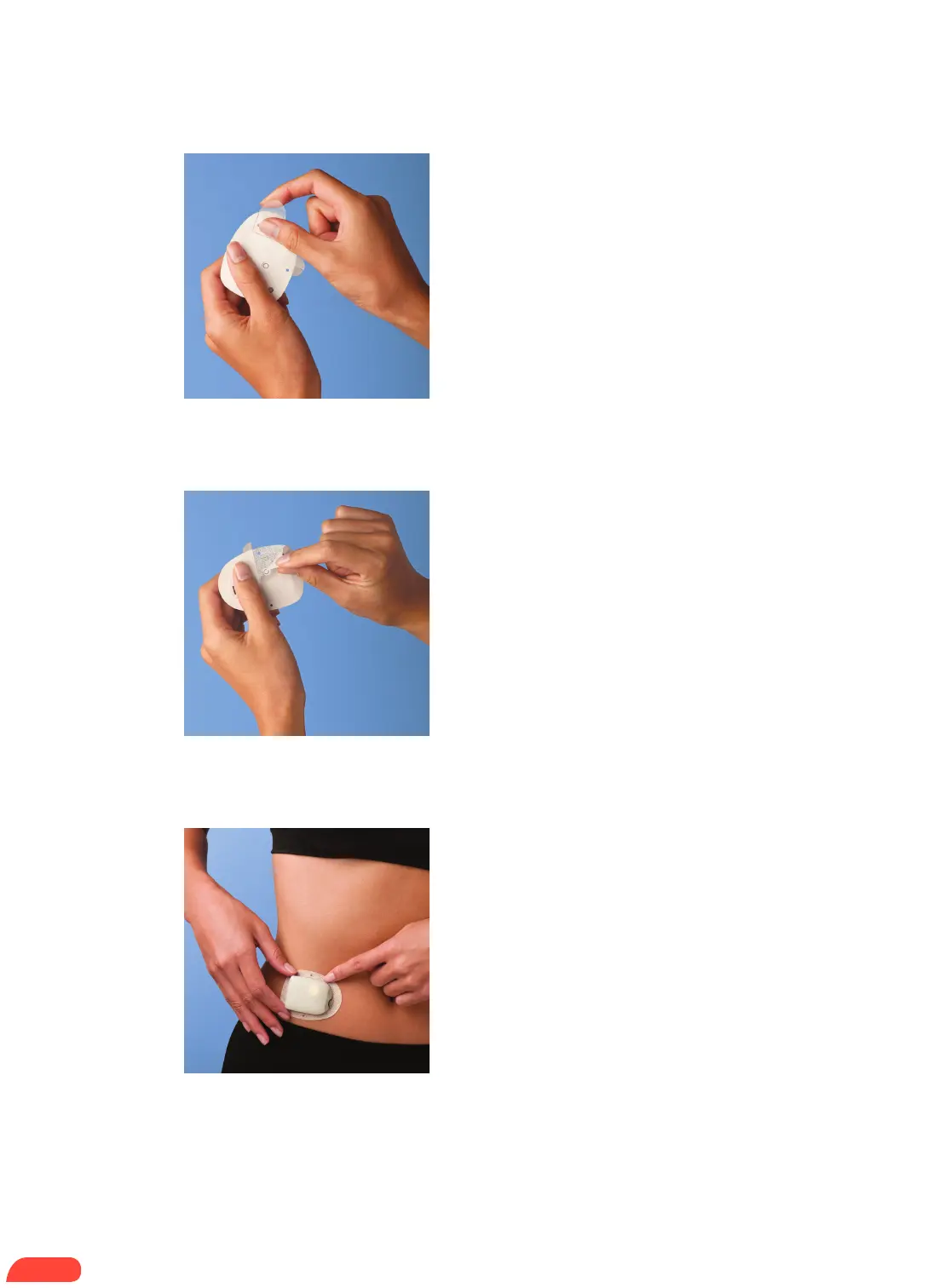
+ Remove the needle cap.
+ Remove and discard the white paper
backing from the adhesive.
+ Apply the Pod to the selected site.
+ Run your finger around the adhesive to secure it.
+ Press Next on the PDM.
+ To facilitate insertion, place one hand over the
Pod and make a wide pinch around the skin
surrounding the viewing window; this step is
critical if the insertion site does not have much
fatty tissue.
2.5
2.4
2.3
HOW TO CHANGE THE POD


 To Next Page