13
Fill a new pod with
insulin.
After filling pod, listen
for 2 beeps, then press
“Next.”
NOTE: Do not remove
needle cap at this time.
Cancel
Discard
Prepare infusion site.
Remove pod’s needle
cap and adhesive
backing.
If cannula sticks out
press “Discard.”
If pod OK, apply to site.
+ Select the infusion site, being careful to avoid
areas where the Pod will be affected by folds
of skin. The new site should be at least 2.5 cm
away from the previous site, 5 cm away from
the navel, and not over a mole or scar. Refer to
the figures on page 10 for recommended sites
and placement tips.
+ Return to the PDM. If the PDM screen times out,
press and hold the Home/power button to turn
it back on.
+ Press Next.
+ The PDM establishes a one-to-one relationship
with the Pod, which will not allow it to communicate
with any other Pod while this Pod is active. Once
the Pod successfully completes its priming and
safety checks, the PDM will beep.
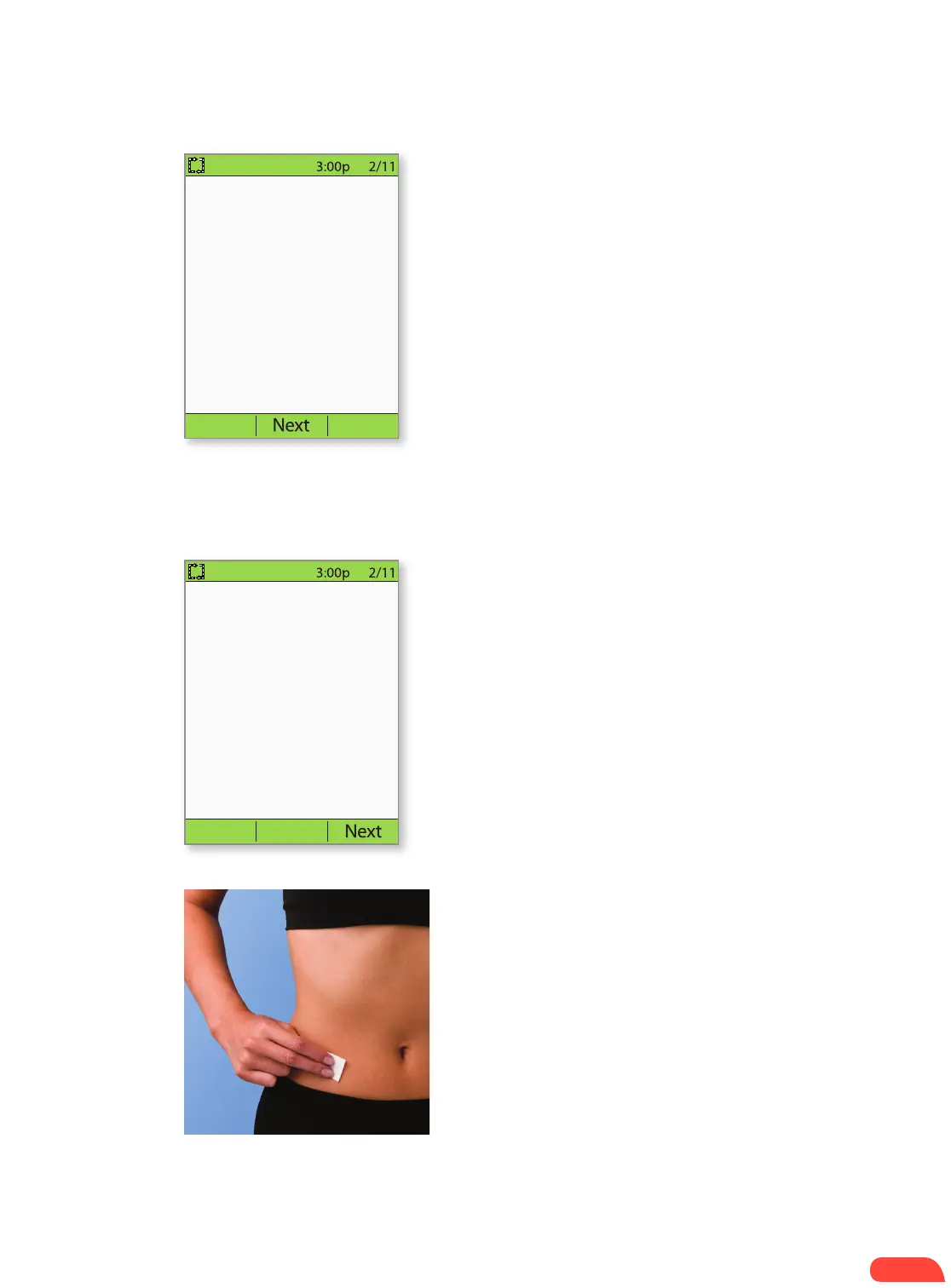
+ For optimal adhesion, always clean the site
thoroughly with an alcohol swab to remove all
body oils and lotions, which may loosen the
Pod’s adhesive. Let the site air-dry completely;
do not blow on the site to dry it.
1.5
2.1
2.2
STEP 2: APPLY THE POD
If the PDM screen times out during the process, press
and hold the Home/power button to continue.
HOW TO CHANGE THE POD


 To Next Page