18
3. Using Your Monitor
This monitor tracks readings for 1 user. If you are sharing with another, manually
track your readings separately.
3.1 Taking a Measurement
• To stop the measurement, press the [START/STOP] button once to deflate the
arm cuff.
• DO NOT use this monitor with other medical electrical (ME) equipment
simultaneously. This may result in incorrect operation and/or cause an inaccurate
reading.
• Remain still and do not talk while taking a measurement.
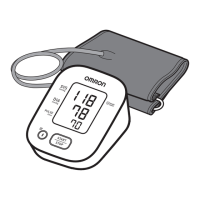
1. Press the [START/STOP] button.
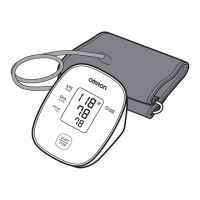
All symbols appear on the display before starting the measurement.
The battery symbol that is displayed at this time do not indicate the battery
level. They are displayed merely for confirmation.


 To Next Page