20
4. Using Memory Function
Your monitor will only store your last reading in the memory.
This monitor tracks readings for 1 user. If you are sharing with another, manually
track your readings separately.
4.1 Viewing the Readings Stored in Memory
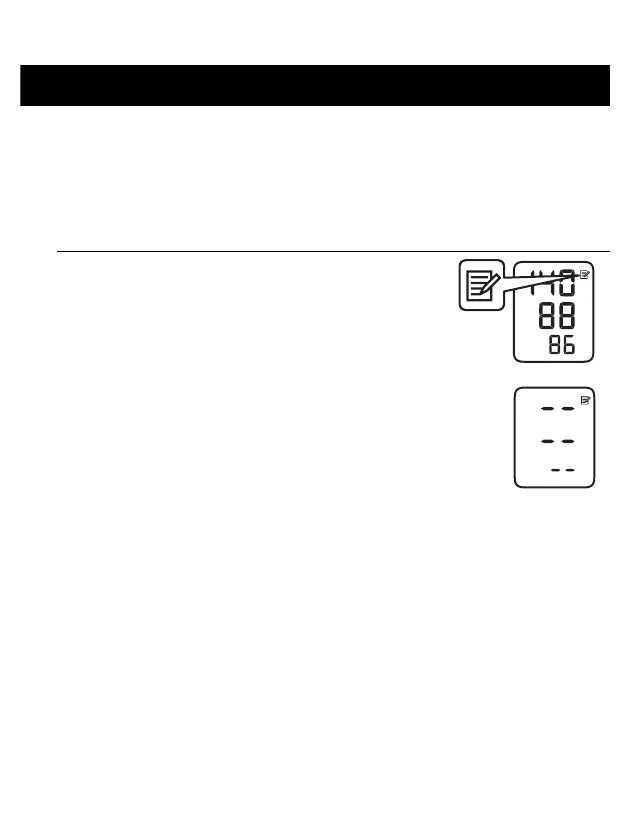
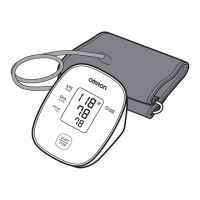
1. Press and hold the [START/STOP] button for
more than 5 seconds.
The last reading is displayed along with the memory
symbol.
• If there are no readings stored in the memory, the
screen to the right is displayed.


 To Next Page