12
KNOW YOUR UNIT
FEATURES
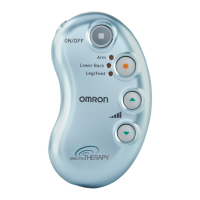
1. Threepre-setprograms(Arm,LowerBack,Leg/Foot).
2. Five intensity levels of therapy, 1 low intensity to
5 high intensity.
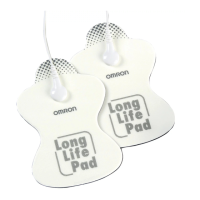
3.Pairofpads(durable,re-usable,washable,upto150uses).
(Donotusewithnon-manufacturer’spadsorelectrodecord).
BUTTONS AND THEIR FUNCTIONS
electro
THERAPY
p ain re l ief
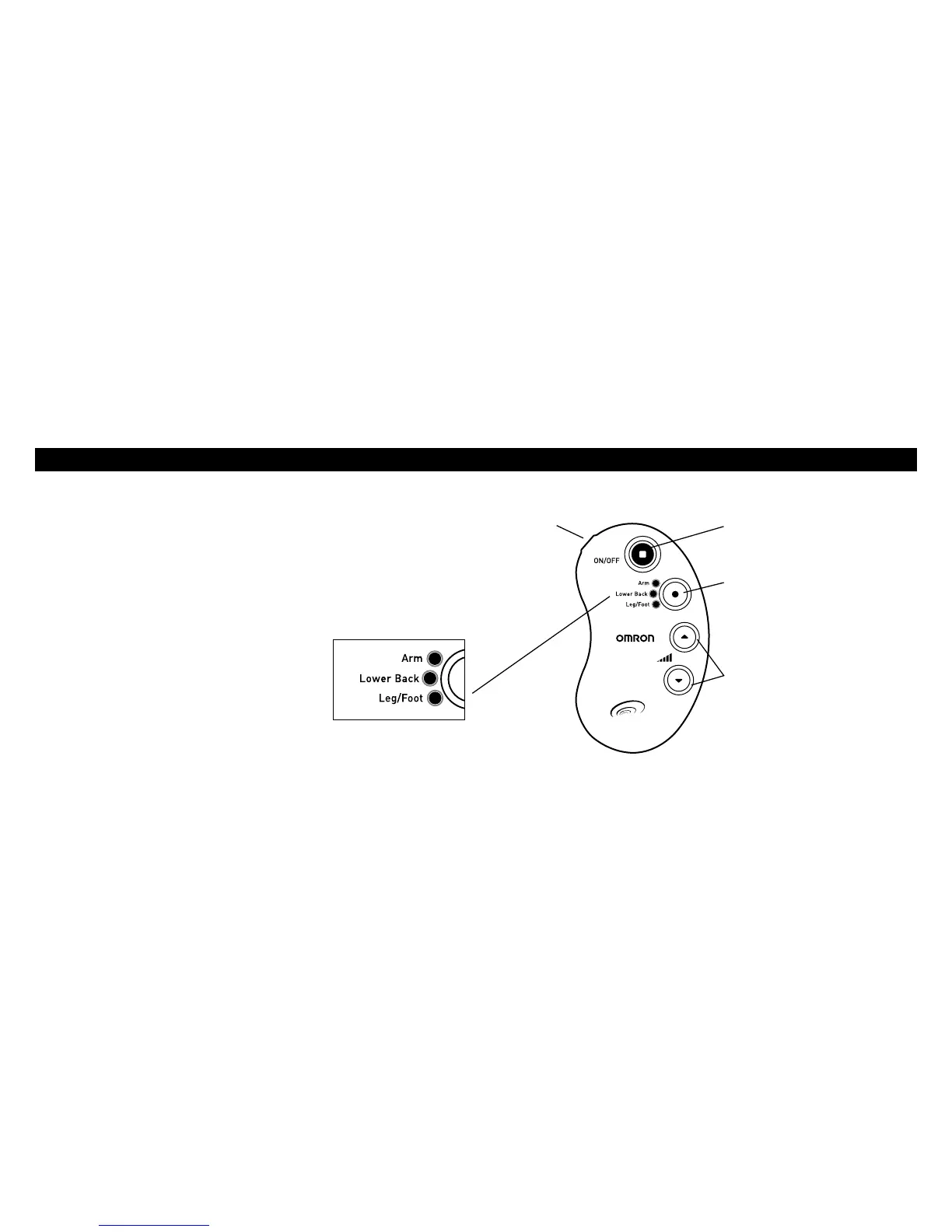
Power Button
When the button is pressed, low
frequency therapy will start.
Electrode
Cord Jack
Program Circle Button
With this button you can select
your preferred therapy area,
togetherwiththespecic
therapy program for that area.
Mode Indicator
The blinking light indicates the
operation mode. The blinking
pattern of the lights corresponds
to the selected intensity level.
Intensity Setting Button
Set according to your needs at
5 different levels.
Press▲forhigherintensity.
Press▼forlowerintensity.


 To Next Page