22
EASY STEPS TO GET STARTED WITH YOUR THERAPY
STEP 3 – SELECT THE CORRECT INTENSITY LEVEL
(1 LOW – 5 HIGH)
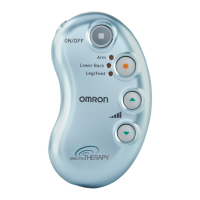
Start at the lowest intensity level and slowly increase it by
pushing the green “UP” arrow button. You should feel a gentle
pulsing sensation.
How do I pick the right intensity level for my pain?
Eachtimeyoupushthegreen“up”or“down”arrow,itmoves
to another level. If the stimulation sensation becomes weaker
or disappears, increase the intensity until it is restored. But, if
the sensation is at all uncomfortable, press the down arrow to
decrease the intensity.
• Press▲forhigherintensity.
• Press▼forlowerintensity.
What intensity level is my unit on?
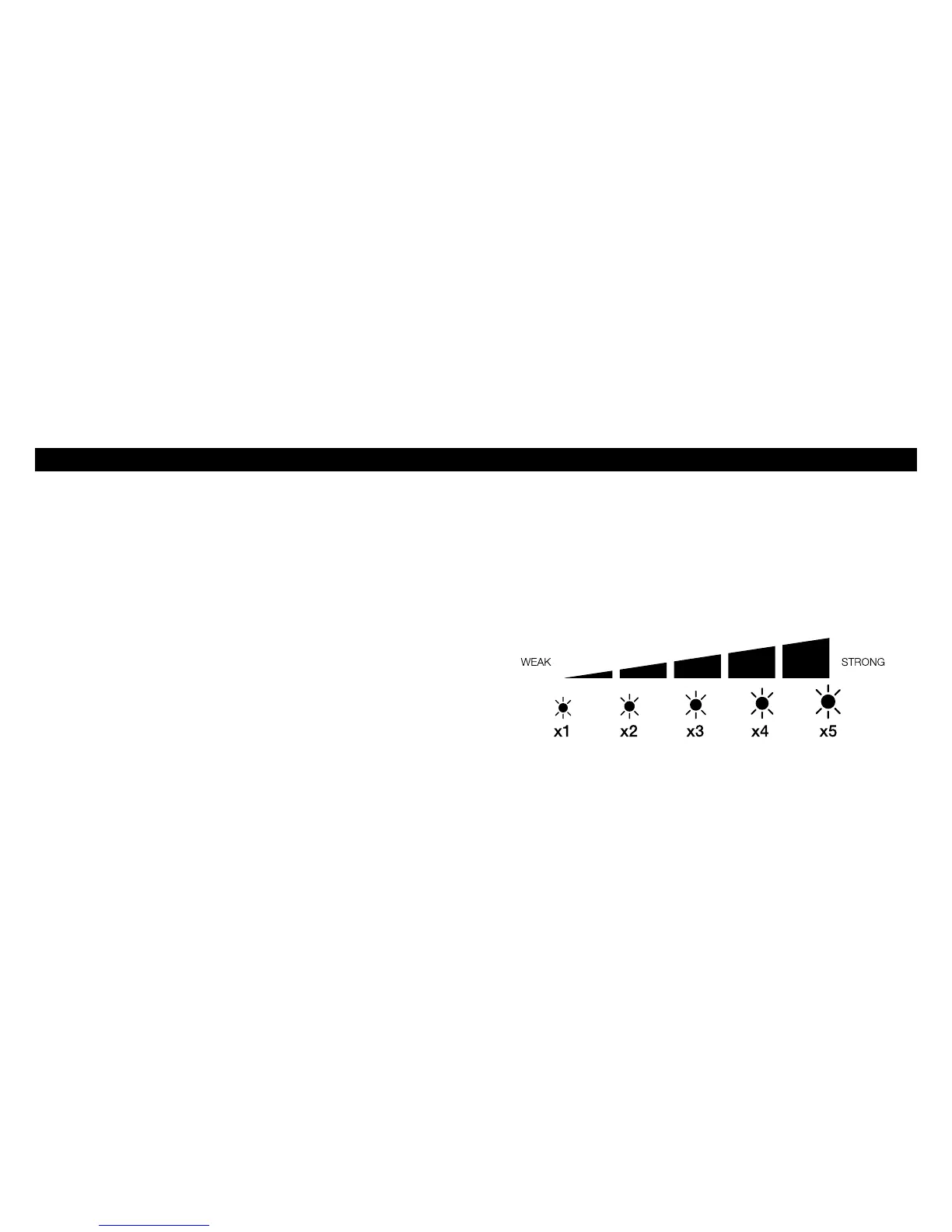
The program’s blinking light indicates the level you have selected.
For example, 2 blinks means you are at level 2, 3 blinks means
level 3 and so on.
The number of blinks corresponds to the selected intensity level.


 To Next Page