36
TAKING A MEASUREMENT
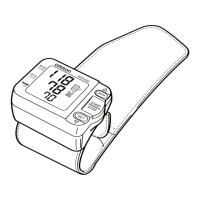
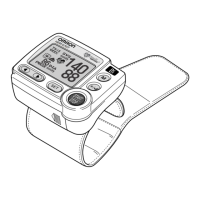
3. When the measurement finishes, the deflation
mark ( ) flashes and the wrist cuff deflates.
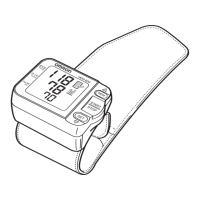
The measurement results (blood pressure values,
pulse rate, date and time) are displayed.
NOTE: To stop the inflation or measurement, press
the START/STOP button. The monitor will
stop inflating, start deflating and will turn
off.
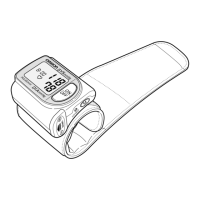
4. Press the START/STOP button to turn the monitor off.
NOTE: The monitor will automatically turn off after
2 minutes.
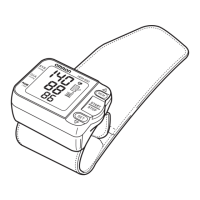
Deflation Start
Screen
Measurement Results
Display Screen
Deflation
Mark


 To Next Page