5. Recording Only an ECG
EN
EN37
4. Place your smartphone on the smartphone stand of your monitor.
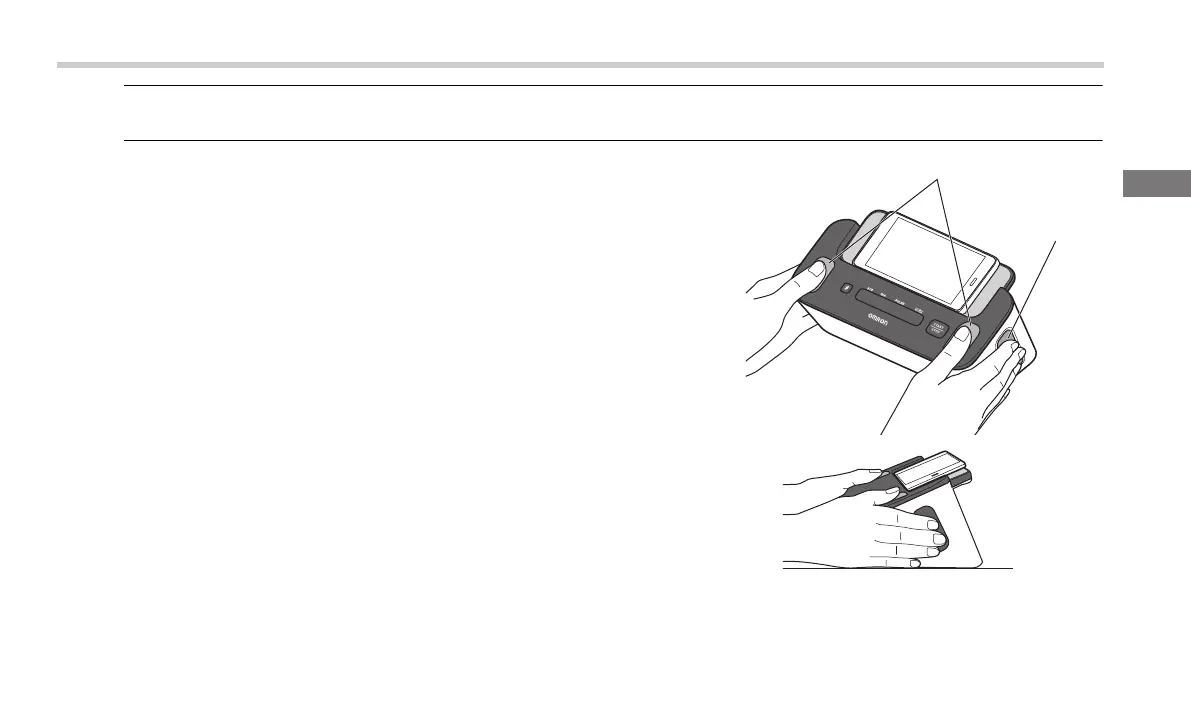
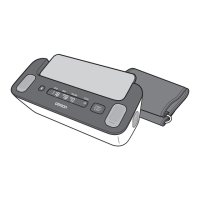
5. Touch 4 electrodes as shown in the image.
Relax your hands. Put your thumbs on the top electrodes, and 2 or more
fingers on each of the side electrodes to record your ECG.
Once fingers are placed on the electrodes, an ECG recording will
automatically start.
Note
• To reduce muscle noise, rest your arms on a flat surface for better support while
you are recording an ECG.
Top electrodes
Side electrode
(both sides)
3294330-0B_HEM-7530T-AP3-EN_IM.book Page 37 Thursday, June 2, 2022 11:30 AM


 To Next Page