12
4. Press the MEMORY /▲ button to
adjust the minute.
Each time you press the button, the
time will advance by 1 minute.
When display reaches 59, it will
return to 00.
Press and hold the button to advance
the time in 10 minute increments.
NOTE:
Press the RESET button to return the
minute to 00.
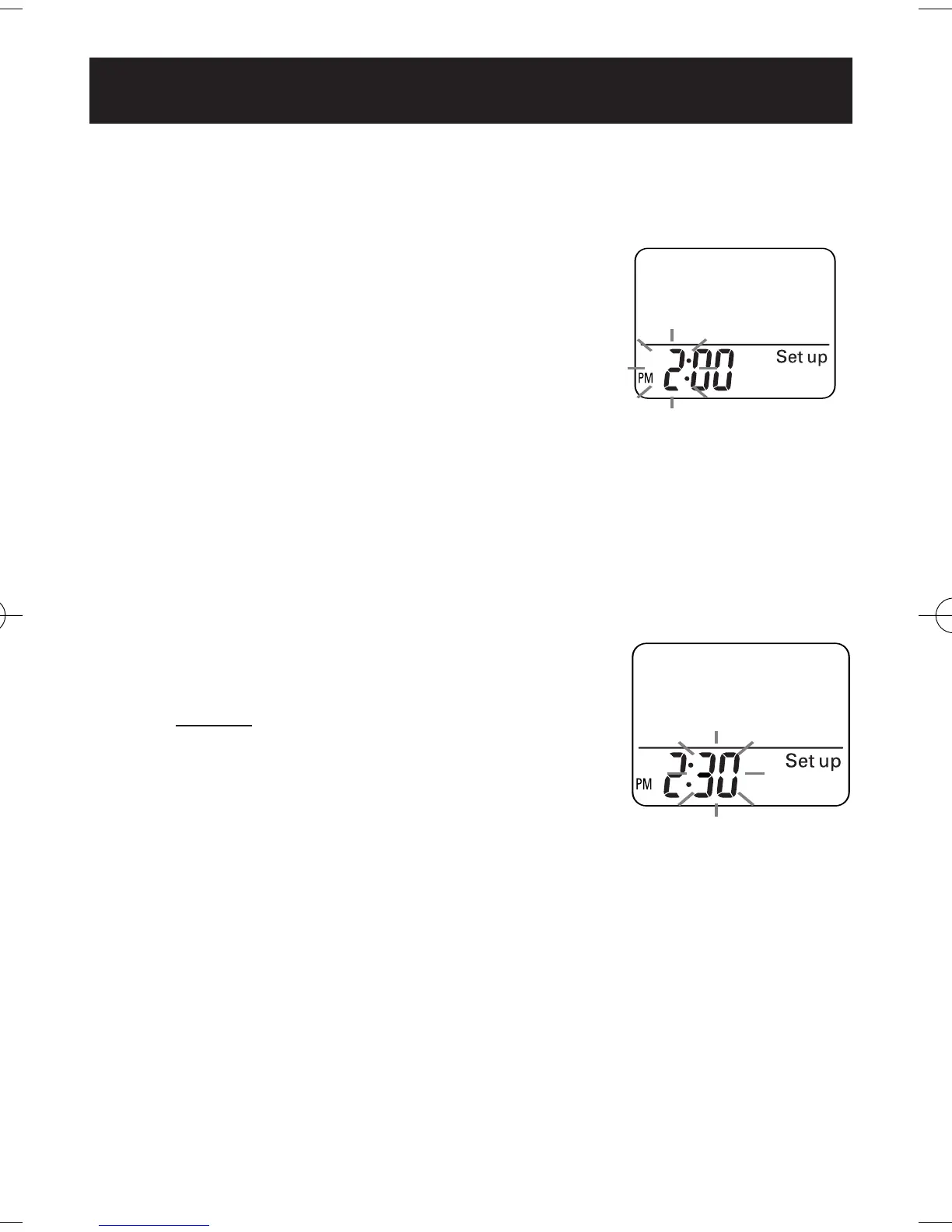
During the minute
setting, the displayed
figures will blink.
5. Press the SET button to set the minute.
Weight display blinking.
NOTE:
If the Set Buttton is not pressed for 5 minutes
without setting the time, weight or stride
length the screen will display the number
of steps and time.
SETTING THE TIME
HJ-112ES-IM.qxd 8/21/06 10:29 AM Page 12



 To Next Page
 Loading...