11
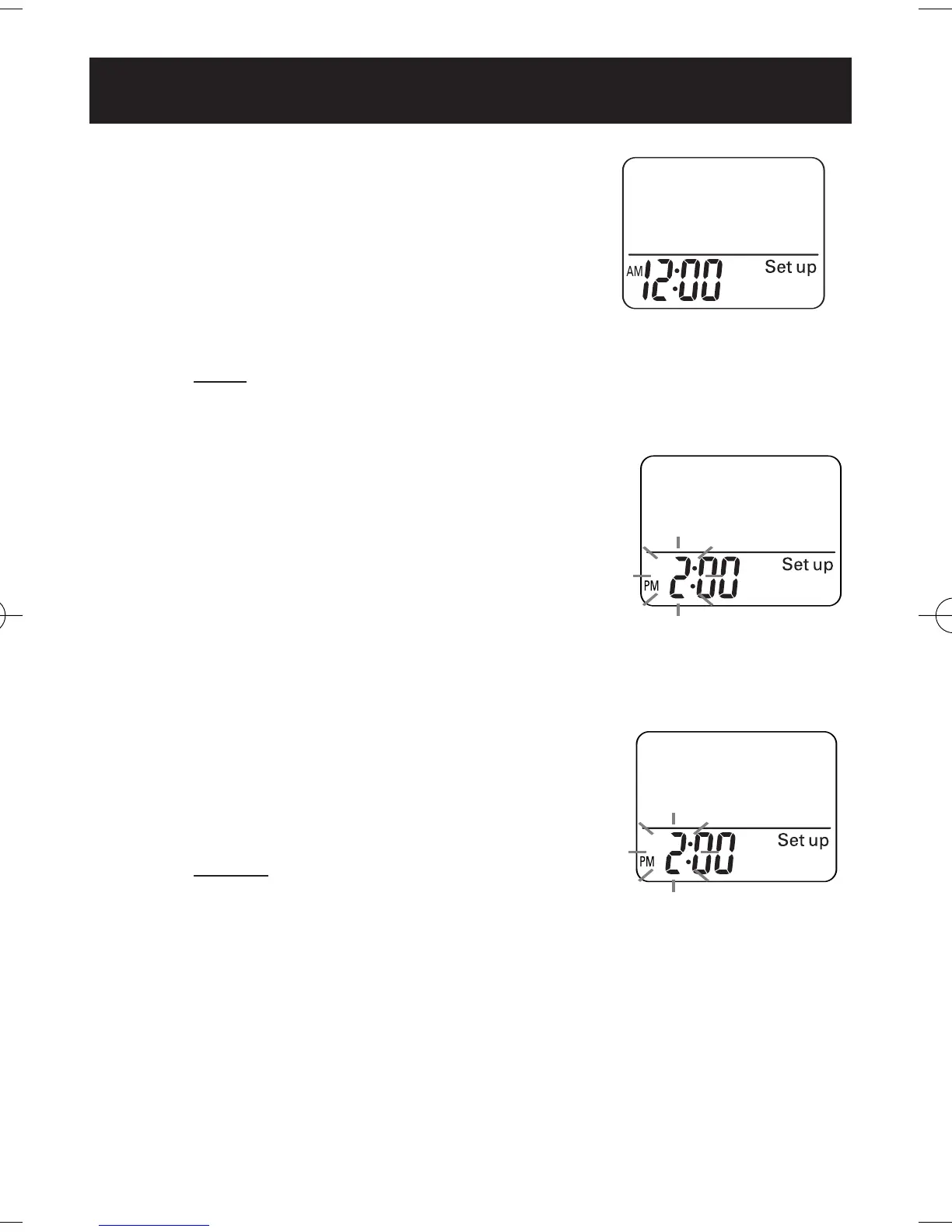
2. Press the MEMORY/▲ Button
to adjust the hour.
Each time you press the button, the
time will advance by 1 hour.
NOTE:
Press the RESET button to
return the hour to 12:00AM.
3. Press the SET button to set
the hour.
Minute display blinking.
During the hour
setting, the displayed
figures will blink.
Setting range: 12:00 AM-11:59 PM
1. Press and hold the SET Button
for 2 seconds.
The initial time setting display
will appear.
Hour
display blinking.
Initial setting of 0
will blink.
11
SETTING THE TIME
Example: to set the
time to 2:30PM
HJ-112ES-IM.qxd 8/21/06 10:29 AM Page 11



 To Next Page
 Loading...