EasyManua.ls Logo

Omron HJ-327T - Troubleshooting; Troubleshooting Common Issues

Omron HJ-327T
33 pages
Print Icon
To Next Page IconTo Next Page
To Previous Page IconTo Previous Page
Loading...
20
CONTENTS BEFORE USING INSTRUCTIONS MAINTENANCEMAINTENANCE
TROUBLESHOOTING
Problem
Probable Cause
How to Correct
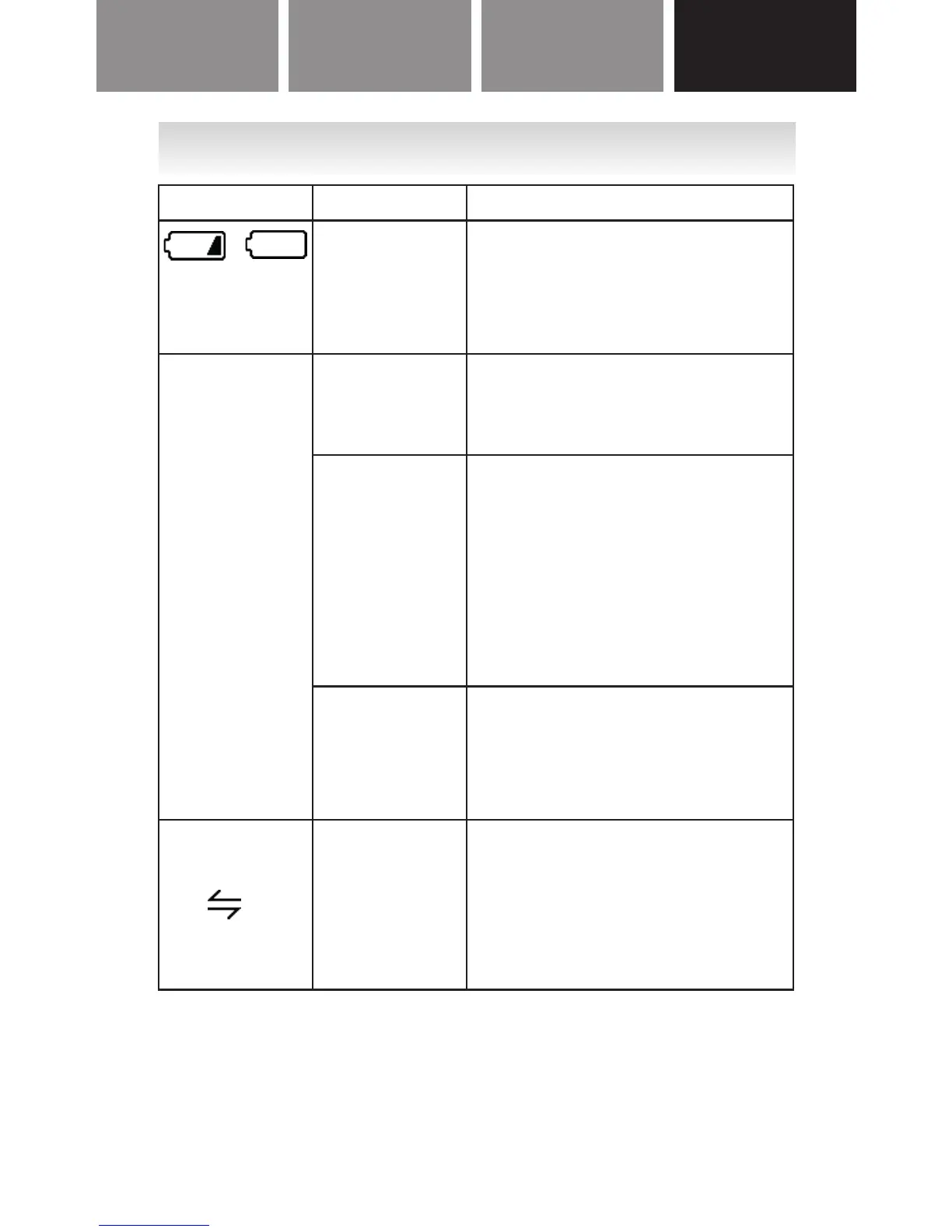
/
is displayed
The battery
is low/
exhausted.
Replace the battery with
a new 3V CR2032 lithium
battery. (Refer to “BATTERY
REPLACEMENT”.)
Nothing is
displayed.
Battery
saving mode
is active.
Refer to “Battery saving
mode” in “USING THE
TR ACKER”.
The
polarities of
the battery
(+ and -) are
aligned in
the wrong
directions.
Insert the battery in the
correct alignment. (Refer
to “INSERTING THE
BATTERY”.)
The battery
is exhausted.
Replace the battery with
a new 3V CR2032 lithium
battery. (Refer to “BATTERY
REPLACEMENT”.)
The
HELLO!
and
are
alternately
displayed.
The battery
is low.
Replace the battery with
a new 3V CR2032 lithium
battery. (Refer to “BATTERY
REPLACEMENT”.)
go to next page