Appendix A
A-6
NJ/NX-series Database Connection CPU Units User’s Manual (W527)
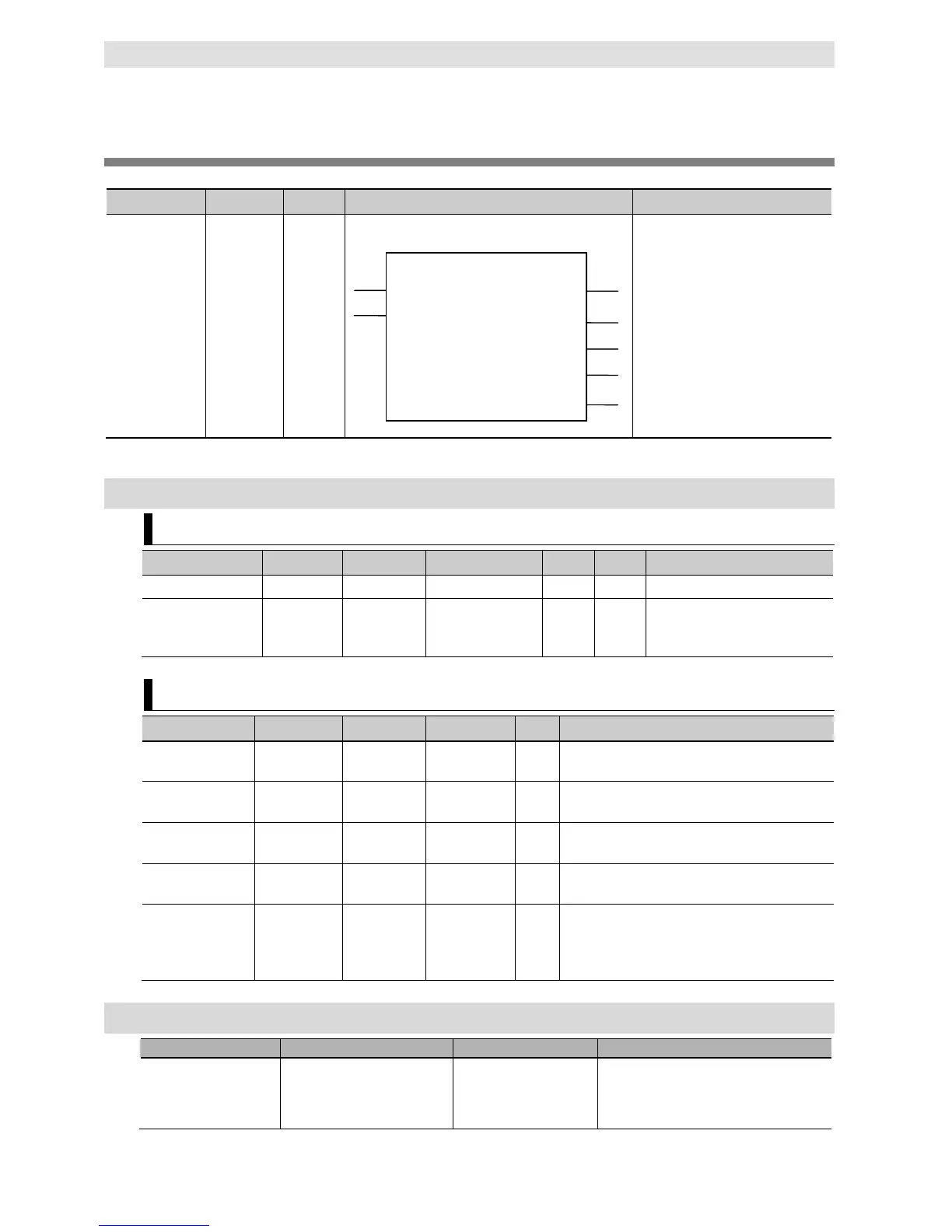
DB_Connect (Establish DB Connection)
The DB_Connect instruction connects to a specified DB.
DB_Connect Establish
DB
Connection
FB
DB_Connect_instance(Execute,
DBConnectionName, Done, Busy,
Error, ErrorID, DBConnection);
Note The DB_Connect_instance is an instance of DB_Connect instruction, which is declared as a variable.
Variables
Input Variables
Specify the execution condition.
DBConnectionName DB
Connection
STRING 17 bytes max.
(including the final
--- ‘’ Specify a DB Connection name
set on Sysmac Studio.
Output Variables
--- TRUE when the instruction is normally completed.
Busy Executing BOOL TRUE or
--- TRUE when the instruction is being executed.
Error Error BOOL TRUE or
--- TRUE when the instruction is terminated due to an
ErrorID Error Code WORD 16#0000 to
--- Contains the error code when an error occurs.
DBConnection DB
Connection
DWORD 16#00000000
to
16#FFFFFFFF
--- Outputs a DB Connection.
Specify this DB Connection in DB_CreateMapping,
DB_Insert, DB_Update, DB_Select, DB_Delete,
and DB_Close instructions.
Related System-defined Variables
_EIP_EtnOnlineSta Online BOOL Status of the communications function of
the built-in EtherNet/IP port.
TRUE: Can be used.
DB_Connect
Busy
Execute
Done
Error
ErrorID
DBConnection
DBConnectionName


 To Next Page
 Loading...