Appendix A
A-18
NJ/NX-series Database Connection CPU Units User’s Manual (W527)
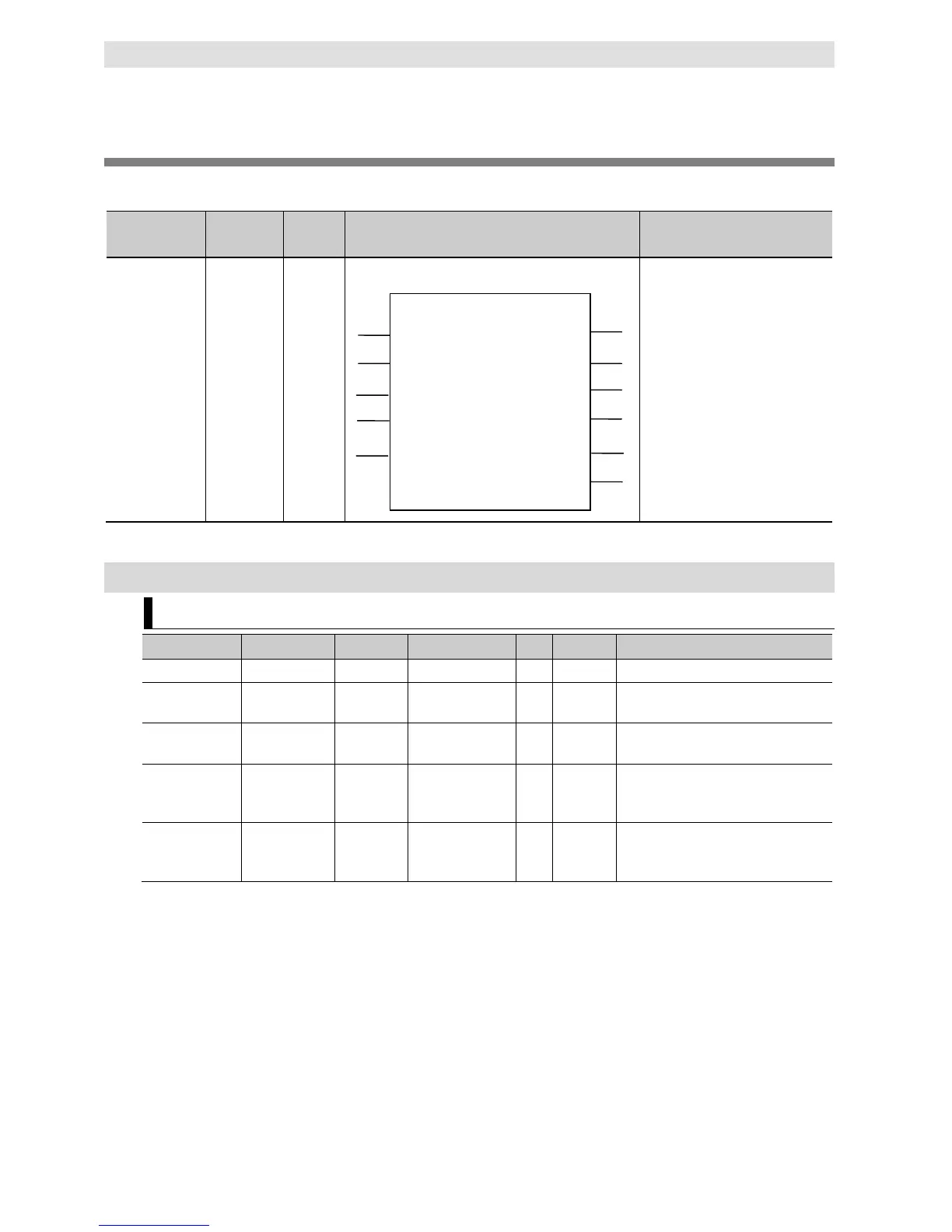
DB_Update (Update DB Record)
The DB_Update (Update DB Record) instruction updates the values of a record of a table with the
values of a DB Map Variable.
Instruction Name FB/FUN Graphic expression ST expression
DB_Update Update DB
Record
FB
DB_Update_instance (Execute,
DBConnection, MapVar, Where,
TimeOut, Done, Busy, Error,
ErrorID, RecCnt, SendStatus);
Note The DB_Update_instance is an instance of DB_Update instruction, which is declared as a variable.
Variables
Input Variables
Specify the execution condition.
DBConnection DB Connection DWORD 16#00000000 to
Specify the DB Connection established
by a DB_Connect instruction.
--- --- Specify the DB Map Variable mapped
by a DB_CreateMapping instruction.
Where Retrieval
Conditions
STRING 1,986 bytes max.
(including the final
--- '' Specify a text string that expresses
retrieval conditions (WHERE clause).
(‘WHERE’ is not included.)
TimeOut Timeout TIME T#0s,
T#0.05s to
--- T#0s Specify the time to detect timeout.
When T#0s is specified, timeout is not
* When the database is case sensitive, specify the column name as shown below.
When connecting to MySQL, enclose the column name in single-byte backquotes
Example: `ColumnA`
When connecting to other databases, enclose the column name in single-byte double quotes.
Example: “ColumnA”
DB_Update
SendStatus
DBConnection Busy
Execute
Done
Error
ErrorID
MapVar
Where
RecCnt
TimeOut
DB_Update_instance


 To Next Page
 Loading...