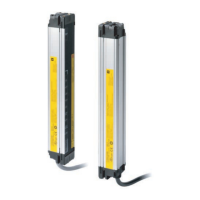
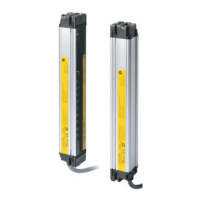
6-4. External dimensions to attach the top/bottom brackets (F39-LJB1) and intermediate brackets (F39-LJB2)
[ Unit : mm ]
[Backside mounting]
If the protective height exceeds 545 mm, use the intermediate brackets as many as and on the positions specified in the
dimensional drawing. Otherwise ratings/specifications cannot be satisfied.
If load is applied to the sensor unit in your environment, add intermediate bracket(s).
Dimensions A to E and P
Dimensions E
* Value E must be 530 mm or less when not using value E obtained from the calculation above.
AC+69
BC+42.2
C 4-digit number of the type name (protective height)
DC-45
E Depends on the protective height. See the table below.
P20
Protective height Number of Intermediate Brackets Dimensions E
0225 to 0545 0 -
0625 to 1105 1 B/2
1185 to 1585 2 B/3
1665 to 1985 3 B/4



 To Next Page
 Loading...