8
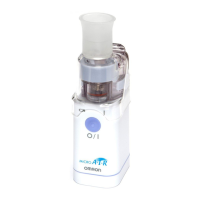
10. Container
Contains the medication (7 ml max.)
11. Medication container release button
Medication container can be removed when the
buttons on both sides are pushed.
12. Electrodes
Connects the main unit with the vibrator.
13. Battery Low Indicator
An orange light blinks when the batteries are low.
14. ON/OFF button
15. Electrodes
Connects the vibrator with the main unit.
16. Power indicator
A green light turns on when the power is on.
17. Main unit
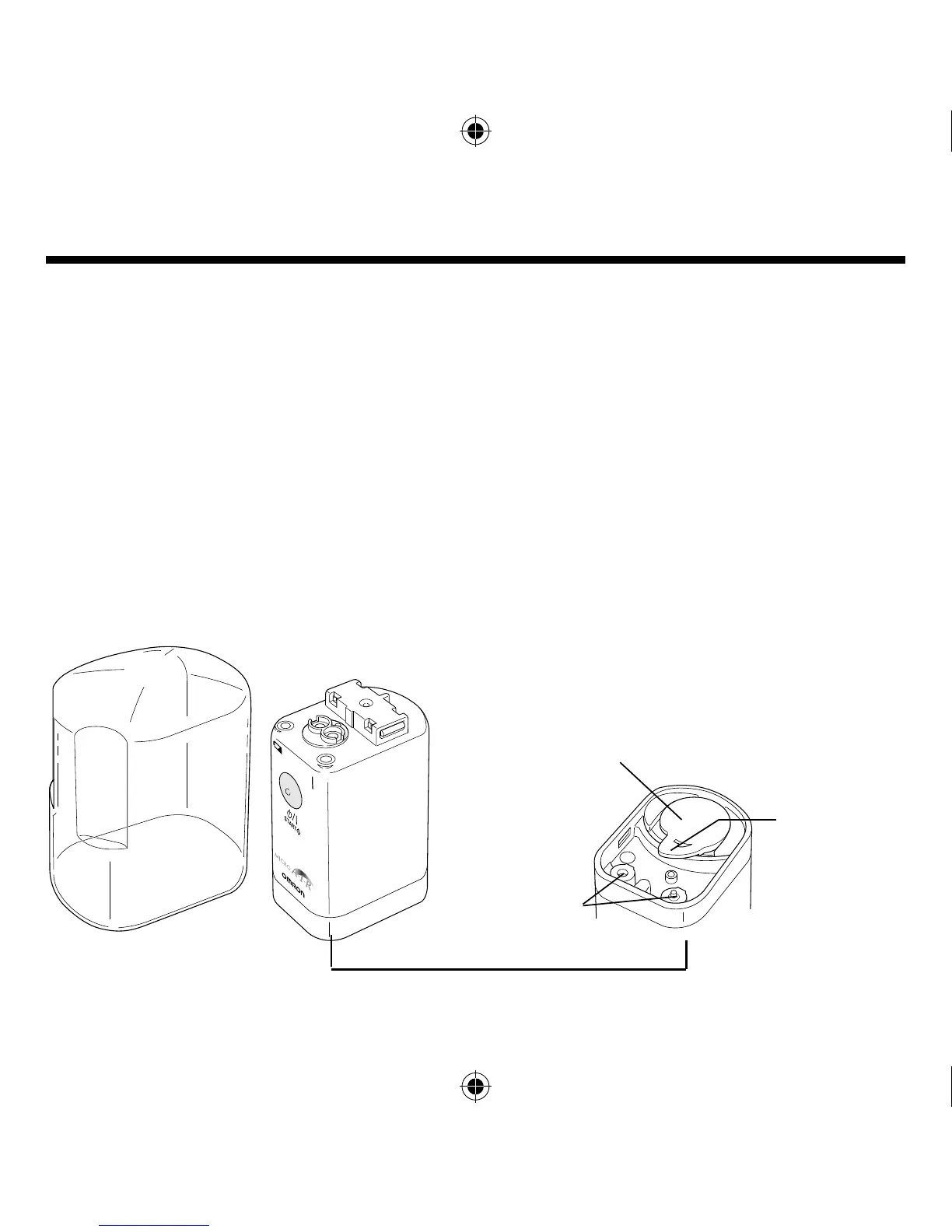
Battery Cover
Connections
for AC adapter
Viewed from the
bottom
Battery cover
removal lever
Main unit cover
Protects the main unit.
Names and functions of the parts








 To Next Page