28
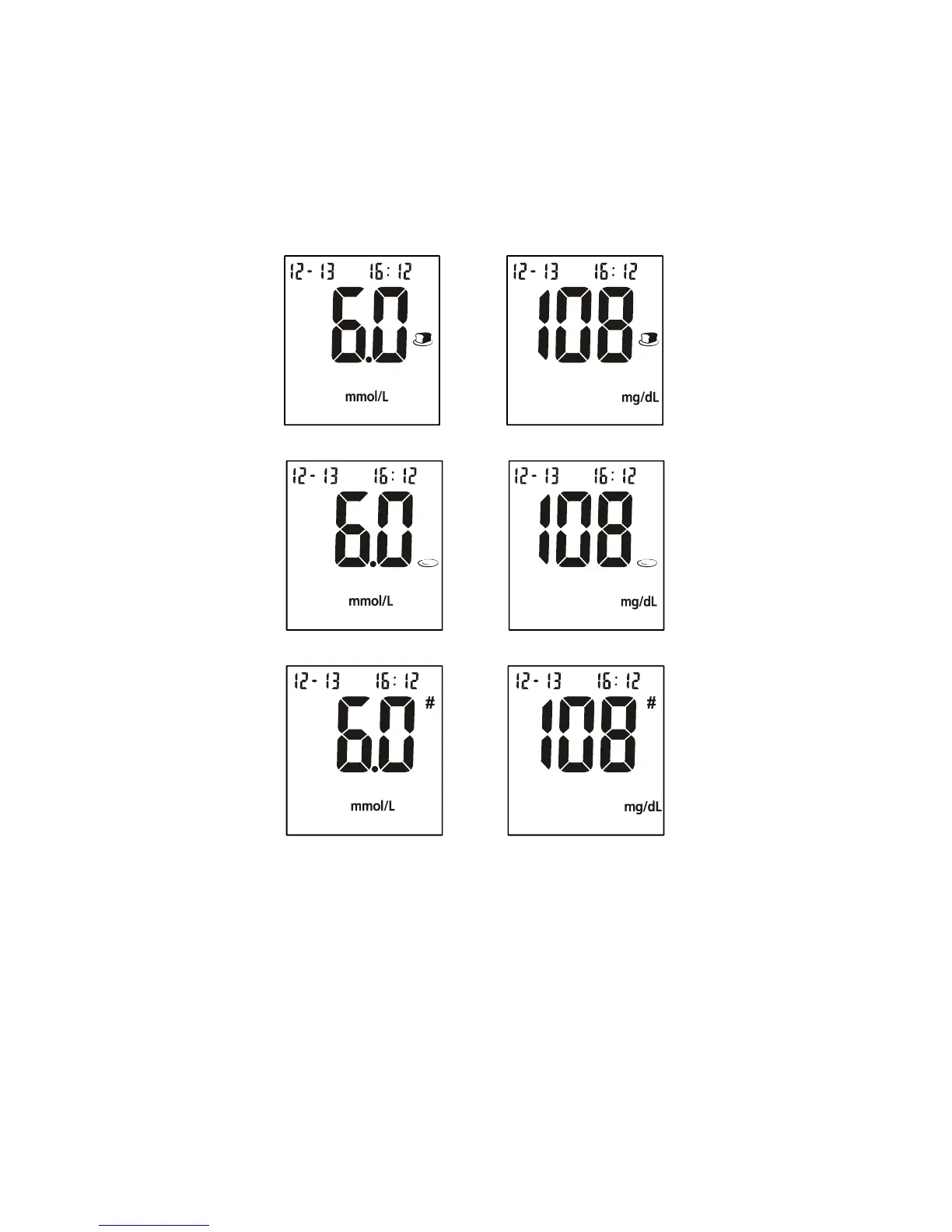
◄ button when meal marker symbol is flashing to switch the marker from
“before meal”, “after meal”, no marker or invalid result. After deciding the
selection, press the ► button to confirm the selection for either “before meal
marker”, “after meal marker”, “invalid result” with pound sign (#) or none of
these three symbols. If an invalid result is marked, run the test again with a
new test strip.
Note:
• The default “before meal” time periods are 5:00-7:59, 10:00-11:59 and
15:00-17:59.
• The default “after meal” time periods are 8:00-9:59, 12:00-14:59 and
18:00-20:59
If an error message appears on the display, refer to the Troubleshooting
Guide on page 39. If a “HI” or “LO” error appears on the display, refer to “HI”
and “LO” messages below.
OR
OR
OR


 To Next Page