Getting Started
8
N300RE WiFi Range Extender
Ethernet Port Connection
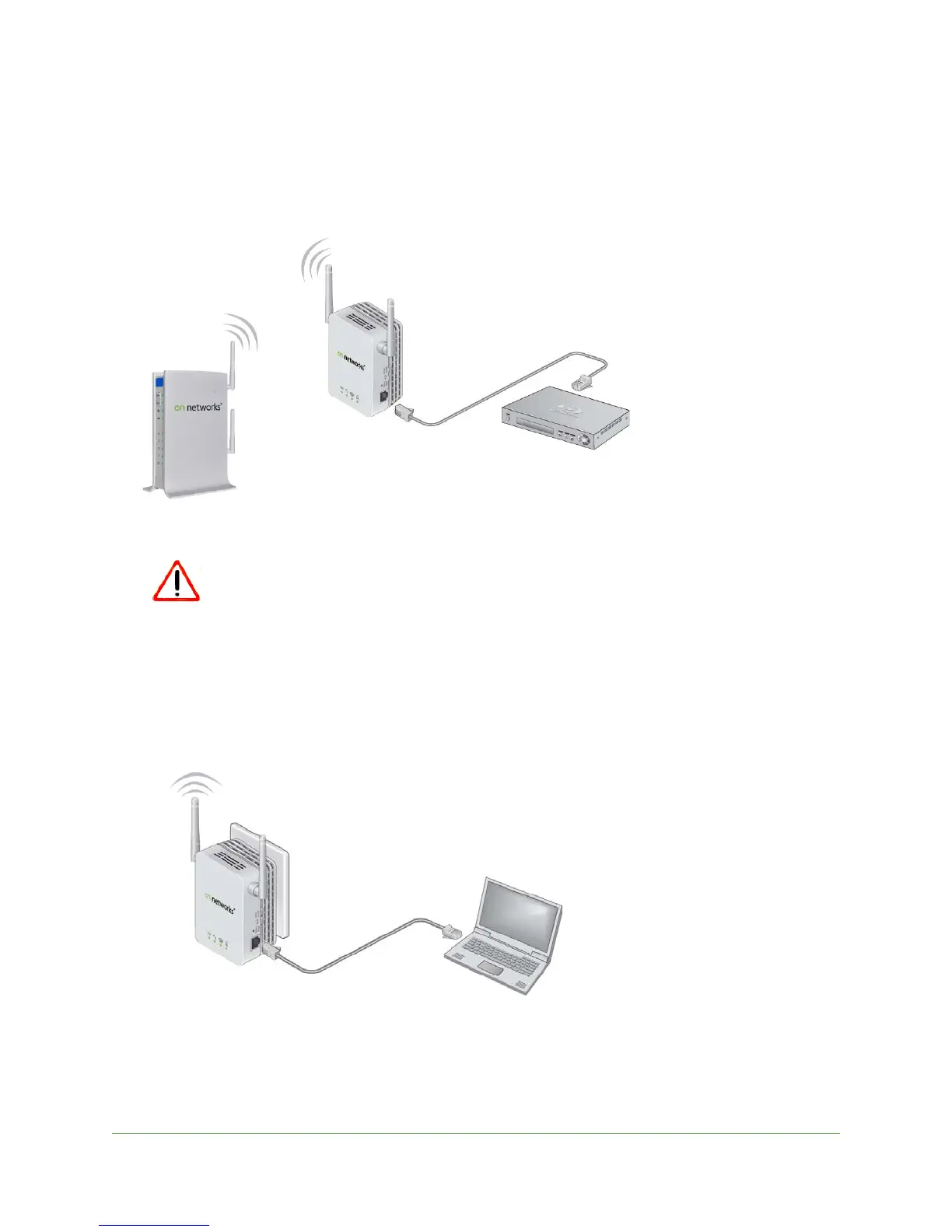
Usually, you connect to the extender wirelessly, but you can use its Ethernet port to connect a
wired device such as an Ethernet-enabled gaming console, printer, or computer.
Blu-ray player
WiFi router
N300RE Range Extender
Figure 4. Ethernet port connection.
Do not use an Ethernet cable to connect the extender to a router. If you do
so, the extender does not work because it is designed only to use a
wireless connection to the router.
To cable a computer to the extender:
1. P
lug the extender into an electrical outlet.
2. Co
nnect your computer to the extender with an Ethernet cable.
3. Launch a web browser.
The first time you connect to the exte
nder, EZ Setup displays. See Use EZ Setup after
Installation on p
age 10.
If you already set up the extender, your browser connects to the Internet.

 To Next Page
 Loading...