www.onbonbx.com Page 16
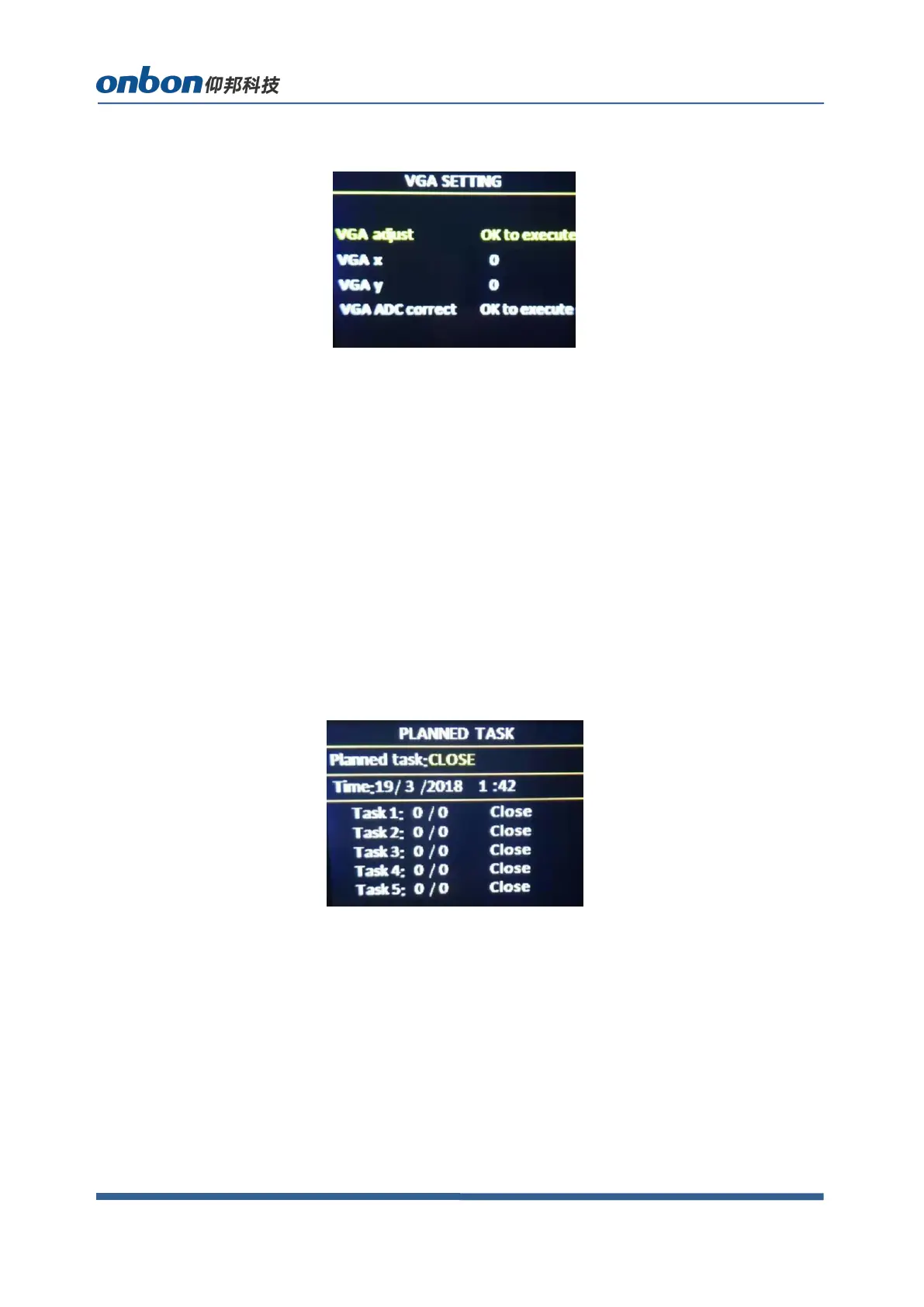
Select “VGA SETTING”,as below:
VGA X:adjust range 0-300。
VGA Y:adjust range 0-300。
Note:
(1)Adjust range of VGA X and VGA Y is decided by system.
(2)When there’s excursion of VGA input signal in display, users can click “Auto adjust”
as to display correctly. And if“Auto adjust”is invalid, users can adjust“VGA horizontal start”
and “VGA vertical start” manually.
(3)If the screen of GA input signal source is a little darker, users can adjust by “VGA ADC”
or “DV ADC”.
4. PLANNED TASK
Choose “PLANNED TASK” in “OPTION”
Note:
(1)Users must do calibration for the clock in system, then, you can use PLANNED TASK
function, calibration will be done by PC software.
(2)Users can set many tasks, use different user mode in different time (users need to save
user modes first), task setting will be done by PC software.
(3)When users opened the function of PLANNED task and it’s valid, you can open or close
at any time by LCD menu.
5. Other settings


 To Next Page
 Loading...