6.5 After-sale Efficiency Triple Camera Calibration
6.5.1 Calibration Scenario
The Device will show”All Engineer Camera to take picture and record video” to allow. All mobile phones
that have been disassembled and repaired must be calibrated before they can be returned to the user.
6.5.2 Calibration Tool
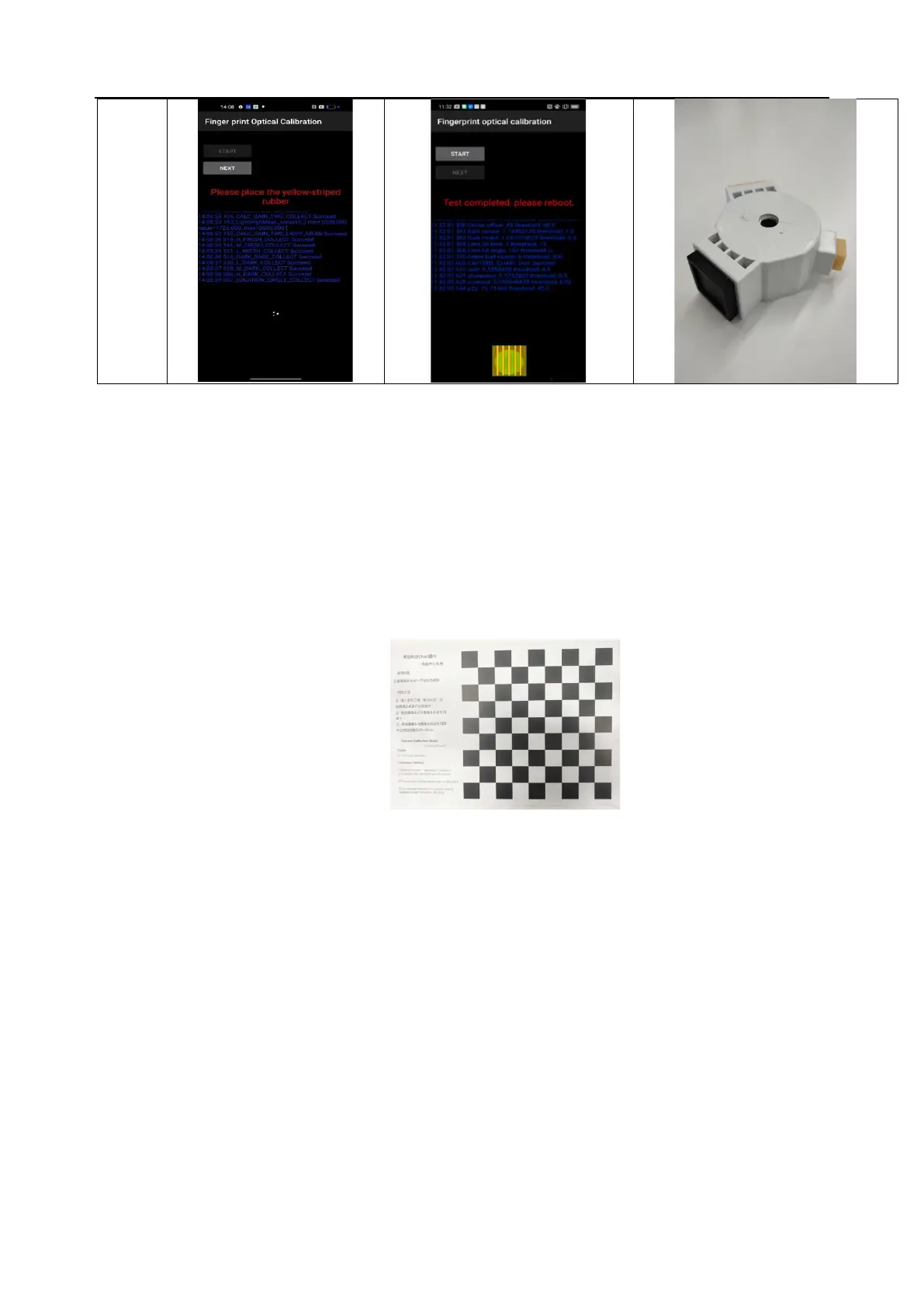
After-sales calibration Chart,
As shown in Figure 6.4.2-1:
Figure 6.3.2-1
6.5.3 Calibration Method
After entering the calibration interface, the first step is to select "After-sales three-camera calibration",
align the yellow frame with the edge of the black and white grid on the chart, and then click to take a
photo. The mobile phone will enter the calculation interface. Do not perform any operations during the
calculation until the calibration shows "Pass"; then select "After-sales three-camera calibration (105cm)"
to calibrate in the same way until the calibration shows "Pass". If "failed" is displayed all the time, you
need to reinstall or replace the hardware for troubleshooting.



 To Next Page