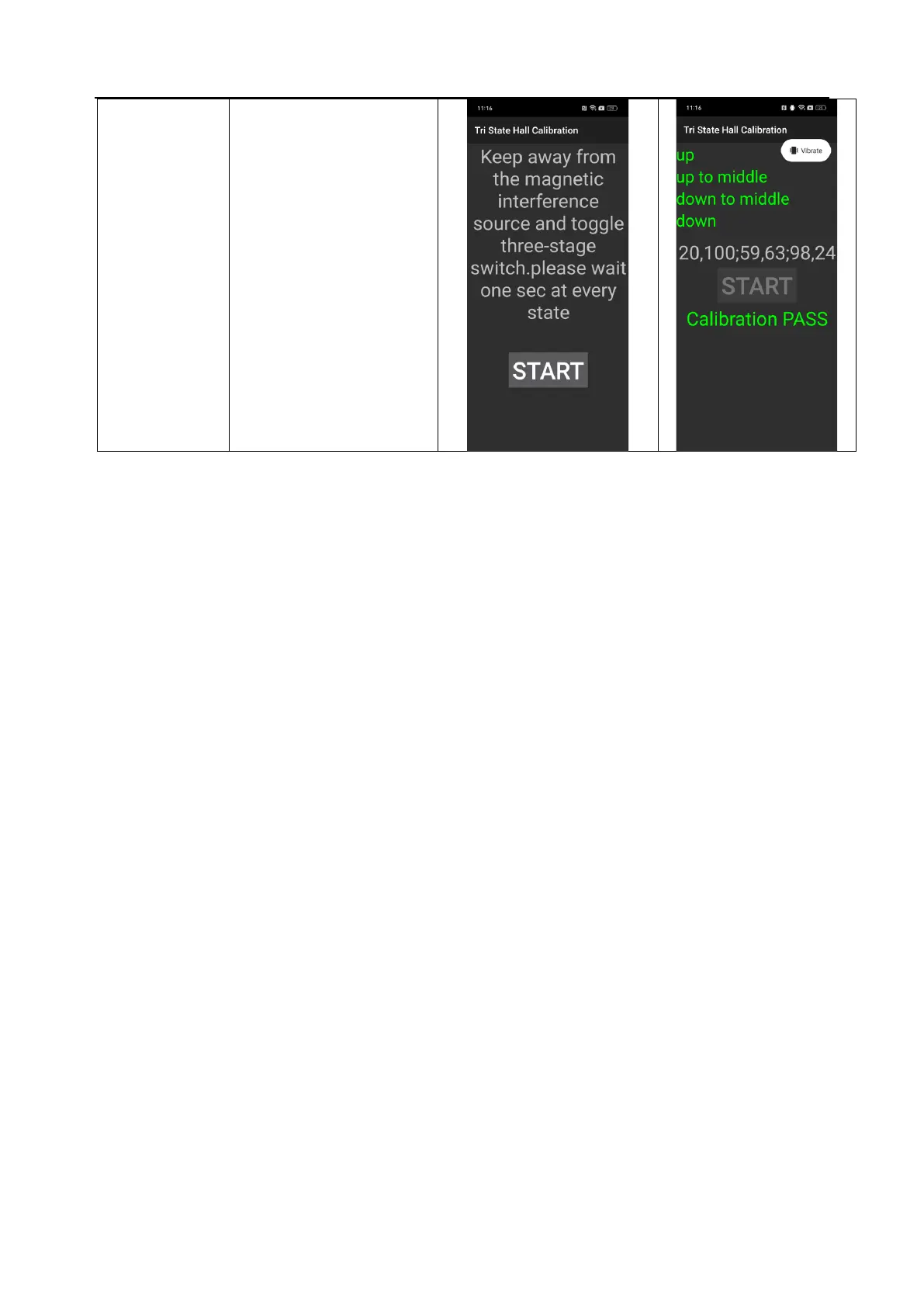
1. Select " Tri State Hall
Calibration " to enter the
calibration interface;
2. Click the "Start" button, and
then toggle the mute button on
the right side of the phone until
the calibration is passed.
Pay attention to stay away from
magnetic field interference
during the calibration process.
such as magnets, etc.
At this point, the calibration process has ended. After the calibration process is completed, the phone must be
restarted for the calibration to take effect! Enter functional testing after restarting.



 To Next Page