19
OneScreen
TL6
All your collaboration tools are right here
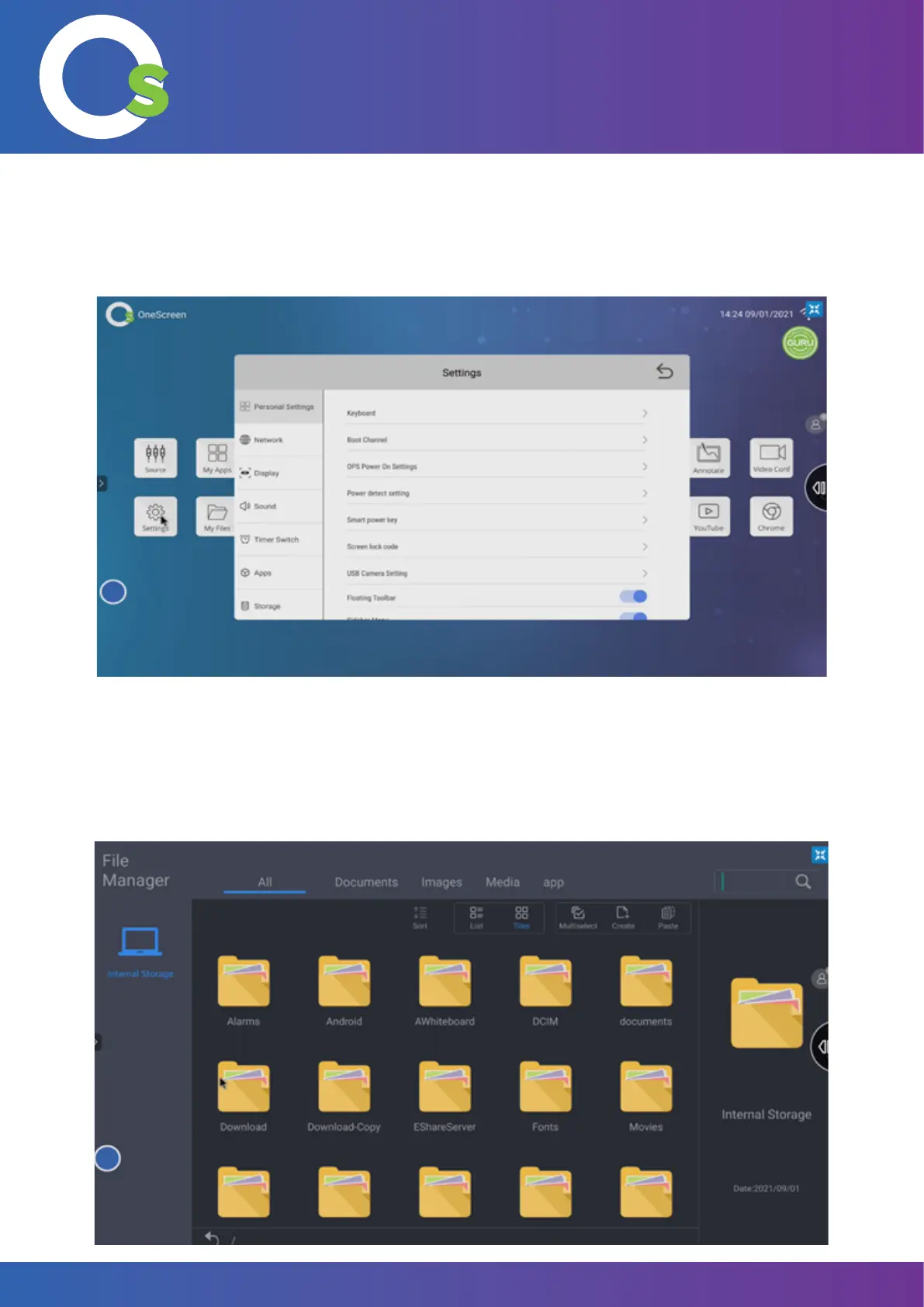
7.1.5 My Files
All downloaded/saved content, or external folder content can be accessed from “My Files”. Simply select the folder,
and tap on the le that needs to be opened.
7.1.4
Settings
Settings allow you to change Personal, Network, Display, Sound and App settings (among others). For more
details, refer to page 26.


 To Next Page