20
OneScreen
TL6
All your collaboration tools are right here
7.1.6 EShare
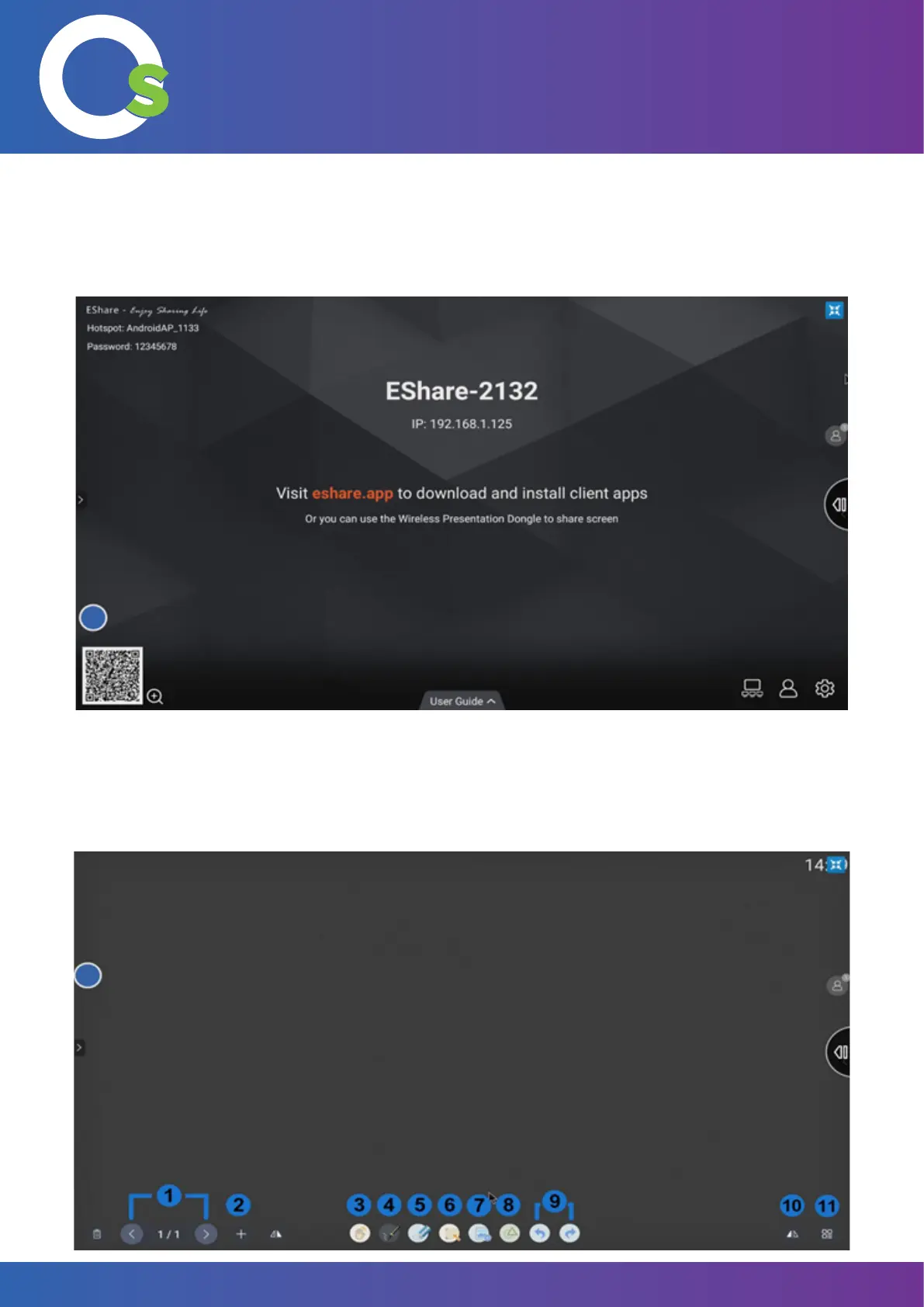
The EShare application can be accessed by clicking on the “EShare” button. Further information about the multi-
screen interaction platform can be found on page 29.
7.1.7
Write
“OneScreen Write” is an interactive whiteboard application giving users an unrivaled experience for collaboration,
teaching, document editing and brainstorming situations.


 To Next Page