21
OneScreen TL6
All your collaboration tools are right here
1. Move between multiple whiteboard pages 7. Insert image option
2. Add a new page 8. Insert tool option
3. Scroll tool 9. Undo and redo keys
4. Pen Tool 10. Flip location of options key
5. Eraser tool 11. More options
6. Select tool
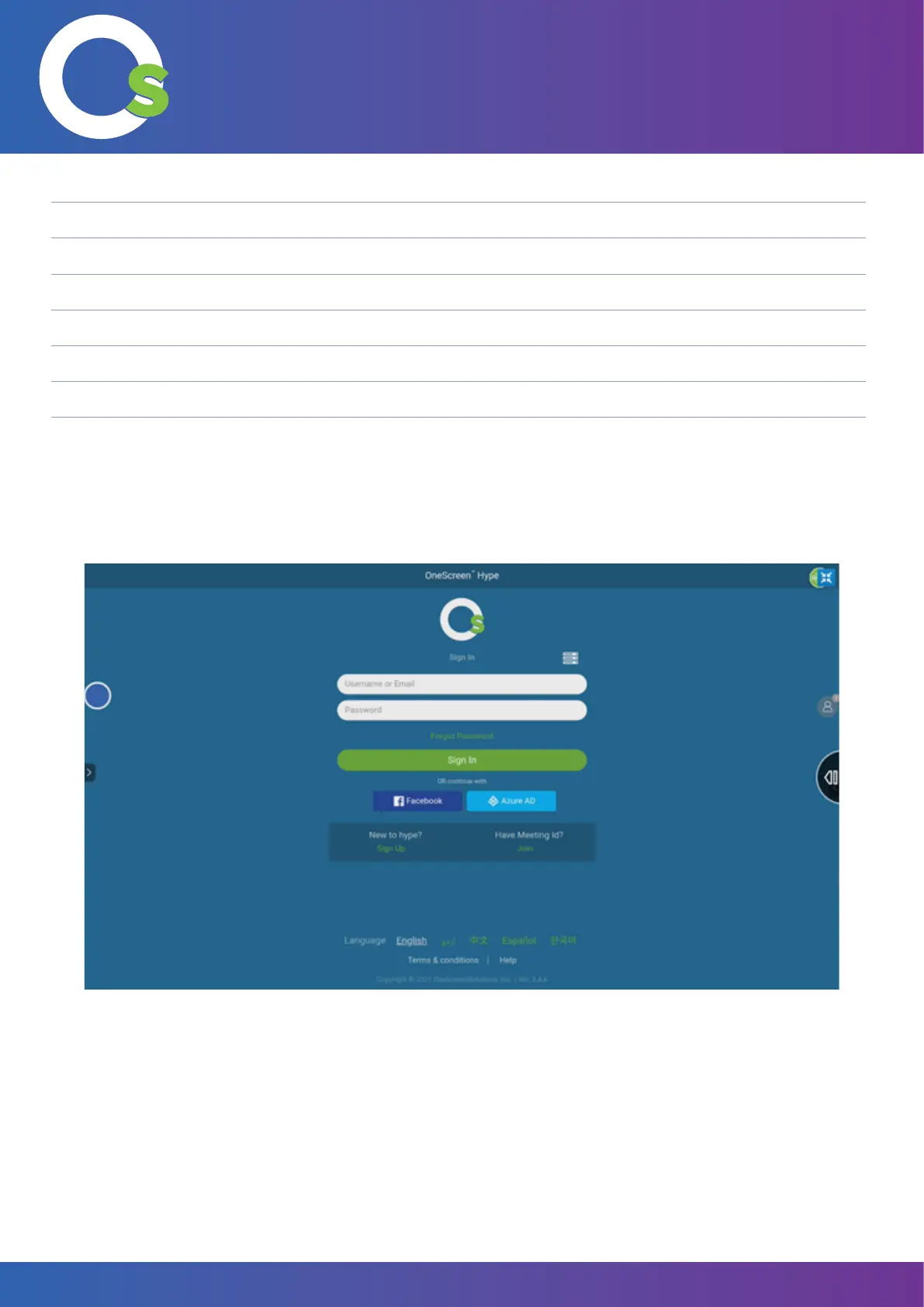
7.1.8 Hype
Pressing the “Video Conf” icon opens the OneScreen Hype, which is the video conferencing software (more
information on page 28).


 To Next Page