En-
13
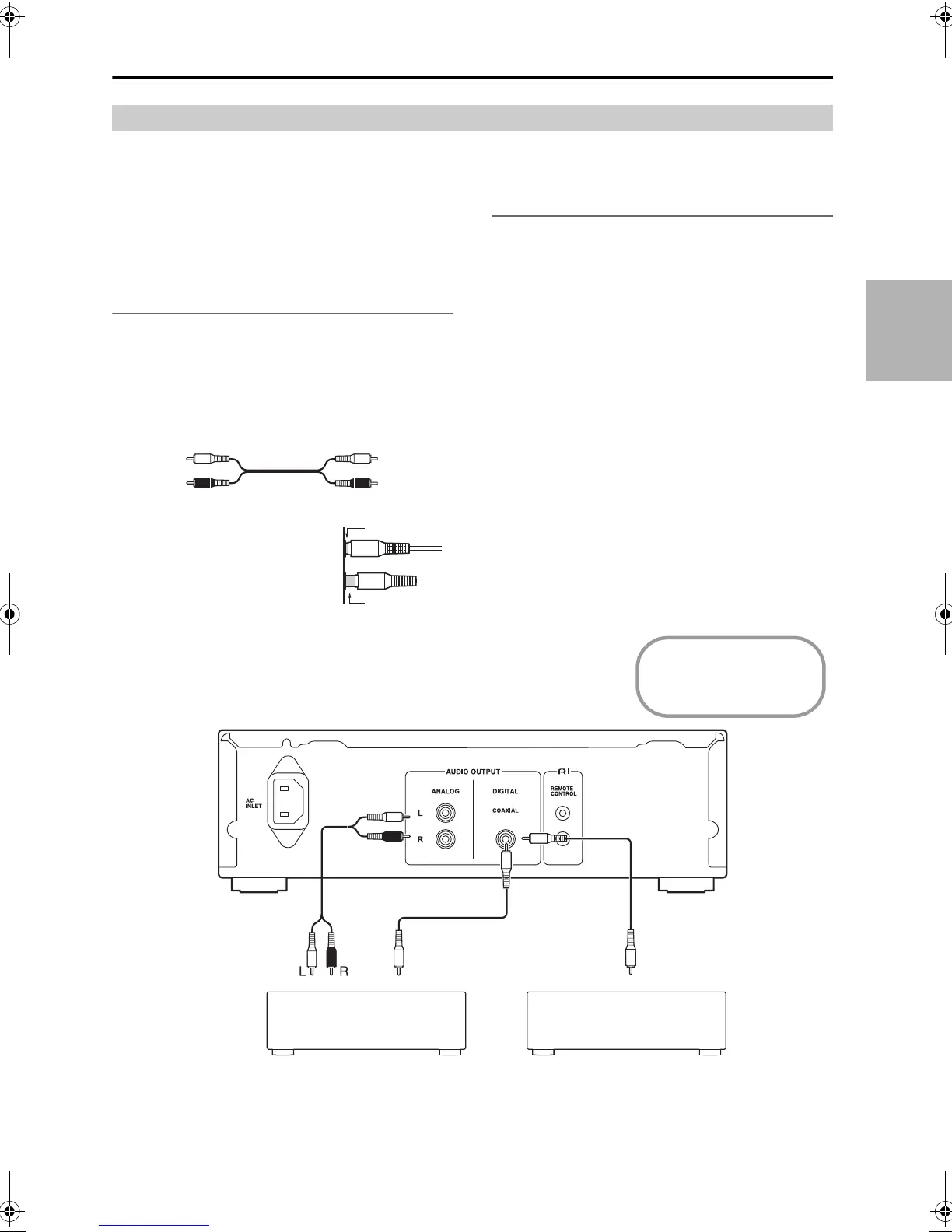
Connecting the CD Player
• Before making any connections, read the manu-
als supplied with your other components.
• Don’t connect the power cord until you’ve com-
pleted and double-checked all connections.
• We will not accept responsibility for damage aris-
ing from the connection of equipment manufac-
tured by other companies.
Connection Color Coding
RCA-type audio connections are usually color-
coded: red and white. Use red plugs to connect
right-channel audio inputs and outputs (typically
labeled “R”). Use white plugs to connect left-chan-
nel audio inputs and outputs (typically labeled “L”).
• Push plugs in all the way to
make good connections
(loose connections can
cause noise or malfunc-
tions).
• To prevent interference, keep audio cables away
from power cords and speaker cables.
Coaxial Digital Jack
The unit supports 16 bit, 44.1 kHz PCM signal digi-
tal output.
Note:
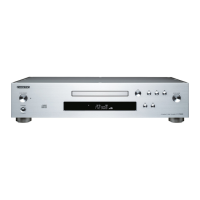
Do not put anything on top of the C-755, as it may
interfere with proper ventilation.
Audio Connections
Analog audio
cable
Left (white)
Right (red)
Left (white)
Right (red)
RCA/phono
audio cable
(not sup-
plied)
Hi-fi amp, AV receiver
Coaxial cable
(supplied)
Coaxial cable
(supplied)
CD-R, MiniDisc, DAT recorder
Disconnect the power
cord before making
any connections!
CD
Coaxial IN
Coaxial IN
SN29402439_C-755_En.book 13 ページ 2016年8月9日 火曜日 午後2時14分



 To Next Page
 Loading...