En-31
Using the Timer—Continued
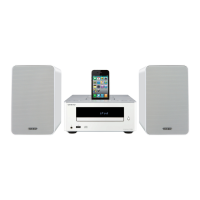
When the alarm play function of the iPod/iPhone
connected to the CD receiver starts playing a song, the
CD receiver will power-on and switch to the iPod input.
1
On your iPod/iPhone, make settings for its
alarm play function.
2
Connect your iPod/iPhone to the iPod dock.
(see page 24)
3
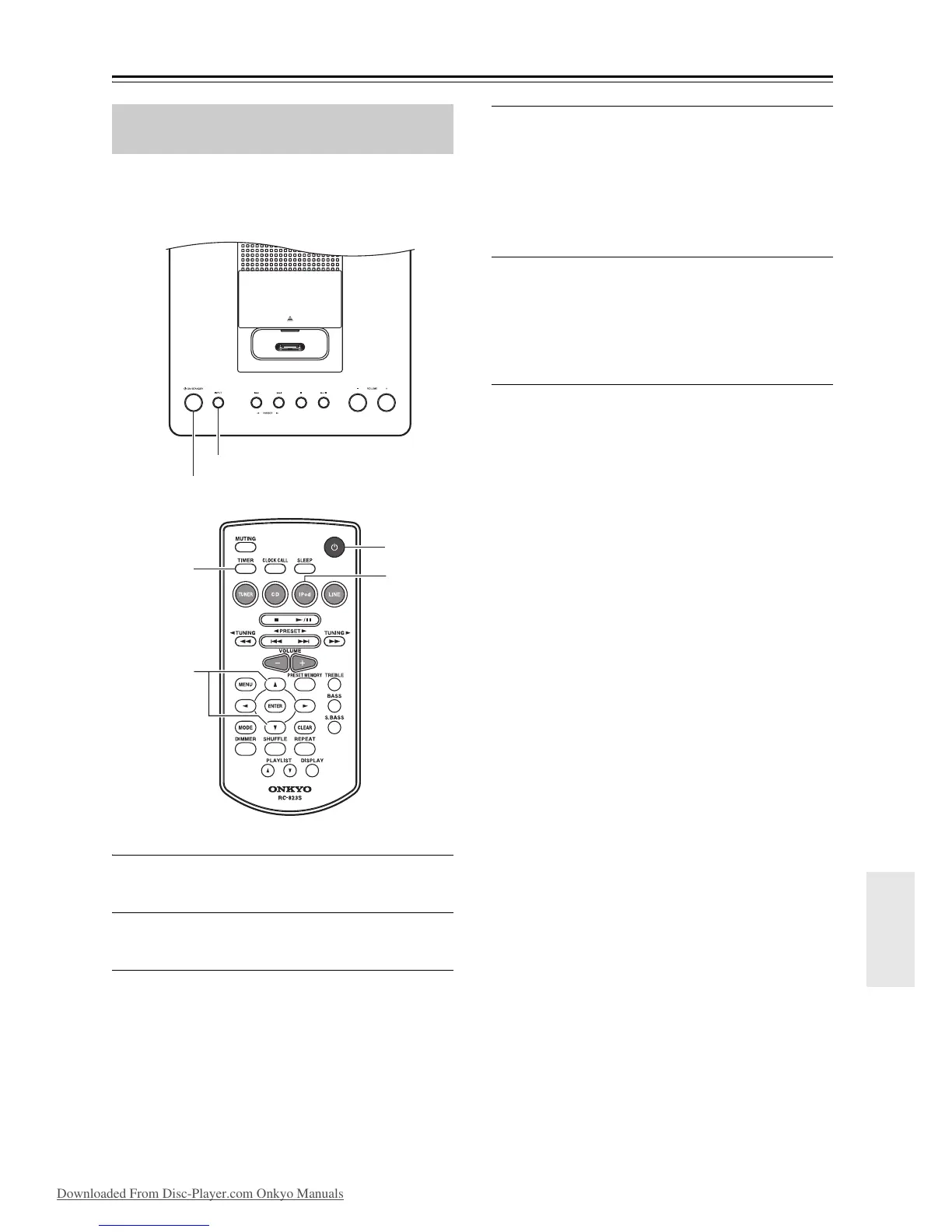
Repeatedly press the [TIMER] button to
make the iPod alarm mode “iPodAlarmOff”
message appear.
4
Use the arrow []/[] buttons to select
“iPodAlarmOn,” and then press the
[ENTER] button.
If there is no operation for several seconds, the
setting will be made with the currently-shown
content, and the display will return to its previous
state.
5
Press the CD receiver’s [ ON/STANDBY]
button or the remote controller’s [] button
to put the CD receiver in standby mode.
When the alarm play function of the iPod/iPhone
begins, the CD receiver will power-on and the
input will be switched to iPod.
Notes:
• In order for the timer to work, the CD receiver must be
in standby mode.
• This function will not work if the iPod/iPhone is not
connected.
• Timer playback will not work with an alarm that
merely plays a bell tone or similar sound on the iPod/
iPhone. It will work when the app plays a song or
playlist.
• This function might not work with some iPod/iPhone
apps.
Tip:
• This function will power-on the CD receiver and
switch the input to iPod when it detects a song being
played back by the iPod/iPhone. If you play back a
song on the iPod/iPhone without using its alarm play
function, the CD receiver will power-on and switch to
the iPod input in the same way.
Timer Playback using the Alarm Play
Function of your iPod/iPhone


 To Next Page
 Loading...