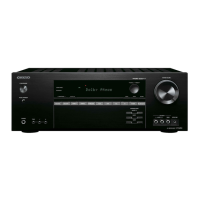
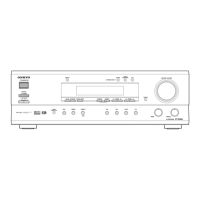
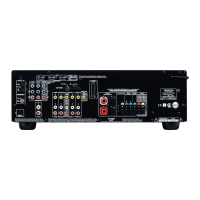
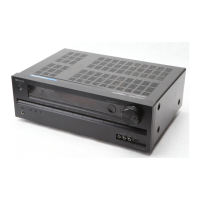
HT-R430
OPERATION CHECK-3
CONTROL OF POWER SUPPLY (OUTPUT SENSOR AND THERMAL SENSOR)
Test - _
Test - 4-00
Test - 4-37
Clear
Turn off
Test - 4-37
FM STEREO
Blinks
Ver. 0.50/05131a
<Ex.>
<Ex.>
T: 25 C/ 77 F
Clear
Turn off
Output sensor
1. Press and the hold down the CD button, then press the STANDBY/ON button when the unit is Power ON.
" Test - _ " is displays it only for 5 seconds.
2. Press the VIDEO 3 button, while the character of " Test - _ " is displayed.
Unit will be in the state of " Test-4-00 ".
3. Repeatedly press TONE
+ button until the character of " Test-4-37 " is displayed.
4. Adjusts MASTER VOLUME to Max. position.
At this time, check the character of " FM STEREO " displayed.
And, check relay RL6901 and RL6902 are turned off in 2 - 3 seconds.
5. Press the STANDBY/ON button.
[Procedure]
<Note>
No output. No input.
[When]
1. Exchange power transistors (Q6050 - Q6065).
2. Exchange power amplifier PC board ass'y (NAAF-8523).
3. Exchange thermal sensor PC board ass'y (NAETC-8526).
Thermal sensor
1. Press and hold down the DISPLAY button, then press the STANDBY/ON button when the unit is power ON.
" Ver. 0.50/05131a " is displays it only for 2 seconds.
2. Press the TONE button, while the character of " Ver.0.50/05131a " is displayed.
3. Check the displayed temperature is +/-20 C of the ambient temperatures.
4. Press STANDBY/ON button.
w
w
w
.
x
i
a
o
y
u
1
6
3
.
c
o
m
Q
Q
3
7
6
3
1
5
1
5
0
9
9
2
8
9
4
2
9
8
T
E
L
1
3
9
4
2
2
9
6
5
1
3
9
9
2
8
9
4
2
9
8
0
5
1
5
1
3
6
7
3
Q
Q
TEL 13942296513 QQ 376315150 892498299
TEL 13942296513 QQ 376315150 892498299
http://www.xiaoyu163.com
http://www.xiaoyu163.com



 To Next Page