EasyManua.ls Logo

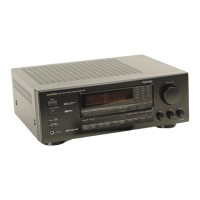
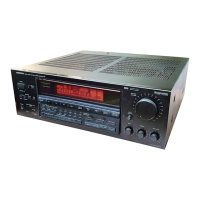
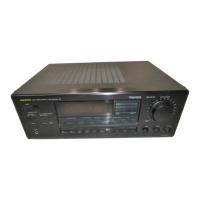
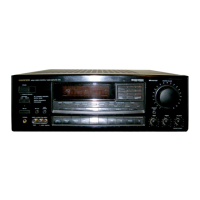
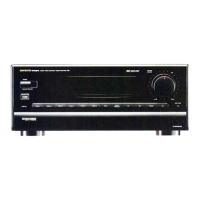
Onkyo TX-SV313PRO - Control Positions and Names; Front Panel Controls; Display and Indicators

Onkyo TX-SV313PRO
16 pages
Print Icon
To Next Page IconTo Next Page
To Previous Page IconTo Previous Page
Loading...
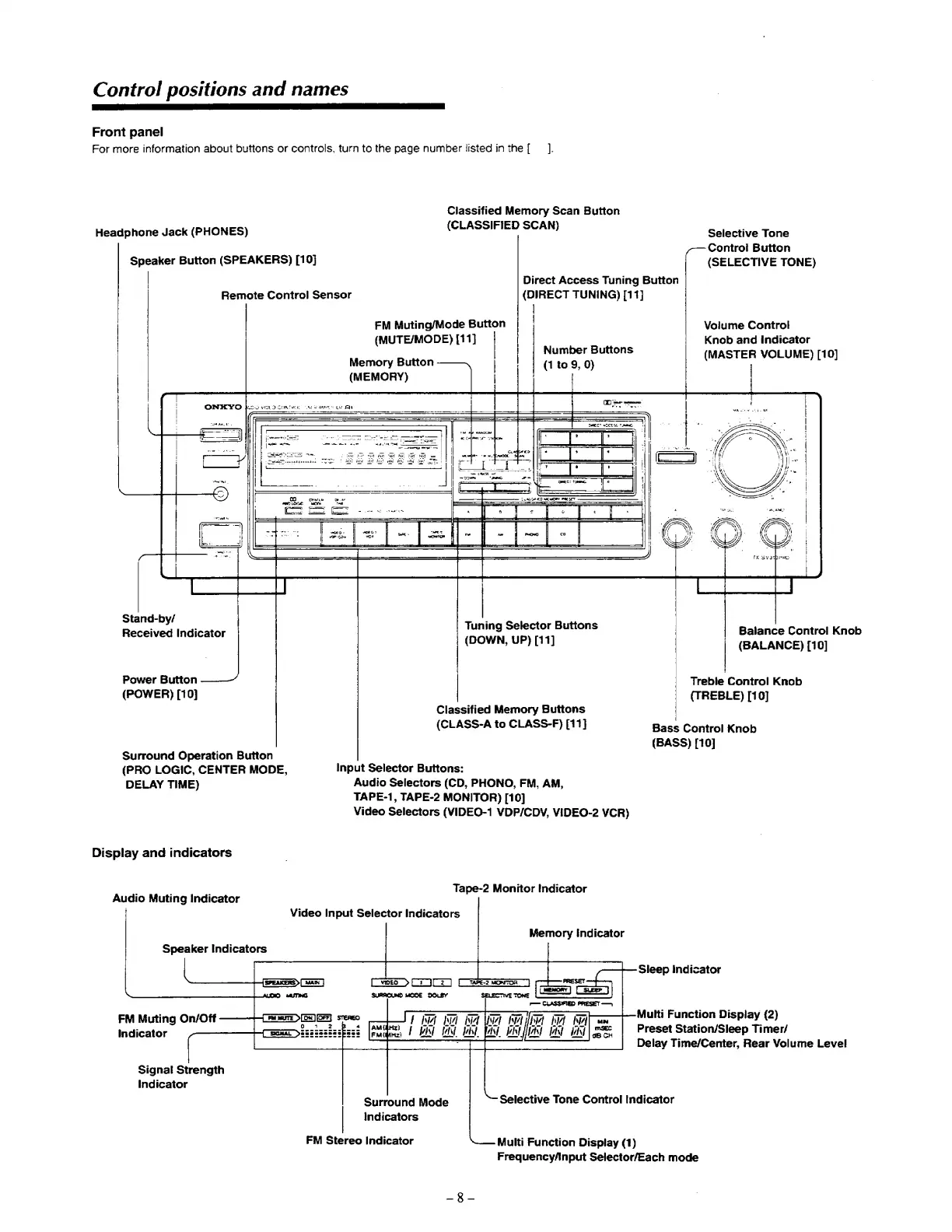
Control
positions
and
names
ee
Front
panel
For
more
information
about
buttons
or
controls,
turn
to
the
page
number
listed
in
the
[
_].
Classified
Memory
Scan
Button
Headphone
Jack
(PHONES)
(CLASSIFIED
SCAN)
Selective
Tone
Control
Button
Speaker
Button
(SPEAKERS)
[10]
(SELECTIVE
TONE)
|
Direct
Access
Tuning
Button
Remote
Control
Sensor
(DIRECT
TUNING)
[11]
|
|
FM
Muting/Mode
Button
|
|
Volume
Control
|
(MUTE/MODE)
[11]
Knob
and
Indicator
|
Butt
Number
Buttons
(MASTER
VOLUME)
[10]
|
Memory
Button
(1
to
9,
0)
|
|
(MEMORY)
|
Stand-by/
;
Received
Indicator
Tuning
Selector
Buttons
Balance
Control
Knob
(DOWN,
UP)
[11]
(BALANCE)
[10]
Power
Button
Treble
Control
Knob
(POWER)
[10]
(TREBLE)
[10]
Classified
Memory
Buttons
(CLASS-A
to
CLASS-F)
[11]
Bass
Control
Knob
(BASS)
[10]
Surround
Operation
Button
(PRO
LOGIC,
CENTER
MODE,
Input
Selector
Buttons:
DELAY
TIME)
Audio
Selectors
(CD,
PHONO,
FM,
AM,
TAPE-1,
TAPE-2
MONITOR)
[10]
Video
Selectors
(VIDEO-1
VDP/CDV,
VIDEO-2
VCR)
Display
and
indicators
Audio
Muting
Indicator
Tape-2
Monitor
Indicator
Video
Input
Selector
Indicators
Memory
[Indicator
Speaker
Indicators
Sleep
Indicator
Multi
Function
Display
(2)
Preset
Station/Sleep
Timer/
Delay
Time/Center,
Rear
Volume
Level
FM
Muting
On/Off
Indicator
Signal
Strength
indicator
Selective
Tone
Control
Indicator
Surround
Mode
Indicators
FM
Stereo
Indicator
Multi
Function
Display
(1)
Frequency/Anput
Selector/Each
mode